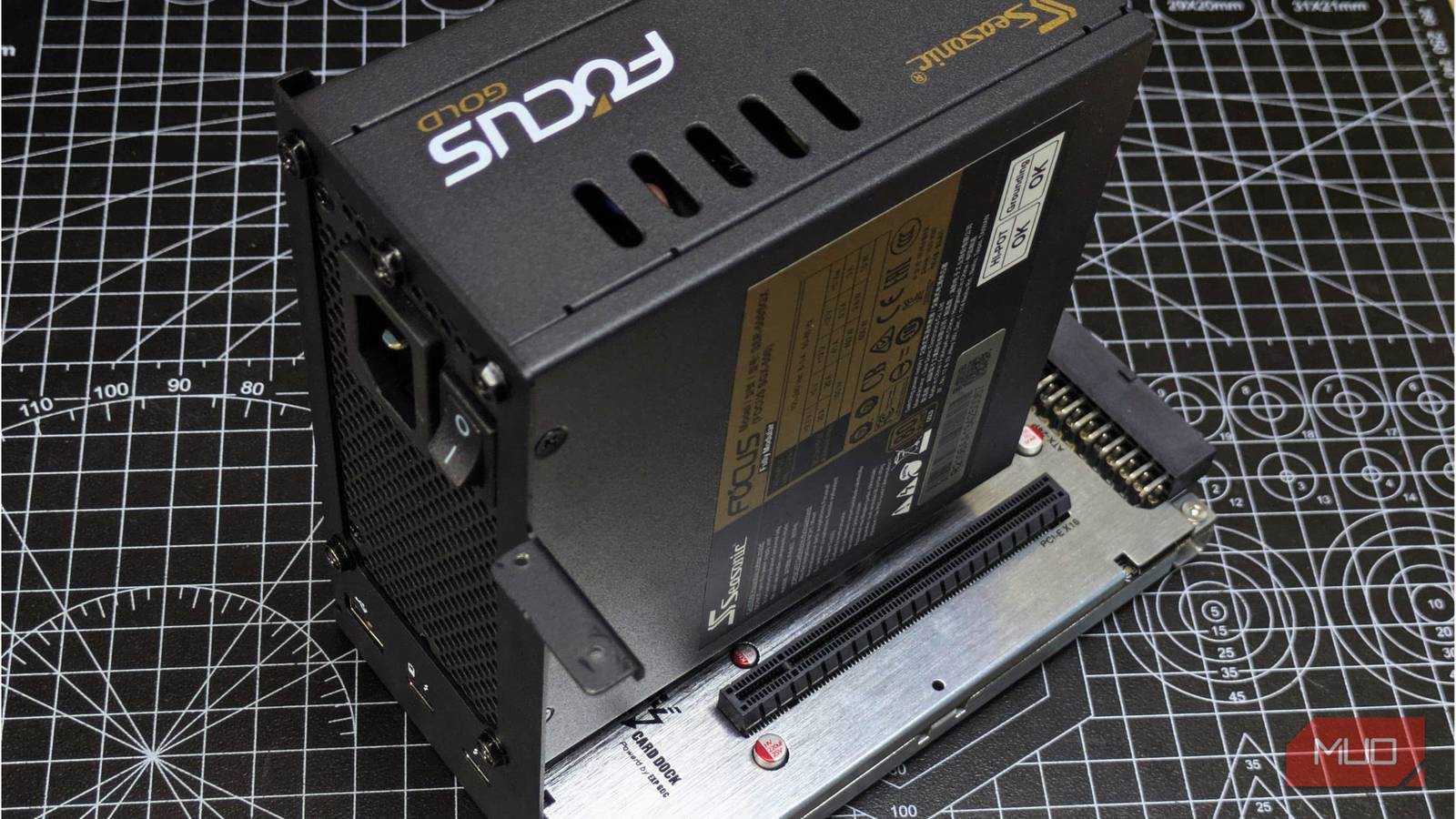
Even if it doesn’t take up a huge chunk of your system’s budget, a PSU is the most essential component for your PC. Yet most people make the mistake of skimping on their power supply, turning their setup into a literal fire hazard.
Thanks to growing awareness, most PC builders now avoid off-brand PSUs, which is an improvement, but even then they still fail to make the right PSU purchase, opting for a Gold-badged model, thinking it’s the best option. Contrary to popular belief, a color badge alone does not determine your PSU’s quality; other factors play a bigger role.
The color badge on your PSU does not determine its quality
It is just the rated efficiency
The electricity from your wall outlet is AC, and your PSU converts it to DC for your PC. However, in the process, a portion of that electricity is lost to heat from electrical resistance, switching losses from AC to DC, or capacitors.
The idea is that the conversion isn’t always 100% and some of that electricity is lost to these aforementioned factors. How much it’s lost, though, that matters. Modern PSUs are evaluated primarily on their efficiency. Most models are rated at 80%, meaning that to provide 500W to your computer, they need to draw 625W from the outlet. Here are all the 80 PLUS certification tiers for PSUs.
|
80 PLUS Tier |
20% Load |
50% Load |
100% Load |
|---|---|---|---|
|
Standard |
80% |
80% |
80% |
|
Bronze |
82% |
85% |
82% |
|
Silver |
85% |
88% |
85% |
|
Gold |
87% |
90% |
87% |
|
Platinum |
90% |
92% |
89% |
|
Titanium |
92% |
94% |
90% |
Efficiency varies with power draw, and the ratings are commonly based on 50% load, where PSUs operate most efficiently.
Titanium PSUs also have a unique 10% load requirement that no other PSUs have, ensuring they maintain over 90% efficiency even on the lightest tasks.
Reliability comes down to what’s inside the PSU
Cheap components cut corners that you’ll pay for later

Efficiency matters a lot in lowering your electricity bills, especially if you have a power-hungry machine that draws 1000W+ of power. However, for reliability, there are other factors to consider.
Component quality, voltage regulation, protection circuits, hold-up time, and build quality play a bigger role.
A cheaper PSU with poor voltage regulation can degrade the rest of your components over time. A model with poor-quality components will fail earlier than its estimated lifespan. A good PSU with protection circuits will shut down in the event of a voltage fluctuation to protect the rest of your system. Hold-up time determines whether your PSU can maintain stable power even during brief power drops.
My checklist for buying a new PSU
Manufacturer, protection features, and warranty matter more than just efficiency

A PSU with cheaper components can still earn a Gold certificate, which only means it’s efficient, not that it’s a good model. However, certification still matters — a good PSU usually has one, but a decent certification does not guarantee a good PSU.
To begin with, always buy a PSU from reputable brands like Seasonic, Thermaltake, MSI, and NZXT. Look for newer ATX standards that can handle larger transient loads, sufficient for newer cards, especially those from the RTX 50-Series.
Other than that, check for the PSU’s protection features, such as OCP, OVP, and UVP, which protect against current spikes and voltage issues. For temperatures, go for a model with a higher maximum operating temperature, and make sure its cooling fans don’t run too loudly, which would become a hassle over time.
PSUs can last a long time, and you’ll need a lengthy warranty for that, so look for models with longer warranties, usually 7 years or more depending on the tier.
Generally, before purchasing any PSU, check the total wattage of your PC’s components on PCPartPicker, then choose the option within that wattage range. I recommend checking reviews and testing the model you’re going for before finalizing the purchase.
Cybenetics is an independent rating organization that evaluates PSUs more deeply than 80 PLUS through rigorous testing across the entire load range, under efficiency (ETA) and fan noise (LAMBDA). They also offer a pass-or-fail certificate for PSUs, along with detailed reports on efficiency, electricity use, and cost savings. You can search their database, which includes over 2,000 PSUs tested, to get a better idea of the model you’re purchasing.
An efficiency badge is good, but don’t let it make the call for you
Modern PCs are power-hungry, and nowadays even mid-range systems can easily draw over 800W. In that regard, your PSU’s efficiency matters, but it doesn’t tell the whole story. A poor PSU can shorten your system’s lifespan, and even a short circuit or power fluctuation can quite literally destroy your setup.