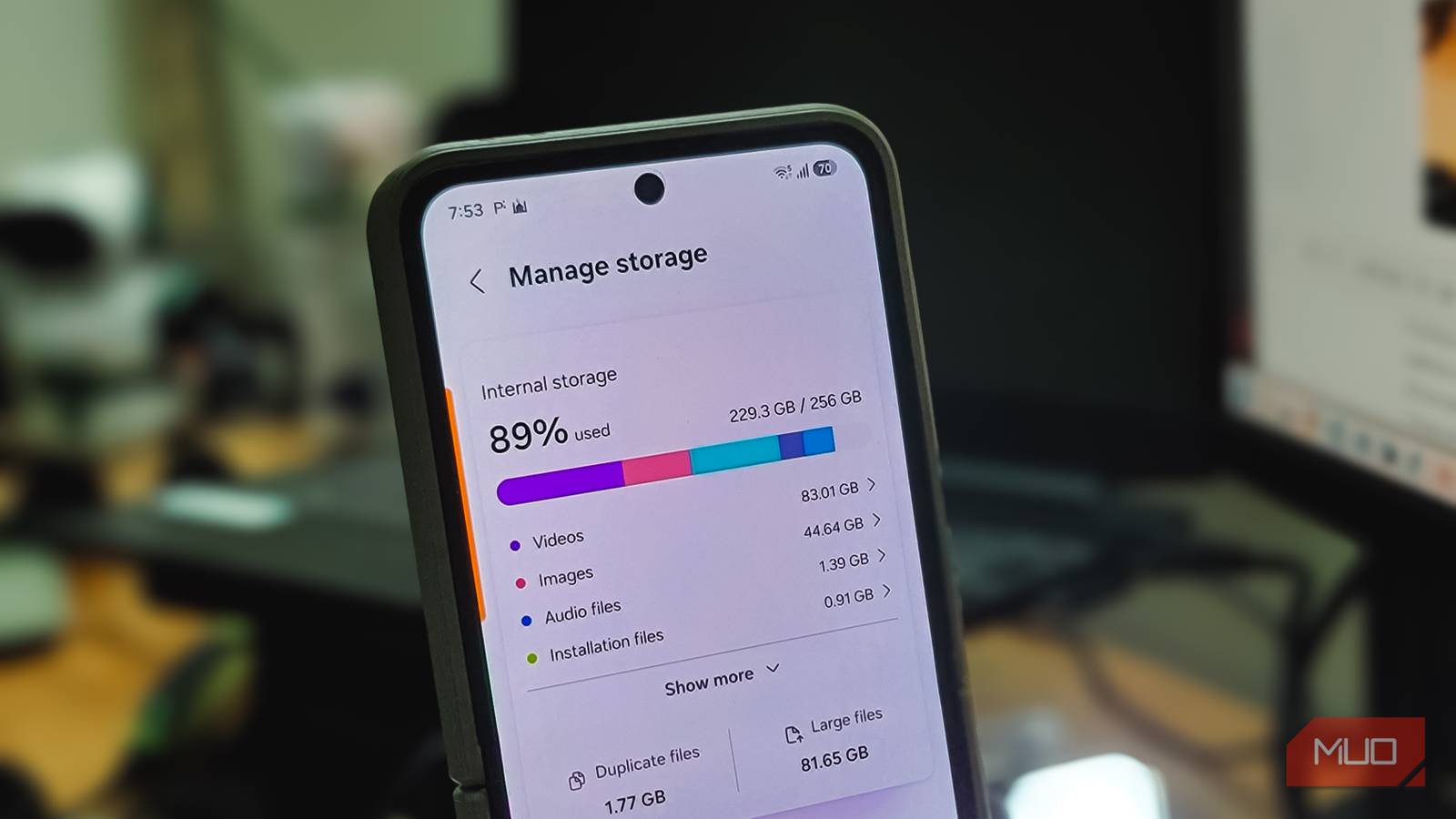
I have a very bad habit of letting junk accumulate on my Android until it reaches the storage threshold, at which point my device starts to slow down. Whenever that happens, I follow my usual rituals: cleaning my gallery by removing unnecessary screenshots, deleting media from WhatsApp chats I don’t really need, and clearing the cache, which can take up a surprisingly large chunk of my storage.
Even though I cleared out a lot of files, I knew there was more storage to free up. Upon digging deeper, I found that there was still data leaking from my storage from apps I’d uninstalled in the past. Freeing up that storage seemed like a simple task of deleting any associated folders — until it wasn’t. Fortunately, there’s an easier workaround: you can do it with a single button without having to hunt down leftover files yourself.
Uninstalling an app doesn’t mean it’s gone
Some data just doesn’t take the hint

The uninstaller on your phone only clears the data tied to the app’s own sandbox, which comprises its internal storage and cache.
However, certain applications can store data outside their private location that the uninstaller doesn’t pick up. Examples include downloads, backups, game assets, media, and user-created files. They can sit in shared storage folders, since downloads are left untouched by the uninstaller, which has no way to check these folders and thus fails to remove this lingering data. On rare occasions, orphaned data can be left behind in the Android/data or Android/OBB folders, usually just from an interrupted uninstallation.
Take Call of Duty: Mobile, for instance. I uninstalled the game purely to see how much data it could leave behind. The game’s additional data, which included downloadable maps and assets, totaled multiple GBs, and even after deleting the game, nearly 1.5GB of storage was left behind in the OBB folder.
Your default file manager can’t see what’s eating your storage
Locked folders and invisible junk
Pinpointing residual junk left by uninstalled apps is difficult, and at times, your Android hides folders where that junk sits. Android introduced a new feature called Scoped Storage in Android 10, which isolates each app in its own private storage sandbox, and the feature was later made mandatory starting with Android 11.
Beyond that, your OS restricts access to other app-specific folders that are bogging down your storage, so you won’t be able to freely browse folders where your apps may have left data behind.
While your default file manager blocks certain folders on your phone, third-party alternatives can access them via the Storage Access Framework. However, that’s a manual, folder-by-folder grant, and even that is impractical since you’ll have to look for each folder and clear it out then.
One app finds what your uninstaller left behind
SD Maid SE’s CorpseFinder does the job for you

Your Android’s default storage cleaner is underwhelming, and I confirmed that after using SD Maid SE. To be fair, it’s been my go-to utility for over a decade, and I only recently rediscovered it.
SD Maid SE packs several cleaning tools, but CorpseFinder stands out. It specifically scans for remnants of data left by uninstalled apps, and the developer quite literally refers to this data as “corpse”.
This is made possible by the Shizuku integration, an Android utility that grants elevated ADB access to protected folders without requiring root. Running CorpseFinder is a pretty straightforward process — you’ll get a list of every junk folder left behind by apps you’ve removed. Then, you won’t need to manually check for folders associated with past applications or hunt them down yourself.
Depending on how many applications you’ve deleted in the past that had additional data beyond their original installations, your free storage may be occupied by multiple GBs of data just waiting to be freed.
Overall, CorpseFinder and SD Maid SE’s other tools helped me free nearly 8.4GB of storage.
The “Other” section is where the majority of your storage is going
Before making that tough decision to delete third-party apps or certain media on your Android, I highly recommend expanding the Other section to see what’s really eating up your storage. Usually, it’s the built-up cache or the leftover data from uninstalled apps that isn’t clear at first glance but can be cleared easily with a tool like SD Maid SE.

- OS
-
Android
- Price model
-
Free, Paid Pro Features
SD Maid SE is a powerful Android file management and cleaning application designed to free up storage, made possible by its suite of features.