For years, I had file copies that I assumed were backups. One was an external drive, the other a cloud sync folder, and the third was a second disk. This “backup” system stopped feeling reliable the day I needed an older version of my file and realized that what I kept was an overwritten copy of the one I actually wanted.
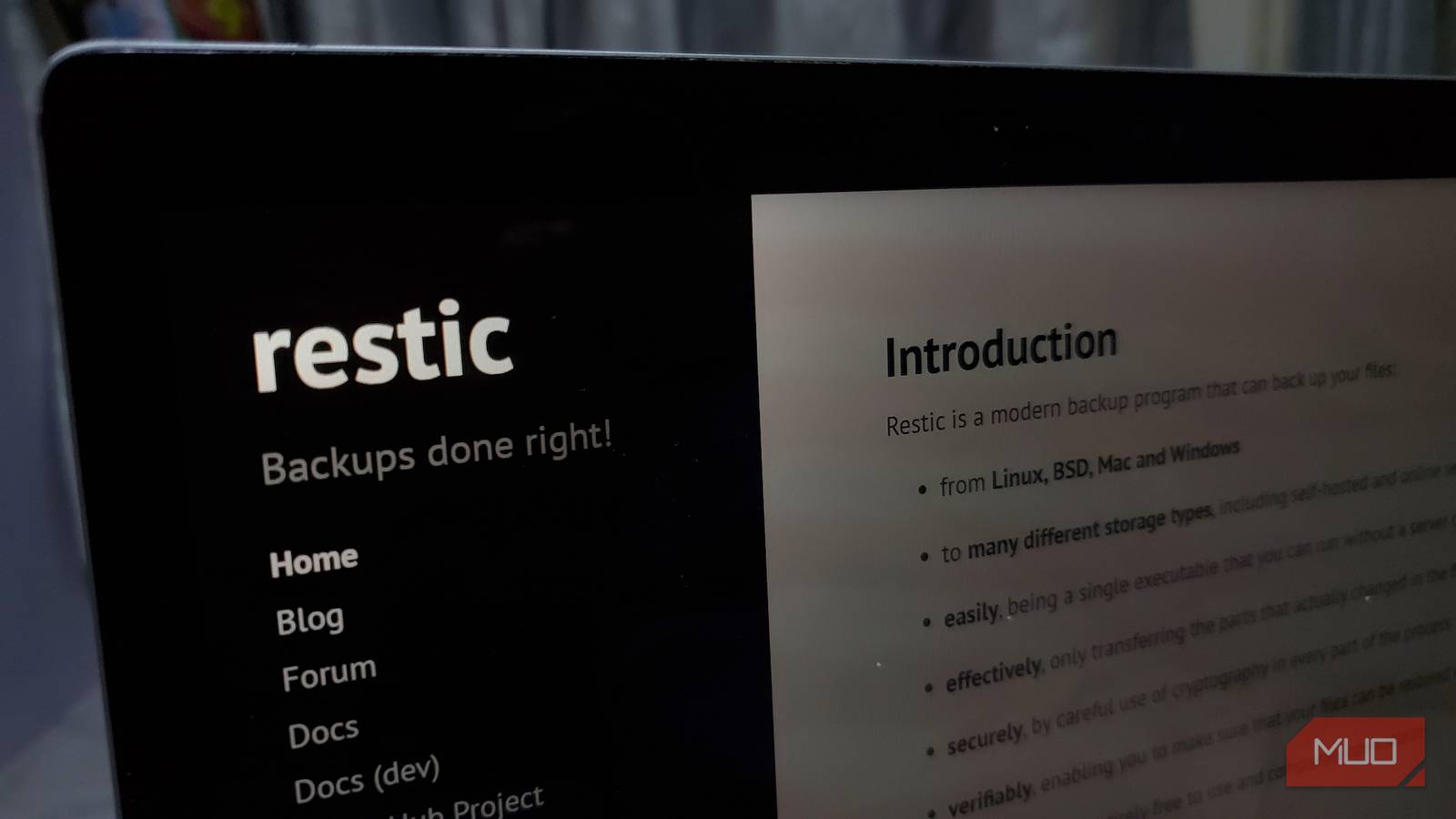
This triggered a switch to Restic, and backup instantly took on a whole new meaning. It wasn’t about more storage, but an actual restorable history. This is an important distinction that changes how you keep your data safe.
I had three “backups,” and one word for all of them
None of them meant what I thought they meant

My old backup plan felt solid. Every few weeks, I would plug in the external drive, drag the same folders into it, and my cloud sync folder would automatically update in the background. Whenever I remembered, I copied things to the internal drive. These three, as far as I was concerned, were backups, even though I never bothered to compare them.
The problem, however, was something these three shared in common: each location only gave me the current version I was actively working on. When I deleted something and let it sync, that deletion synced as well. After overwriting a file and dragging it onto the drive, that overwritten version becomes the version the drive holds. So, in effect, I had three separate copies of the same moment in time.
Honestly, this was enough 99 percent of the time. I took what I felt were the right precautions, checking if the drive was full and confirming the green sync icon was on. All parts of this setup felt like proof I had proper, working backups. It did not occur to me to pause and really consider what “working” actually means. I never considered if backups meant the same as having a file copy.
The question I never once asked my backup
Do I have last Tuesday’s version?

This dawned on me when I went searching for an older version of a file. It was a spreadsheet I’d updated, but I needed the version from a few days earlier. When I checked the external drive, I found the same version that I had on my laptop, in my cloud folder, and on my internal drive.
There were three backups, and yet none of them contained the version from before I made changes on Tuesday. They were all current for right now because that’s precisely what that setup was meant to do. This was when it dawned on me that having a copy somewhere is much different from being able to get a copy that mattered.
A backup isn’t just something you’ve stored, but something you can restore when you need a previous or lost version. So, all along, while I thought I had a backup system, I had never tested this one aspect and only discovered it the very moment I needed my data. I spent years building copies of the present and assuming that was a complete backup plan.
A synced or copied “backup” doesn’t just fail to protect against ransomware; it can actively spread it. Encrypt a file on your laptop and let it sync, and now every copy is encrypted too.
Restic didn’t upgrade my backup
It revealed I’d never had one
Since moving to Restic, the difference has been clear. Rather than copying a folder, it creates snapshots that represent the exact state of your files when the backup runs. Restic retains all your snapshots, not only the latest ones.
The main difference is that when you need a backup, you are not simply asking, “Where is my folder?” but “Where was my folder on the 12th?” and you actually get an answer. Restic can also verify its repository to confirm the backup is intact. This way, rather than relying on blind trust in your backups, Restic can verify the repository, so you can be confident that the backups are intact.
A real test means restoring to a different device since a laptop with a hidden problem can make a backup look fine when it isn’t.
I thought it would require a lot of storage, but Restic stores only changed parts between snapshots, so keeping history costs a fraction of full copies.
More than changing my backup system, the biggest shift was the question I now expected a backup to answer.
|
Question |
File copy |
Restic |
|---|---|---|
|
Can I recover yesterday’s version? |
Usually not |
Yes |
|
Can I confirm the backup is intact? |
Not inherently |
Yes |
|
Does it keep more than the latest version? |
No |
Yes |
|
Does today’s change overwrite yesterday’s backup? |
Often |
No |
Copy and backup are now two different jobs
Even though I use Restic, I still sync to the cloud and keep files on my external and internal drives. These are useful habits. It’s a fast, simple process and one of the best ways to move data between devices. The big shift is that I no longer call this backup.
For me, a backup is only something I can trust if it allows me to access last week’s version right now. If a system doesn’t permit this, it’s just a copy. Copies are fine, but they are not insurance. After years of misnaming my system, I finally have backups that I can trust.

- OS
-
Linux, Windows, macOS
- Price model
-
Free
Restic is a modern backup program. It is free, open sources, and effortless to use. It is a command line utility that works seamlessly across platforms.