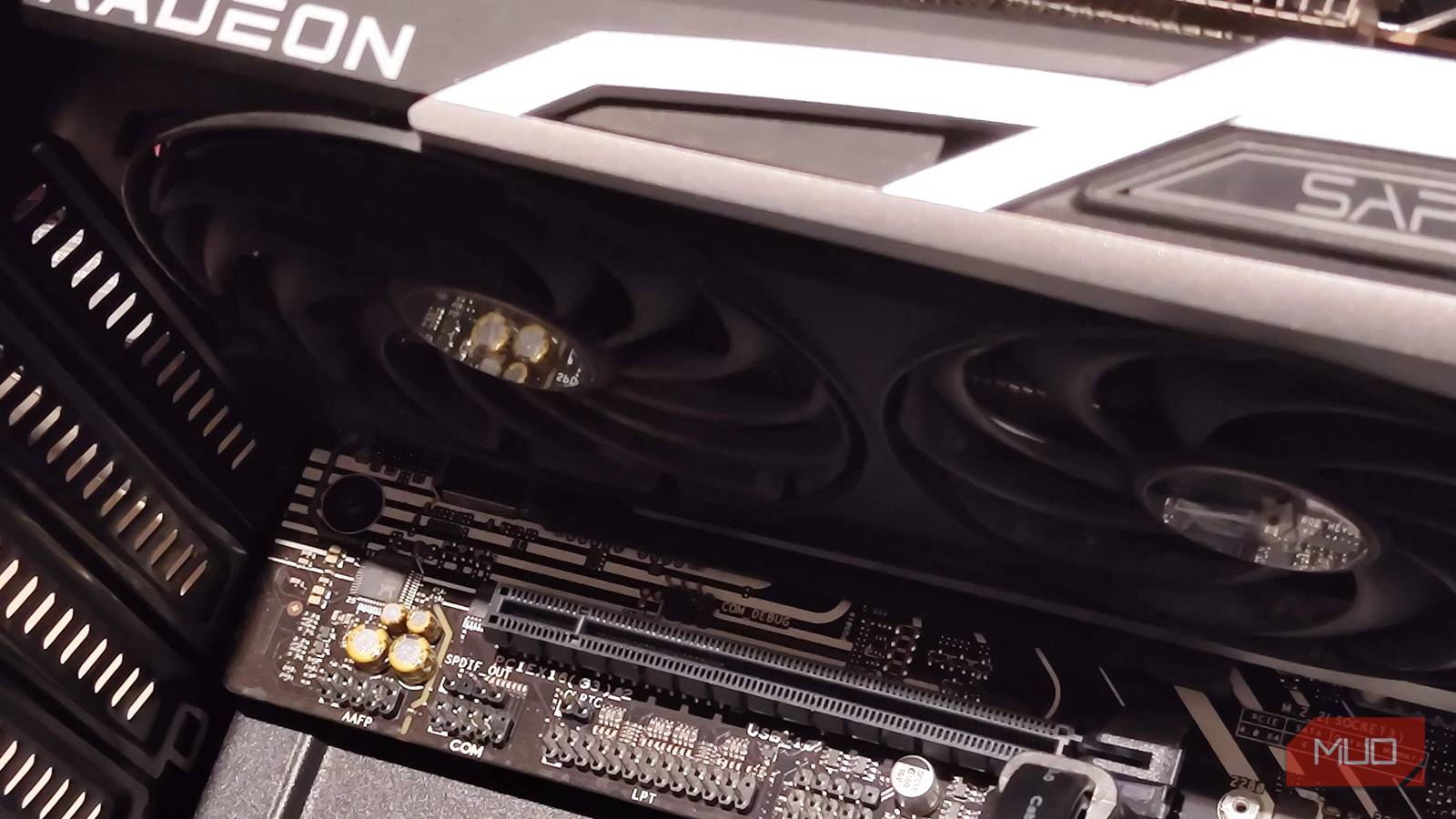
Dual GPU setups used to be a lot more common back in the day, and the age of Crossfire and SLI has long come to an end — with Nvidia officially pulling the plug with the RTX 4000 series, which dropped SLI entirely.
Sure, they’re not all that common for gaming anymore, but there still remain more than a few niche use cases for two GPUs in one system. I’ve been using a spare RTX A2000 as a secondary GPU for quite some time now, in an eGPU enclosure, and it’s proven its worth, and I can’t see myself going back to a single GPU setup.
Exploring the rather unconventional setup
An eGPU for a desktop build

Let’s start by getting the basic build out of the way. For my particular Ryzen 5600G AM4 system, I opted to slap on an Nvidia RTX A2000 (the 6-gigabyte model, unfortunately) via OCuLink to one of the PCIe x16 slots via the motherboard.
While I wouldn’t call this an “optimized” setup, since there are way cleaner ways to get dual GPUs up and running, it is still perfectly functional if not a tad bit convoluted.
The OCuLink connector can reach PCIe 4.0 x4 speeds and is nowhere near saturating the A2000’s theoretical max bandwidth. That being said, for my uses, it is perfectly serviceable and even quite performant.
The only disadvantage of using an OCuLink setup is that there is virtually no hotplugging support. This means that the GPU has to be plugged in before boot at all times and cannot be disconnected mid-operation either.
As mentioned before, the real bottleneck is the 6 gigabytes of VRAM, which is nowhere near enough in 2026. While there does exist a 12-gigabyte version of the RTX A2000, I don’t have one on hand, which pushes me toward a future upgrade.
Using dual GPUs for virtualization
GPU-accelerated virtual machines
The most frequent use of a secondary GPU, for me, has to be virtualization, or more specifically, hardware/GPU-accelerated virtual machines. It works by passing through an entire PCIe device (in this case, the RTX A2000 GPU) to the guest, and the card behaves as if it were a part of a separate system isolated from the host.
The RTX A2000 is technically a Quadro, and it has a ton of non-consumer-grade features, such as being able to create virtual displays. This is really important, since you’d otherwise have to set up a virtual display driver or use an HDMI dummy plug, neither of which are particularly “clean” methods in my experience.
The Quadro redeemed itself when I set it up for a Windows 11 LTSC virtual machine. Since the VM is GPU-accelerated, it is entirely possible to run 3D applications within it with reasonable performance, which was my goal all along.
It’s still plenty strong in 2026, provided you keep your expectations in check and can actually game. I primarily use my VM for Windows-exclusive apps such as the Microsoft Office suite and certain Game Pass titles, which seem to run without issues. In other words, apps you’d otherwise not be able to run on Linux bare metal.
Other, modern uses for a dual GPU setup
Lossless Scaling and a few other tricks

Of course, VFIO isn’t the only trick up the RTX A2000’s sleeve. It’s also a very powerful GPU for other tasks, including some local AI. The measly 6GB of VRAM will limit the range of models we can run. Still, there are quite a few of them that don’t seem to mind that VRAM limit, and the CUDA cores on the A2000 are always a step-up.
Interestingly, there is still a use case for dual GPUs in gaming, even if we no longer need to rely on SLI or CrossFire. A more popular example would be dedicating the secondary GPU entirely towards lossless scaling.
Instead of running frame gen on a single GPU, Lossless Scaling can use a secondary GPU for frame gen, yielding better results. The best part about this is that you really don’t need a powerful GPU to get this done, and the RTX A2000 is more than plenty for it.
Dual GPUs aren’t dead; they just became niche
While running dual graphics cards used to be a lot more common back in the day, they aren’t entirely extinct. VMs still love multiple GPUs, and I’m looking forward to making the most of the A2000 in a separate HTPC build — which should be very performant thanks to its underlying architecture (and a low board TDP of only 70 W, so it doesn’t need additional power!).
Dual GPU setups still exist; they just became a lot more niche and specialized over time. If you’re looking to dabble a bit, make sure to get a board that can accommodate the card(s) before you start.