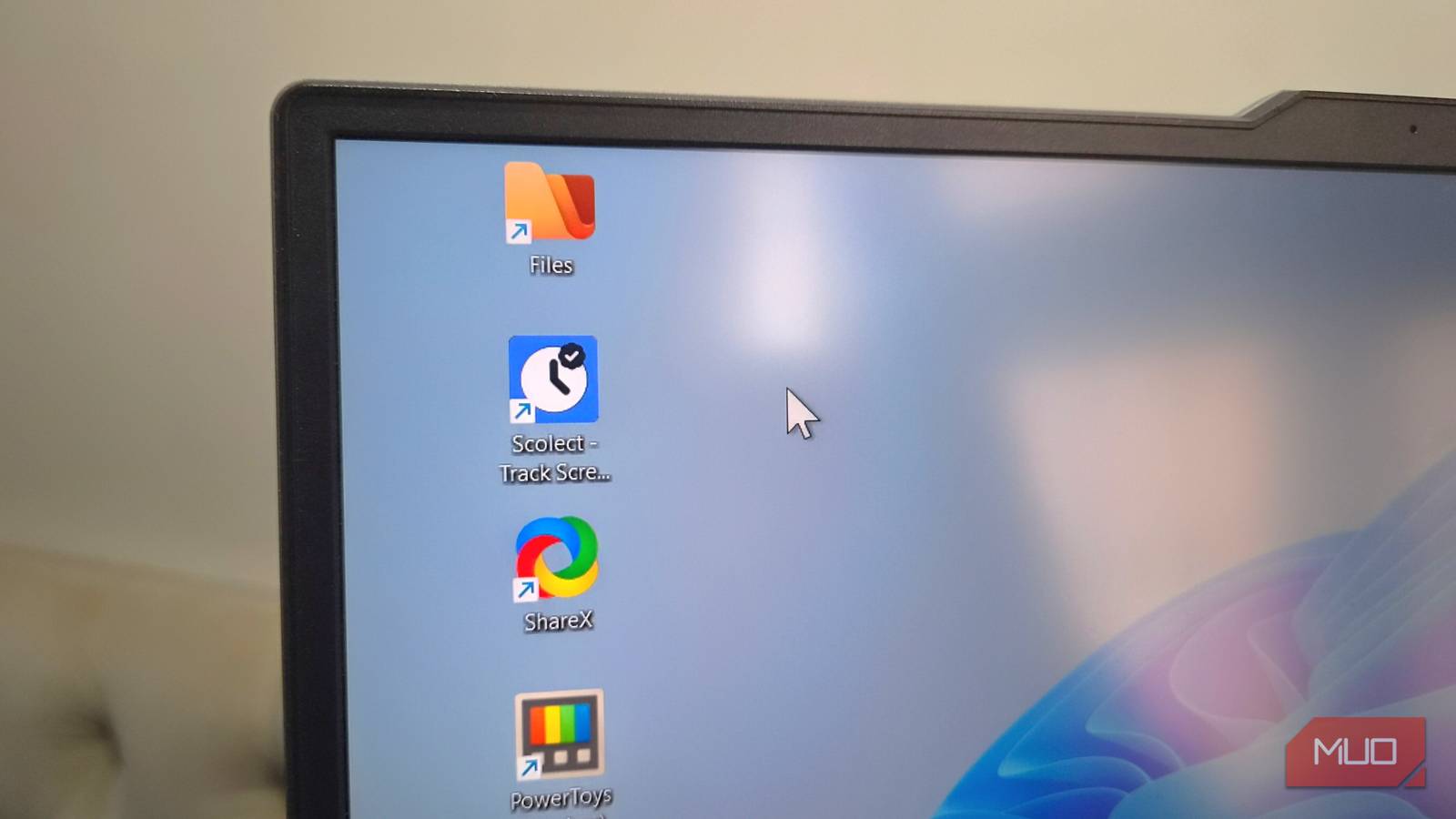
Linux is where open-source software thrives — it’s where the best tools arrive first, or at least eventually. But every rule has exceptions. Some of the most popular open-source Windows apps are nowhere to be found on Linux, and a few of them are ones I personally can’t stop missing.
ShareX
The Swiss Army knife of screen capture
If you’ve used ShareX on Windows, you know there’s nothing quite like it. It has got just about everything you could ever need for capturing the screen — screenshots, screen recordings, GIFs, scrolling captures, and even OCR. Sure, most Linux distros do offer native screenshot tools and there’s no shortage of third-party apps either. But what makes ShareX hard to beat is everything else it offers beyond screenshots.
There’s a built-in image editor, which means I don’t have to jump to another app just to annotate the screenshot or slap a watermark on it. Its most useful feature, though, has to be automatic cloud uploads, and it supports almost every platform you can think of. Heck, there’s even a built-in QR code scanner and generator. All of this makes ShareX pretty hard to give up. If there’s one Windows app I could bring over, it’d be this.
Scolect
Know where your time goes

Windows doesn’t have a screen time feature that can tell you how much time you’ve spent using an app, which means there’s no good way to tell if you’ve been productive. Scolect is a free tool that runs in the background tracking your app usage. It works offline and categorizes apps based on their type so you can simply glance over them. There are also graphs that make it easy to monitor usage patterns over weeks or months. And if a specific app is taking too much of your time, you can set a time limit for it.
It also has a built-in focus mode with Pomodoro timers. Sure, not everyone will find these things useful, but as someone who works from home, I certainly do. Linux has different apps for tracking app usage, like ActivityWatch, but none of them match Scolect on features, UI, and ease of use.
PowerToys
A rare gift from Microsoft
PowerToys is one of those rare Microsoft apps that’s loved by almost everyone. It brings so many features Windows should’ve had from the start. You get PowerToys Run for launching apps, running commands, and doing web searches. There’s an image resizer and a file renaming tool that lets you handle a bunch of files at once. Its Power Display tool lets you control external monitor settings right from the taskbar.
It also brings plenty of smaller, quality-of-life features like spacebar previews, color picker, OCR, and better window management. There’s even a built-in keyboard mapper so you can remap keys and shortcuts exactly how you like them.
I know, some Linux distros do have a few of these features built-in, and you can even find third-party apps to replicate others, but nothing pulls it all in one package. And my favorite thing about PowerToys is that it’s constantly improving, so there’s something new to try almost every other week.
Files
File Explorer that should’ve shipped with Windows
Linux users might roll their eyes here, but a file manager is something that most people can’t just settle for. The default options on most Linux distros look pretty average, and those third-party alternatives aren’t much better. Windows’ built-in File Explorer isn’t great either, but Files is a sleek, open-source alternative that has everything you could ask for.
We’re talking about dual-pane view, column view, tag support, themes, and plenty more. There’s even a status bar that shows file transfersprogress right next to the search bar. And unlike File Explorer, it even shows folder sizes by default and has keyboard shortcuts you can customize.
What makes Files stand out from everything else isn’t just the feature list — it’s that it looks better than almost anything else you’ve tried. Technically, it’s a paid app on the Microsoft Store, but you can get its installer directly from its site for free.
Notepad++
The text editor that refuses to be replaced

If you’ve spent any time on Windows, you’ve almost certainly used or at least heard about Notepad++. It’s everything Notepad should be but isn’t — syntax highlighting for over 80 programming languages, multi-tab editing, a powerful find-and-replace with regex support, split-screen editing, macro recording, a plugin ecosystem that lets you extend it however you need. It’s fast, lightweight, and doesn’t have much to complain about. Much like PowerToys, what makes Notepad++ hard to replace isn’t any single feature — it’s the combination.
Sure, Linux has no shortage of text editors — Gedit, Kate, Mousepad, and about a dozen others — but for anyone who’s already used to Notepad++, switching is a tough ask. Of course, you may be able to run it through Wine or some other means, but yes, the legendary Notepad++ is still not available natively.