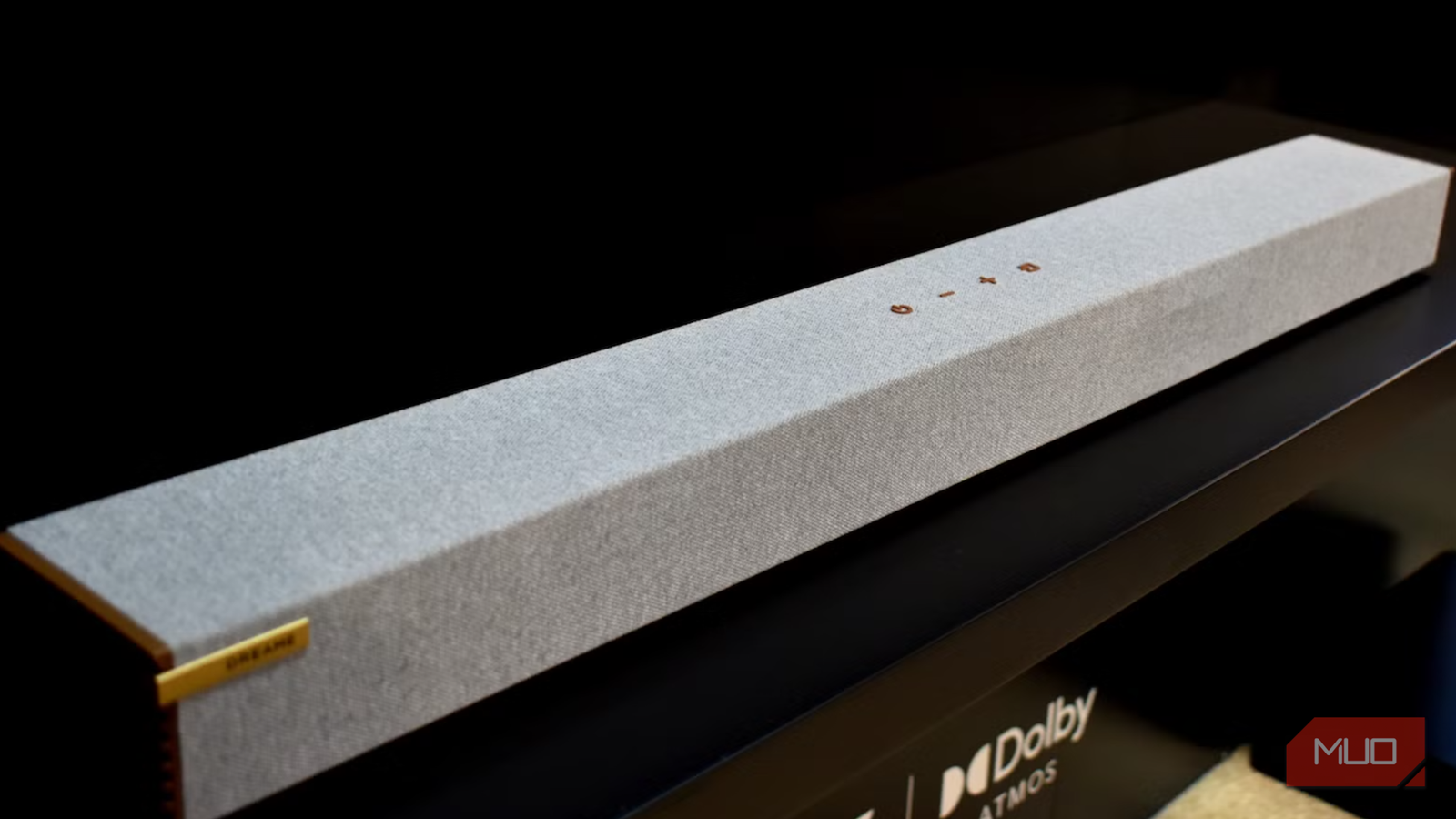
Soundbars often sit somewhere between home cinema perfection and tinny built-in TV speakers. For a while, I was so happy with the performance boost my soundbar and subwoofer provided that I didn’t think about how much better they could sound.
When I finally got around to optimizing my soundbar’s performance, I found that by disabling just a few settings, dialogue became clearer, bass felt tighter, and movies sounded dramatically more immersive, all without spending a cent.
Turn off auto volume leveling
Constant loudness comes at the cost of better dynamics

Some things sound better on paper than in practice, and Auto Volume definitely belongs on this list. This feature promises to eliminate sudden jumps in loudness between TV channels, streaming apps, and commercials by automatically adjusting the volume in real time.
Admittedly, it can be annoying when you are listening to dialogue at normal volumes and the house is suddenly shaken by a massive explosion, but the compromise here is that it never stops adjusting. While Auto Volume removes loud spikes, it also continuously compresses the audio as you watch, making voices feel oddly processed, and background music tends to sit at the same intensity.
After turning Auto Volume off, I found myself riding the volume button a little more often, but the payoff was significant. Quiet scenes became more engrossing, while dramatic moments had a lot more punch. Better dynamics mean a better viewing experience, so we shouldn’t throttle this essential feature.
Switch off TV audio enhancements
Don’t make your TV have to fight with your soundbar
One of the most significant improvements to my soundbar’s audio quality was removing my TV’s so-called sound enhancements. Most TVs ship with some type of enhancement, variously called AI Sound, Virtual Surround, Dialogue Enhancement, Clear Voice, Adaptive Audio, or similar.
While audio enhancements can often improve the performance of a TV’s tinny built-in speakers, you shouldn’t leave them on when you are using an external soundbar. If they are, your TV processes the audio first before sending it through HDMI eARC or optical, and then your soundbar applies its own processing on top. This means it’s essentially double-processing the same soundtrack, usually with unfavorable results.
Once I disabled every enhancement on my TV and changed the audio output to passthrough (sometimes called Bitstream), everything became noticeably cleaner. Dialogue was easier to understand, surround effects felt more precise, and bass stopped sounding slightly muddy. I learned to let my soundbar do the heavy lifting in the future and leave my TV to deliver only the unprocessed signal.
Disable permanent virtual surround
Not everything needs to sound like you’re sat in a cinema

I was initially tempted to leave this setting alone, as virtual surround sound promises wider sound, extra height, and a more immersive experience. It simply sounded too good not to leave on; however, the reality largely depended on what I was watching.
For Dolby Atmos films and properly mixed surround content, these modes can create a genuinely immersive experience. But for YouTube videos, live news, sitcoms, and older TV shows, they often make voices sound distant and less sharp.
I have since started treating surround sound more like a viewing mode to be toggled on and off than a permanent setting. Basic stereo content should always remain in Standard mode, while modern TV content and movies get the surround treatment. It sounds ironic, but half the time, removing the enhancement actually improves the viewing experience.
Turn off night mode
Great for sleeping, terrible for sound quality
If you’re left scratching your head as to why your soundbar still sounds muddy, even after trying the other options listed here, check that Night Mode isn’t enabled. I left mine in this state longer than I care to admit before realizing my mistake, and the difference in performance was night and day, if you’ll excuse the pun.
Night Mode is genuinely useful if you live in an apartment or watch TV while everyone else is asleep, but it’s one of the quickest ways to make an expensive soundbar sound distinctly average. It works by reducing the difference between the quietest and loudest parts of a soundtrack. With everything compressed into a narrower volume range, the result feels flatter and less exciting.
After switching Night Mode off, the difference was immediate. Dialogue sounded more natural, orchestral music had more depth, and action scenes regained the impact they were obviously designed to have. I still enable it occasionally for late-night viewing, or when I’m specifically trying to keep noise down, but Night Mode shouldn’t be left active by default.
Four changes that made my soundbar feel brand new
Whenever I buy new audio hardware, I’m tempted to connect it and worry about reading the manual later. I might turn settings on and forget about them, and I don’t think much about making changes until something sounds noticeably off. However, if your soundbar sounds underwhelming, I’d urge you to experiment with Night Mode, virtual surround, audio enhancements, and auto volume leveling. The biggest improvement to your soundbar setup could well be lurking in the settings.