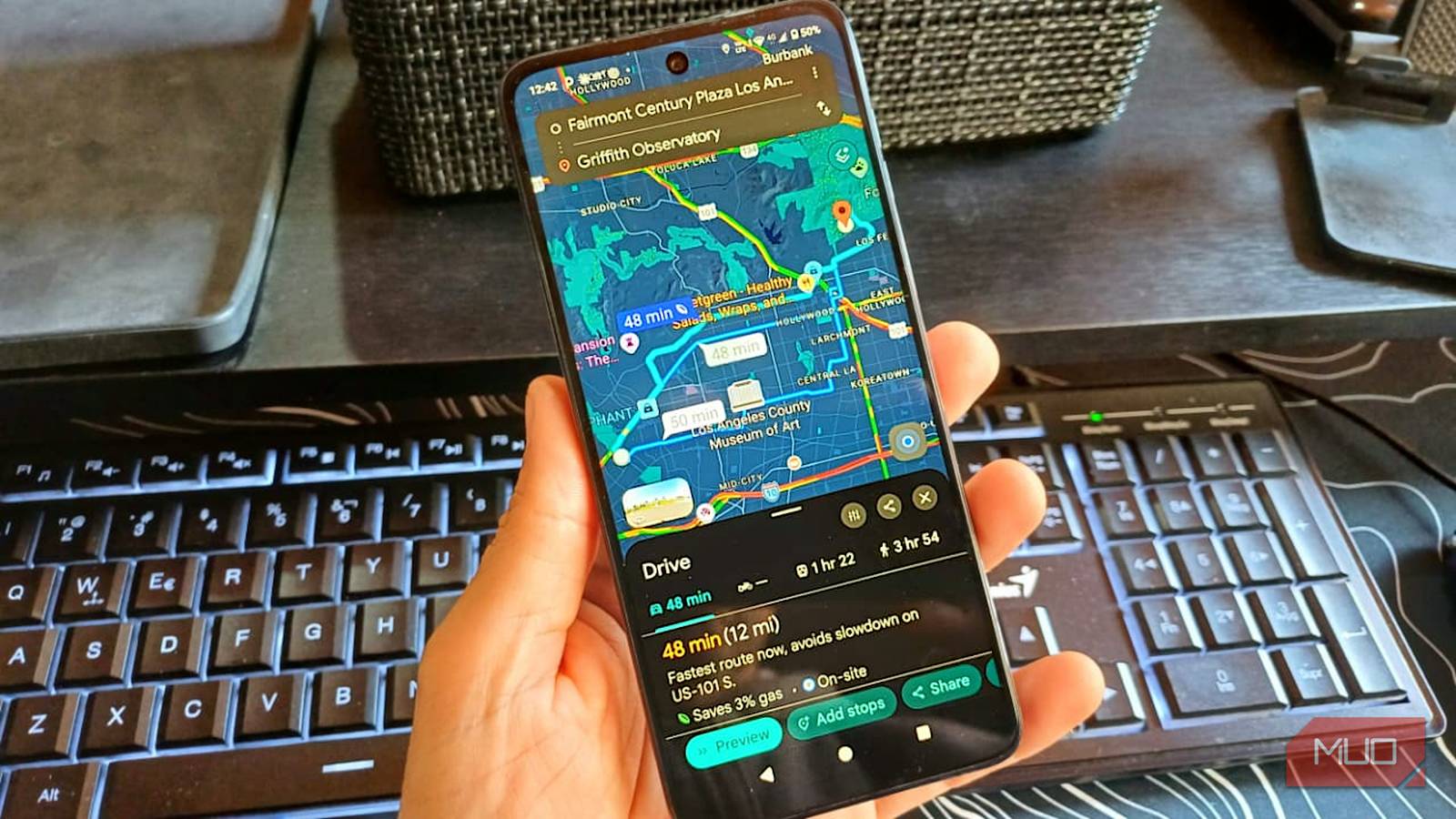
When I need to go somewhere, I set the destination and tap Start without questioning whether Google Maps’ route is the best one. Using it on autopilot cost me something important, and it wasn’t until I dug into Maps settings to choose the right engine type that I finally improved my trips.
I finally told Google Maps what I drive
The green leaf promise
Setting my engine type to Gas gives Google Maps a better idea of which fuel-efficient route is better for me. That detail is important because the path that saves fuel for a gas car isn’t necessarily the same one that works best for a diesel, hybrid, or EV.
You can choose your car’s engine type under Engine type in Google Maps. Maps also looks at data such as traffic and road conditions, so the fuel-efficient route doesn’t automatically mean a slower one.
If you switch between cars, double-check the Engine type before you start your trip so Maps is using the right setting for the car you’re actually driving.
I got a pretty clear example when I checked a route between Century Plaza and Sofitel Los Angeles at Beverly Hills. Maps gave me a 15-minute, 3.2-mile route and estimated that it could save me 8% on gas. Maps still labeled it the Fastest alternative despite the usual traffic.
Google Maps wasn’t sending me down a slower or more complicated route just to save some gas. The option with the green leaf was already the fastest one, so I can see myself paying more attention to it from now on.
I stopped trusting the route that felt faster
The closer road wasn’t always the better one
Before, I would take the route that felt faster, without even seeing what Google Maps would give me. For example, if I wanted to go from Century Plaza to Sofitel in Beverly Hills, my first instinct was to take Olympic since it was closer, and I’d completely discard Santa Monica Blvd. But Google’s suggestions made more sense when I saw that the route I would’ve ignored was actually faster than the one that felt more direct to me.
Maps was obviously considering more than I was. That made the Santa Monica Blvd. suggestion look more reasonable than my initial choice. It wasn’t suggesting those streets for no reason. Google says Maps also considers things like stop-and-go traffic and whether you’re taking local roads or highways.
So just because Olympic looked closer didn’t mean it was the better choice. I was only looking at what seemed quicker, while Google considered my engine type and what the rest of the drive looked like.
It was the same trip, but at different times
I didn’t expect the savings to change that much

I used to think the fuel-savings percentage wouldn’t change. For example, when I checked the Century Plaza to Sofitel route around 12:20, Maps showed 7% fuel savings. When I checked again at 2 PM, the savings went to 18%. I checked the same route, just at a different time.
After all this, I learned that the percentage can change if my route has hills or if I run into heavy traffic. Since Maps already knew I drive a gas car, I started seeing that percentage as an estimate for my car and trip.
Google doesn’t know everything about your car
The route can only help so much

Sure, you could save an estimated 20% on gas, but that’s useless if you’re not aware of other factors, like your car’s maintenance. If your car’s tire pressure isn’t where it should be, or you’re driving aggressively, that will only reduce your gas savings.
Energy.gov says that speeding and rapid acceleration and braking can lower your gas mileage by up to 30% at highway speeds and 40% in stop-and-go traffic. It also mentions that underinflated tires can lower gas mileage by 0.2% for every 1 psi drop in pressure.
Weather can affect fuel economy too, especially things like strong winds or extreme temperatures. I’m not going to turn this into a car tutorial, obviously, but you get the idea. Maps can estimate which route should save me fuel, but it obviously can’t control how I drive or how well I maintain my car.
Google Maps route recommendations are still useful
Poor car maintenance and aggressive driving can be counterproductive. However, that doesn’t mean Google Maps’ best-route suggestions are pointless. Depending on your car’s engine type, Google can give you the best option because it has real-time info I don’t.
I may know the area pretty well, but I don’t know if there was an accident 2 minutes ago. That’s just one piece of info that can completely change the recommended route. That alone is enough for me to trust the route Google Maps gives me.
It doesn’t just give me one route. either. It gives two or three to choose from. It’ll highlight the best route, but still show how long the other ones will take. You might think that a minute or two may not be much, but when you’re late, let’s say for work, every minute counts.