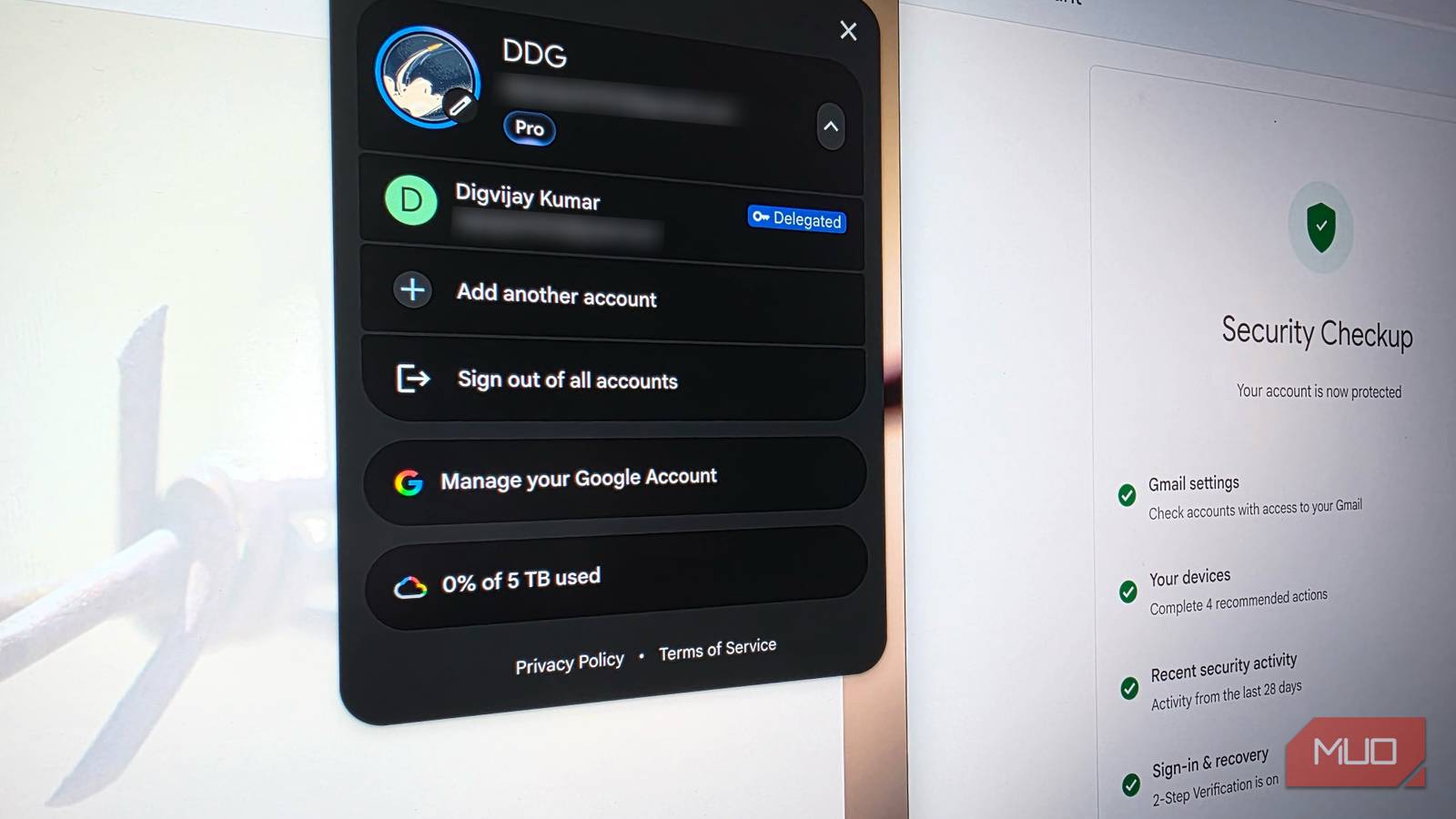
Google’s Security Checkup is where I go to make sure my account is secure. It shows which devices are signed in, flags anything unfamiliar, and lists the third-party apps with access to your data. I’d check it every few months, and it never showed anything unusual. After all, I’d changed my password and turned on two-factor authentication. But buried inside Gmail’s desktop settings, someone else still had access to my inbox and could send emails from my account. That permission wasn’t part of the checks I was running, and you won’t find these settings in the mobile app.
A Gmail delegate sees your entire inbox
Read private conversations and send messages

Passwords and two-factor authentication control who can sign in to your Gmail. Third-party apps that connect through Google usually get narrow permissions, maybe access to sync contacts or read calendar events. Gmail’s delegation feature is separate from all of these. It gives another person direct access to your inbox, not a narrow slice of data. I came across it a few years ago, when I needed to share an inbox and the usual options didn’t fit.
I’d started a WordPress site with a friend. We used one Gmail account for everything tied to the site, and my friend needed to handle some of those emails too. Forwarding would only let him read what came in, not reply from the account. Sharing the password would’ve given him access to my entire Google account, including Drive, Photos, and every other service attached to it. So I went through Gmail’s settings on the web and found the delegation option.
Delegation lets you give someone access to your inbox from their own Gmail profile, no password required. They switch into your mailbox from their profile menu and can see not just new incoming mail, but every conversation you’ve ever had. From there, they can compose emails that appear to come from your address and delete messages. Google allows up to 10 delegates on a personal account, and at the time, adding my friend as one felt like the right call. We stopped working on the site eventually, and I forgot the setting existed.
Changing your password won’t revoke this access
Access ties to identity, not your password

Years passed after we shelved the website. During that stretch, I went through new phones, enabled Google Authenticator, and updated my account password several times. Then, while cleaning up old labels in Gmail’s settings, I found my friend’s name still listed as an active delegate. He hadn’t done anything wrong, but none of the password changes I’d made touched his access.
Delegation actually isn’t tied to your password at all. Your delegate logs in through their own Google account and never passes through your login screen. So when you change your password or enable two-factor authentication, it doesn’t affect their access. Google doesn’t even notify you when a delegate opens your inbox.
And this access doesn’t expire. Google’s Security Checkup won’t flag it either, so it stays open until you go in and remove it yourself.
Check who still has access to your Gmail
Delete lingering permissions on desktop browsers

After finding my friend’s name on that list, I wanted to check if anyone else had access too. This setting only shows up in Gmail on the web, so you’ll need to open it on a desktop or laptop. Click the gear icon near the top right and select See all settings. Then, switch to the Accounts and Import tab and scroll down to Grant access to your account.
While you’re there, check the settings just below. Gmail lets you choose whether emails opened by a delegate get marked as read in your inbox, and whether outgoing messages show the delegate’s name in the sender line. If that first option is on, someone could be reading your emails without you ever noticing.

Any name you don’t recognize or no longer need there, click delete next to their email address. The change takes effect right away. But for personal Gmail accounts, there’s no way to check whether a delegate has been reading your messages. The Last account activity log doesn’t record delegate sessions at all, and no audit trail exists unless you’re on Google Workspace.
Passwords and 2FA don’t cover everything
Most security advice focuses on strong passwords, passkeys, and two-factor authentication. Those cover the obvious entry points, but they can make you assume your account is fully locked down. Gmail delegation is a reminder that some access points don’t follow those rules and can sit open for years without a single alert. Take a few minutes on your desktop browser to check that settings tab, as a forgotten delegate isn’t worth leaving your inbox exposed.

- OS
-
Android
- Price model
-
Free/subscription
- Platform
-
Android/iOS
Gmail is a free email service created by Google that lets people send, receive, and organize email online.