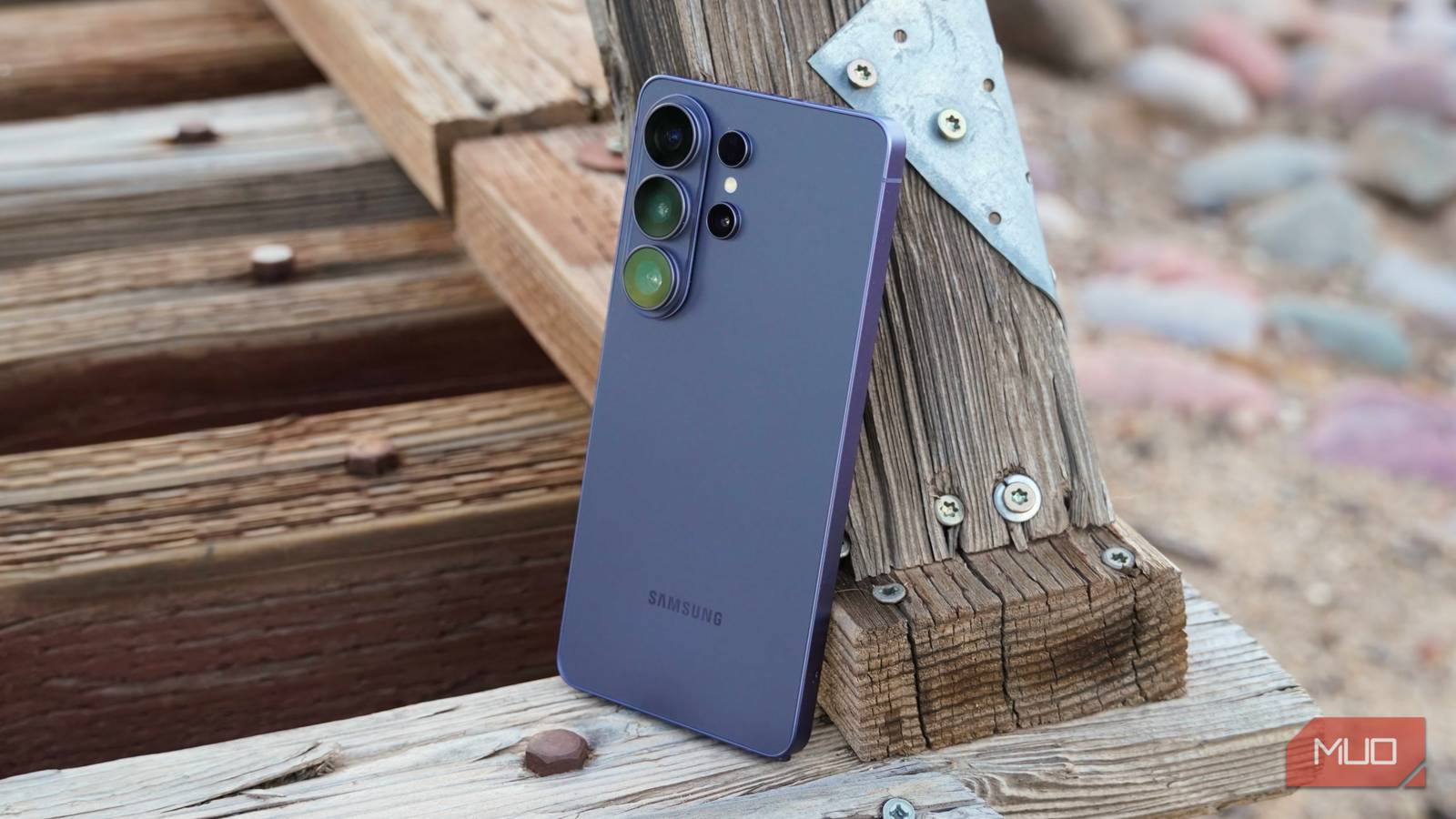
At this point, Samsung Galaxy AI is quite mature and produces far better results than any other AI offered by smartphone brands, including Apple’s AI.
With the Galaxy S26 series, Samsung introduced the One UI 8.5 update, which brought a new feature called Now Nudge. It watches your screen and quietly suggests the next action before you even ask — similar to Google’s Pixel Magic Cue —but which one is better, and is Now Nudge worth using?
Now Nudge doesn’t leave you digging
It lives in your keyboard toolbar
Think of Now Nudge as Samsung’s answer to a problem every phone owner knows too well. I’m talking about when you get a text asking for a photo, an address, or a meeting time, and you end up opening and scouting three different apps to find it. With Now Nudge, instead of hunting around, it reads what’s on your screen and suggests it right above your keyboard.
The best part is that Now Nudge lives inside the Samsung Keyboard toolbar. It appears on the same strip where predictive text usually shows up. Samsung divided Now Nudge’s features into two parts. One helps you get things done, and the other helps you recall things you’ve already seen.
So, for instance, if someone texts you asking for last trip’s photos from the beach, Now Nudge can pull matching images from your Gallery. If your friend mentions a date and time in a chat, Now Nudge will offer to save that as a calendar event on the spot. No need to open the Calendar and add an event manually. It will even flag scheduling conflicts by quietly checking your calendar in the background when a meeting invite lands in your messages.
Turning it on is also not difficult. Open Settings on your Galaxy phone, tap Galaxy AI, and flip the toggle on for Now Nudge. Additionally, if you want to autofill your name, email, or phone number in forms, you can turn on Personal Data Intelligence from that same menu and add your details under Manage Personal Data.
Magic Cue is the original blueprint
But there are a lot of differences between Now Nudge and Magic Cue

Google shipped Magic Cue on the Pixel 10 series, roughly a year before Samsung’s version showed up with One UI 8.5. The basic premise is the same: your phone should connect the dots across your apps so you don’t have to. Magic Cue relies on the Tensor G5 chip and an on-device Gemini Nano model to read context from your emails, calendar, screenshots, and messages, then serve you with what you need.
So, let’s say you are trying to change a seat on your upcoming flight mid-call. Magic Cue can pull your flight confirmation straight from the email you got in Gmail and show it right on the call screen. This eliminates the need to go through the app, find that exact email, and put someone on hold. It also feeds Daily Hub, which is Google’s version of a lock-screen briefing, and shows relevant reminders pulled from your other Google apps.
Some of the biggest differences are listed below:
- Now Nudge suggestions show up in your keyboard toolbar. This means that they are tied to whatever app you’re actively typing in. On the other hand, Magic Cue appears inside individual apps, whether it’s the Phone app during a call, the Photos app when you open it, or Daily Hub on your lock screen.
- Samsung asks you to add your personal details through a single Personal Data Intelligence hub, whereas Google’s Magic Cue handles everything in the background and pulls data from your apps. You do not get Now Nudge’s granular controls with Magic Cue for personal information.
- Magic Cue is only available on the Pixel 10 series or later. However, while Now Nudge launched with the Galaxy S26 series, it will reach more devices with the One UI 9 update, which is rolling out in the US at the time of writing.
Samsung’s Now Nudge does the same. But in real-life scenarios, the differences show up.
Should you turn it on?
It doesn’t matter that Google arrived with this feature first. For Samsung users, anyway, Now Nudge is the option, and it works well. If you are deep in the Samsung ecosystem and use all its first-party apps, Now Nudge is an intelligent friend that lives on your phone.
It won’t change how you use your phone, but it will save you from the small annoyance of digging through apps mid-conversation. So I wouldn’t call it a copy, but a trend Samsung followed and executed well for Galaxy phone users.