I was finishing a new room in my basement and wanted smart switches down there. The Zigbee models I liked all came with the same fine print: hub required. A SmartThings hub sat in my Amazon cart, one tap from ordered, before I remembered my Echo Hub has its own Zigbee radio. A handful of other Echos do, too. I’d already unified all my smart devices under one app, and I’d almost undone that for a handful of switches. I paired new bulbs directly to Alexa to test the idea, and then I canceled the order.
The hub I nearly added to my cart
Why so many Zigbee boxes say you need a hub
Plenty of smart switches, bulbs, and locks skip Wi-Fi and run on Zigbee, a low-power radio protocol your router can’t hear. Something has to translate. That job falls to a coordinator, which runs the device mesh and relays commands from your phone or voice assistant to each switch and bulb. Manufacturers usually sell it as a separate bridge or hub, which explains the “hub required” label on so many boxes.
SmartThings looked like the safe pick. Samsung’s platform supports a huge catalog of devices, and the current Aeotec-built SmartThings hubs cover Zigbee, with Z-Wave on some models. Buying one also meant another box on my network, another app on my phone, and another account to maintain. I’d spent real effort cutting my smart home down to a single app, and a second control layer for one basement room would have undone that.
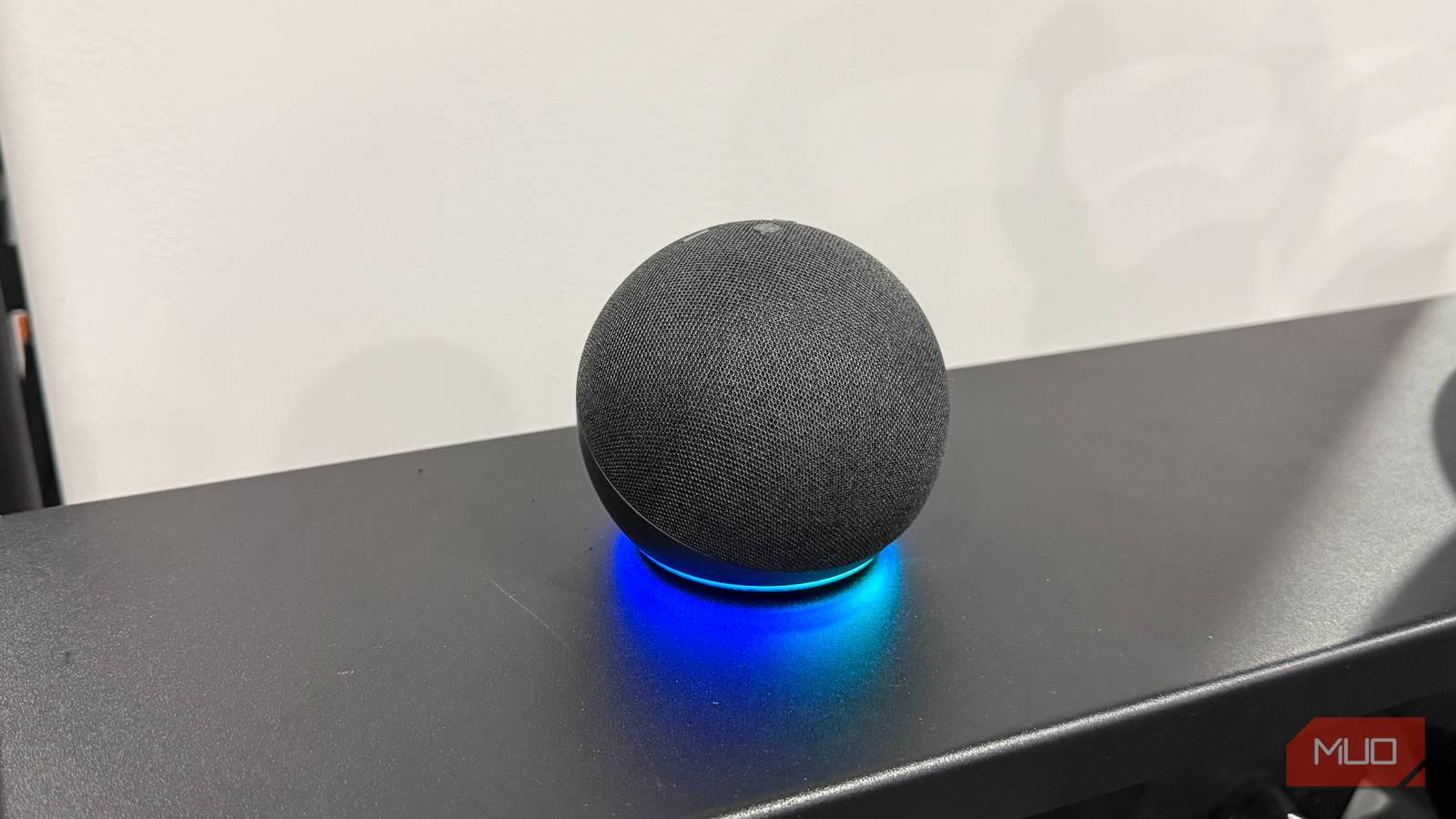
My Echo had a Zigbee radio the whole time
Only certain Echo models include the hub
Amazon builds a Zigbee coordinator into a specific group of Echo devices:
- Echo (4th Gen)
- Echo Dot Max
- Echo Hub
- The older Echo Plus, but only the second generation
- Echo Show 8, 10, 11, 15, and 21 (for the 8, both the 3rd Gen and 2025 models; 3rd Gen for the 10; 2nd Gen for the 15)
- Echo Studio (2025 release)
Most of these also act as Thread border routers. Nearly every recent Echo can control Matter devices.
The standard Echo Dot isn’t on that list. Regular Dots can run Matter gear over Wi-Fi and answer voice commands all day, yet there’s no Zigbee chip inside. Amazon only added one to the Dot lineup with the 2025 Echo Dot Max. I have Dots in several rooms, and none of them could have handled my basement switches. The Echo Hub could.
To check your own devices, find each Echo’s exact model and generation on its product page or in your Amazon order history. Match that against Amazon’s Zigbee support page. Two minutes of checking beats paying for a box you don’t need. I’ve written before about Echo features most owners never touch, and a hidden Zigbee hub costs more to miss than any of them.
Pairing bulbs took less time than unboxing a hub

Before I canceled anything, I wanted proof. I grabbed a few new Philips Hue recessed lights for a basement room. Normally they’d join my Hue Bridge alongside the recessed lights upstairs. This batch went straight to Alexa instead.
Once they were wired in and powered up, I asked Alexa to discover my devices. The app listed all of them in under a minute, right beside my Ring cameras and thermostats. I added them to a new basement group and then to routines I’d already built. Now the lights come on with the rest of the house in the morning and shut off with my goodnight command.
A few details make pairing go smoothly. Bulbs that have ever been paired to a bridge need a factory reset first. Pair within sight of the Echo if you can. After that, distance matters less, because mains-powered Zigbee gear like bulbs and in-wall switches repeats the signal for anything nearby. Basements, with their concrete walls and metal ductwork, benefit most from that extra coverage.
Where the built-in hub falls short
A dedicated bridge still earns its spot in some homes

Pairing Hue bulbs straight to Alexa trades features for simplicity. Without the bridge, you lose Hue scenes, entertainment areas that sync lights with your TV, and bridge-managed firmware updates. That’s why my color recessed lights upstairs are staying on the Hue Bridge. In the basement, I mostly want on, off, and dimming, and direct pairing handles that fine.
Z-Wave is the bigger gap. Echos can’t talk to it at all, so my Ring Alarm keeps its own base station. Anyone with Z-Wave locks or sensors should still consider a SmartThings hub that handles that protocol.
Device support has limits, too. Amazon sticks mostly to lights, plugs, outlets, in-wall switches, and locks. For elaborate automations that run locally, Hubitat and Home Assistant go much further.
Check your Echo before you buy another box
Canceling that SmartThings order saved me money. It also kept my basement in the same app as the rest of the house. Any Zigbee switches I add down there can join the network my Echo Hub already runs.
If a “hub required” label has you shopping, look up your Echo’s model first. You might already own the coordinator you’re about to pay for. And if an Echo Show on your counter mostly sets timers, it’s worth learning how much more that screen can handle.