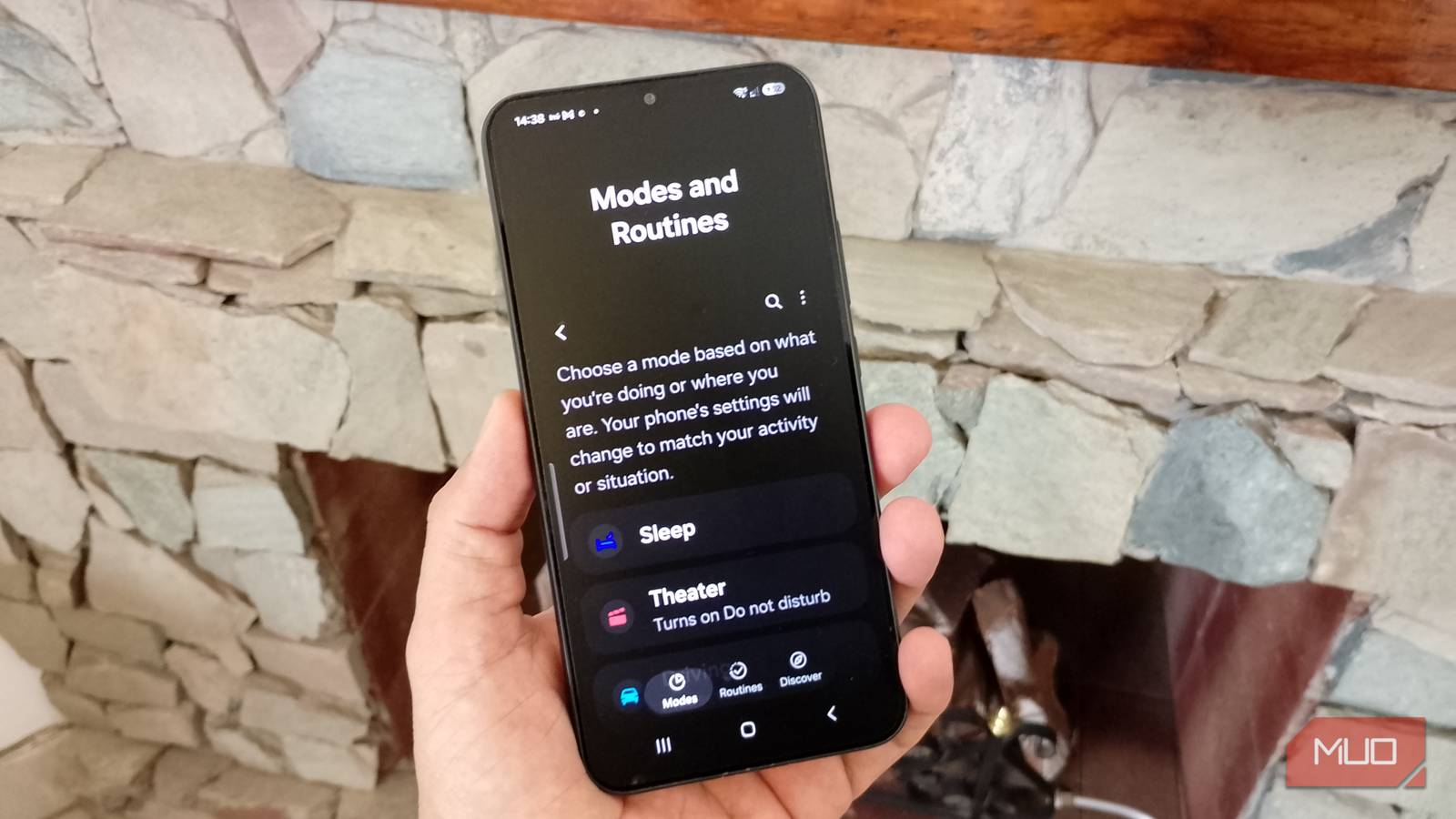
My Galaxy phone handles the tasks I used to do myself. Now, at certain times of day, my phone already knows what to do. For example, you may want your phone to go into Do Not Disturb mode between certain hours to get some peace and quiet. I use Modes and Routines to set up my phone the way I want and move on to something more important. At first, I thought it was mostly about schedules. Then I started poking around and found setups that help me in different ways without me having to worry about them afterward.
My phone was way too distracting while I was trying to focus
Now it knows when to leave me alone
My phone was getting pretty distracting with all the notifications. I checked it more than I’d like to admit and ended up wasting too much time. I ignored Modes and Routines because I thought I could control them myself, but curiosity got the best of me, and I decided to try it.
I should’ve used it sooner. One of the first things I did was use the Work option to set my phone to vibrate during the hours I wanted to focus. Vibrate was enough for me, but Work Mode can also restrict app usage if you need a little more help staying away from certain apps.
To make sure it worked, I tested it from 10:06 to 10:11 a.m., and it worked as expected. I also noticed I don’t have to keep digging through Settings once a mode is set up. It shows up in Quick Settings, so Work mode is right there when I need it. What surprised me more was realizing I didn’t always have to stick with the Modes and Routines Samsung added for me.
My phone knew when it was time to save battery
One less thing for me to keep an eye on

I’ve lost track of the times my phone’s battery almost died on me. I would be so focused on what I was doing that I never even bothered to glance at the battery percentage. So that wouldn’t happen again, I set up a routine where, if my battery drops below 54%, my phone automatically goes into Power saving mode.
My battery eventually dropped below 54%, and I saw the leaf in the battery icon indicating it was in power-saving mode, but I didn’t notice anything else besides that. That was a relief because I knew the battery would last longer until I could plug in my phone.
My phone even changes depending on where I am
I made this one completely my own
I know this isn’t the most exciting setup, but it’s what I wanted. I created a location-based routine where, once I was 100 meters away from a location, my wallpaper would change. You can obviously set yours up a completely different way. You can set the “If” for when you leave or arrive at a location. The “Then” option is what you want the routine to do once your location changes.
The wallpaper was just what I wanted, but you can go with something else, like muting notifications when you arrive at school or work. If you need to change the location or what the routine does, you can go back and change it anytime. Just don’t forget to hit Save.
The Modes and Routines options you see can vary by Galaxy model and software version, so some conditions or actions may not appear on every phone.
My schedule doesn’t always play along
A one-time block doesn’t always work out

The time options in Modes and Routines can be more flexible. For example, if you want to block notifications from 9 a.m. to 12 p.m. and then from 1 p.m. to 5 p.m., you can’t. You can only choose from options such as:
- Sunrise until sunset
- Sunset until next sunrise
- All day
You won’t find separate morning and afternoon blocks. So, if I wanted to turn it off for lunch, I would have to manually turn it off and remember to turn it back on. If you really need separate time blocks, you may end up turning to a third-party app that offers those options.
I’d rather keep it simple

Sure, you could install yet another app, but if your phone is already slow, it might be the last thing you want to do. For now, simply using lunchtime as a reminder is enough for me. It’s not super techie, sure, but it’s the one reminder system that hasn’t failed me yet.
It still means I have to step in once during the day, but I’d rather do that than complicate things just to get separate time blocks. I can also use Bixby or Google Assistant to turn the mode on or off, so I’ve got another option if I need it.