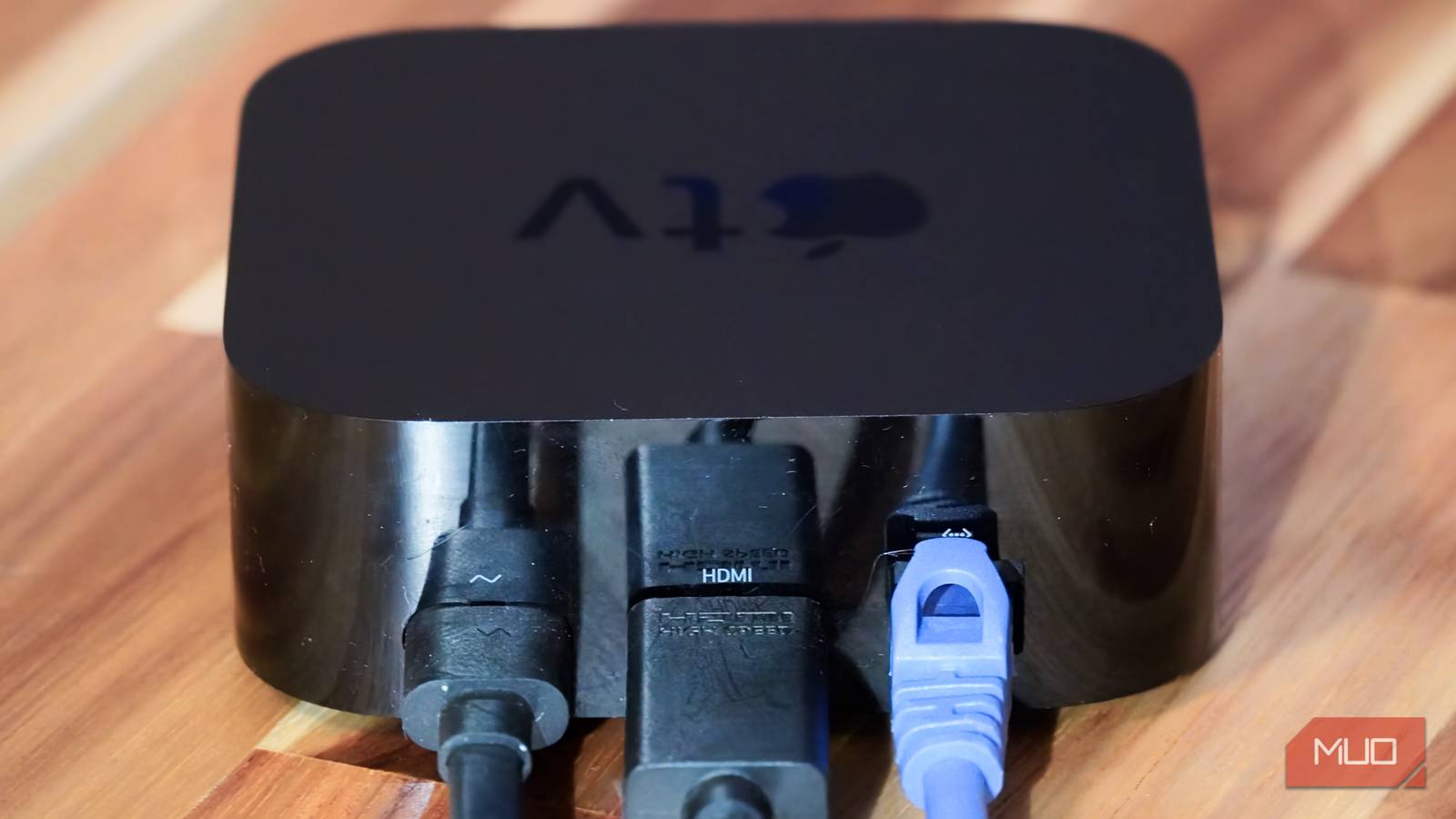
There’s no shortage of excellent streaming boxes on the market today, but the Apple TV has two key advantages that put it ahead of the competition: performance and software. Apple uses the same A-series processors you’ll find in its smartphones and tablets inside Apple TV boxes, and it shows. On the software side, tvOS feels familiar to iOS, iPadOS, and macOS users. But more importantly, it’s lighter on bloat and advertisements than, say, Google’s Android TV or Samsung’s Tizen OS. These two perks are exactly why I’ve been a loyal Apple TV user for years — until everything changed with one update.
Apple’s controversial Liquid Glass update actually requires a good amount of processing power to execute properly. The visual rendering of Liquid Glass user interface elements hits older and lower-powered devices the hardest. I never questioned the capabilities of my years-old Apple TV 4K until I updated to tvOS 26. Everything felt slower following the update, and now I’m mulling my options. With no new Apple TV 4K on the market, will tvOS 27 optimize performance or make matters worse?
I didn’t update my Apple TV for years
When my streaming apps finally stopped working, I gave in
I’m usually the one that advocates for installing software updates as soon as they arrive. When a new update drops, I urge my friends and family to install it immediately, so that they benefit from the new features, optimizations, and security patches. There are a few exceptions, though. I typically hold off on installing major releases on mission-critical devices, like my laptop, that I depend on for work. It’s better to wait a few weeks for bugs and issues to sort themselves out before I load the upgrade onto my primary workstation.
I drag my feet installing Apple TV updates too, for a completely different reason. I don’t need my streaming box to have the latest features or undergo major changes. I simply need it to reliably stream shows in the same way it always has. In my view, an Apple TV update can’t meaningfully improve the streaming experience — but it can make things worse. That’s why, up until recently, my Apple TV was running an ancient version of tvOS 16.
My Apple TV streaming box was multiple major releases out of date, but it was still as reliable as ever. That was until I tried to watch the latest season of Reacher on Amazon Prime Video and encountered error after error. The app needed an update, and it wasn’t compatible with my tvOS version. So, I reluctantly brought my Apple TV up to the latest software release, which was tvOS 26 at the time. The experience after updating was exactly why I held off updating my Apple TV for so long.
Liquid Glass slowed my Apple TV to a crawl
The tvOS 26 update actually made my aging Apple TV 4K worse

Installing tvOS 26 on my Apple TV 4K brought Liquid Glass to my streaming box for the first time. Design preferences aside, it’s fair to wonder whether an Apple TV really needs to waste system resources on rendering glassy visual UI elements. Apple is well aware of the performance demands of Liquid Glass, because the first-generation Apple TV 4K omits the redesign entirely. The A10X Fusion chip powering the original Apple TV 4K can’t keep up with the graphical requirements of the new design language, so it skips it.
I have the second-generation Apple TV 4K, which is powered by a newer A12 Bionic system-on-a-chip. If you have the third-generation Apple TV 4K, you get an A15 Bionic chip that’s better suited to handling Liquid Glass. However, the second-generation Apple TV 4K that I own is sort of an awkward middle child — it’s powerful enough to run Liquid Glass, but it’s not powerful enough to do it well. If I had a newer or older version of the Apple TV 4K, I’d be better off.
Instead, my five-year-old Apple TV 4K stutters when navigating the home screen and settings menu on tvOS 26. Considering I had no problems before updating, I’m attributing these problems to Liquid Glass. I’m not the only one — multiple users on Reddit describe similar experiences. The problems specifically affect the second-gen Apple TV 4K. If you have an older model, your device dodges Liquid Glass entirely, avoiding the slowdown. Those with newer models have the hardware to render Liquid Glass without a performance dip.
Apple, please sell me a new Apple TV 4K
And consider whether tvOS really needs intensive animations

If your Apple TV is feeling slow after tvOS 26 or tvOS 27, there are some settings you can tweak to try and improve performance. A hidden toggle can be found under Settings → Accessibility → Motion → Reduce Motion. When the feature is turned on, tvOS will turn off unnecessary animations, which may make your streaming box feel faster. You can also go to Settings → Accessibility → Display → Reduce Transparency to limit the glassy effect of Liquid Glass, potentially improving performance.
These changes might help, but they don’t address the real problem: Apple added unnecessary design elements to tvOS that certain Apple TV models have difficulty rendering. While I might be inclined to consider a hardware upgrade, Apple doesn’t have one. The newest model is still using an older A15 Bionic chip designed for the iPhone 13 series. It’s already too far out of date for me to consider replacing my A12 Bionic version with a new A15 Bionic-powered Apple TV 4K.
If Apple is going to bog down the Apple TV 4K with intensive software updates that you’ll eventually have to install, it needs to give them better hardware. The current specs aren’t cutting it.