Nvidia has maintained both a popular consumer and professional lineup for its GPUs for the longest time. While these GPUs might share the same underlying architecture, that’s about where the similarities end. Professional-grade Nvidia cards use specialized, signed Nvidia drivers, which “unlock” additional features.
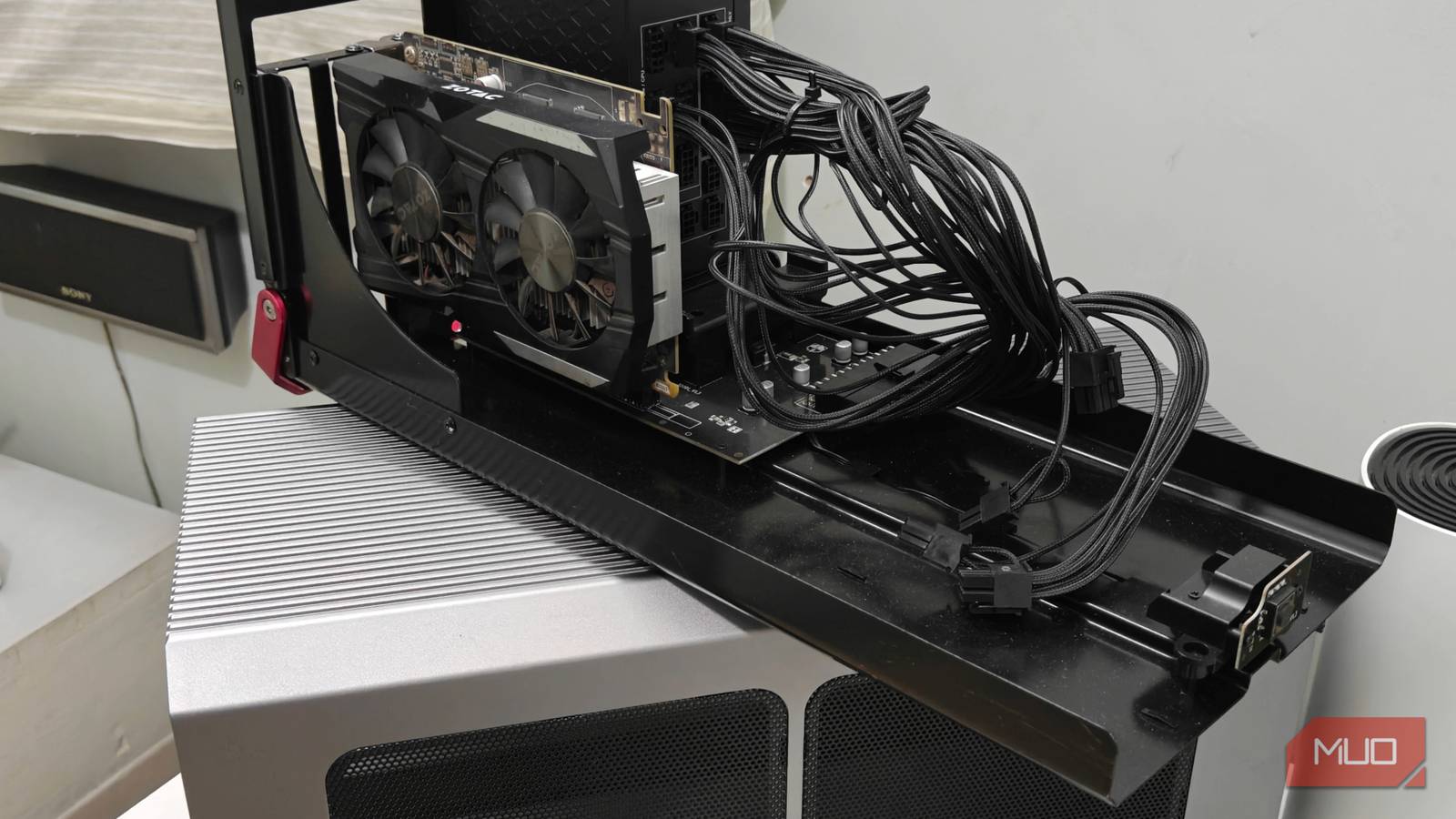
This led me down a rabbit hole, and I emerged with a solution to split my aging GTX 1050 Ti into multiple vGPUs to use with a virtual machine. Unfortunately, as you’ll soon find out, this is not an intuitive process and has severe hardware restrictions.
So, how does vgpu_unlock work?
And a bit of a history lesson

There have been numerous attempts to crack this lock wide open, perhaps most notably DualCoder’s (Dual95) vgpu_unlock on GitHub.
Essentially, it works by hooking code during the Nvidia kernel module compilation process you’d see at installation. After the script runs, it “tricks” the host system into believing you have a Quadro/Tesla card instead of a standard GeForce one.
Once the hardware is spoofed, the vGPU manager and its drivers load as they would on an actual enterprise card, unlocking mdev and SR-IOV capabilities. However, there is one huge caveat: you’ll need signed drivers from Nvidia’s website, and while obtainable, the process is a bit involved. You cannot use the regular Nvidia packages from something like the AUR, for example.
Furthermore, this kind of vGPU unlock is restricted up until Nvidia’s RTX 2000 series of cards. Nvidia changed a lot of things starting with the RTX 3000 (Ampere) lineup, most notably moving driver initialization to a die on the GPU itself.
This rendered vGPU unlock methods effectively useless (even if there has been some progress), and these unlocks are still unavailable on Ampere and newer cards. That said, if you have an older Nvidia GPU lying around (preferably one with a healthy amount of VRAM), you can turn it into a reliable vGPU solution for your server.
Trying out the vgpu_unlock script on Arch Linux with an Nvidia GTX 1050 Ti
Sourcing the GPU drivers is the easy part
Now we come to the hard part — actually splitting the GPU. Since my GPU is an ancient GTX 1050 Ti, I had to deal with two very different problems. The first was patching the vGPU driver, which was thankfully simple thanks to the many community-driven scripts available online. It was as simple as copy-pasting a command into the terminal.
The second part was a lot tougher, and it has to do with the 1050 Ti being an older card. By default, Nvidia does not ship official drivers for this series of cards on Linux anymore, and the archives that do work require a much older kernel.
I had to use a kernel older than 6.18 (current LTS) and Nvidia GRID driver version 535.104.06 for this particular GPU. Grab a copy of the Nvidia driver from the official website (you’ll need an evaluation account to proceed).
As such, I had to download and downgrade to kernel 6.1 (instead of 6.18, the current LTS version) and then patch the drivers. This was followed by a standard DKMS installation, and things went smoothly as you’d expect from here on. Just make sure to run the installer from the tty and not a live session — it will fail otherwise.
While we can technically use the vGPUs at this point, a few more patches are needed for a better experience. The vgpu_unlock-rs utility is a script that removes some of the artificial limitations imposed on vGPUs, and it’s quite simple to set up. Most notably, it gets rid of throttling imposed by this unofficial driver, which, as you’d imagine, is mandatory for using the card for extended periods of time.
The final thing left to do was blacklist the Nouveau module and reboot. A quick nvidia-smi later, and I was able to see the vGPUs, letting me allocate them to multiple virtual machines (off a single card).
A way to repurpose your older GTX and RTX cards, but be aware of limitations
So all of this brings us to the question: what the heck can I do with this? And the answer to that would be mostly virtualization. By spoofing the ID of a Quadro card, you can split your older GTX graphics card into multiple vGPUs, each eating up a pre-allocated amount of VRAM from the total shared pool.
As you might have already figured out by now, this works best with cards that have a lot of VRAM to spare. The 1050 Ti used for this demonstration has only 4 GB, and that severely limits its capabilities.
There’s also one big caveat: since this bypass doesn’t work on GPUs belonging to the Ampere generation or newer, you’re effectively locked out of using the newer consumer-grade GPUs for workstation-level stuff.
Realistically speaking here, your current best option would be the RTX 2000 series, with the 11 GB RTX 2080 Ti being an interesting pick for its higher VRAM count.
That’s all well and good, but what purpose does this serve for the end user? If you’re looking to just game, probably not much (if at all). Start dabbling in homelabbing, and things start to change.
You can run GPU-accelerated virtual machines to host games, or even something like a Minecraft server, all off a single card with the help of vGPUs. If you happen to have an older RTX (or GTX) GPU lying around, this could turn into a fun side project.
You won’t get the latest tech, but it works on your existing card and is plenty powerful. Plus, you don’t have to buy an expensive Quadro GPU.