My PC had developed a habit of hard-crashing every few weeks, and I was getting nowhere with it. There was never a warning. The machine would just power off and reboot, and by the time it came back up, there was nothing on-screen to tell me what had happened. I have built and tinkered with enough PCs to run through the usual suspects, but a crash that shows up once a fortnight is the worst kind to chase because you have almost nothing to go on.
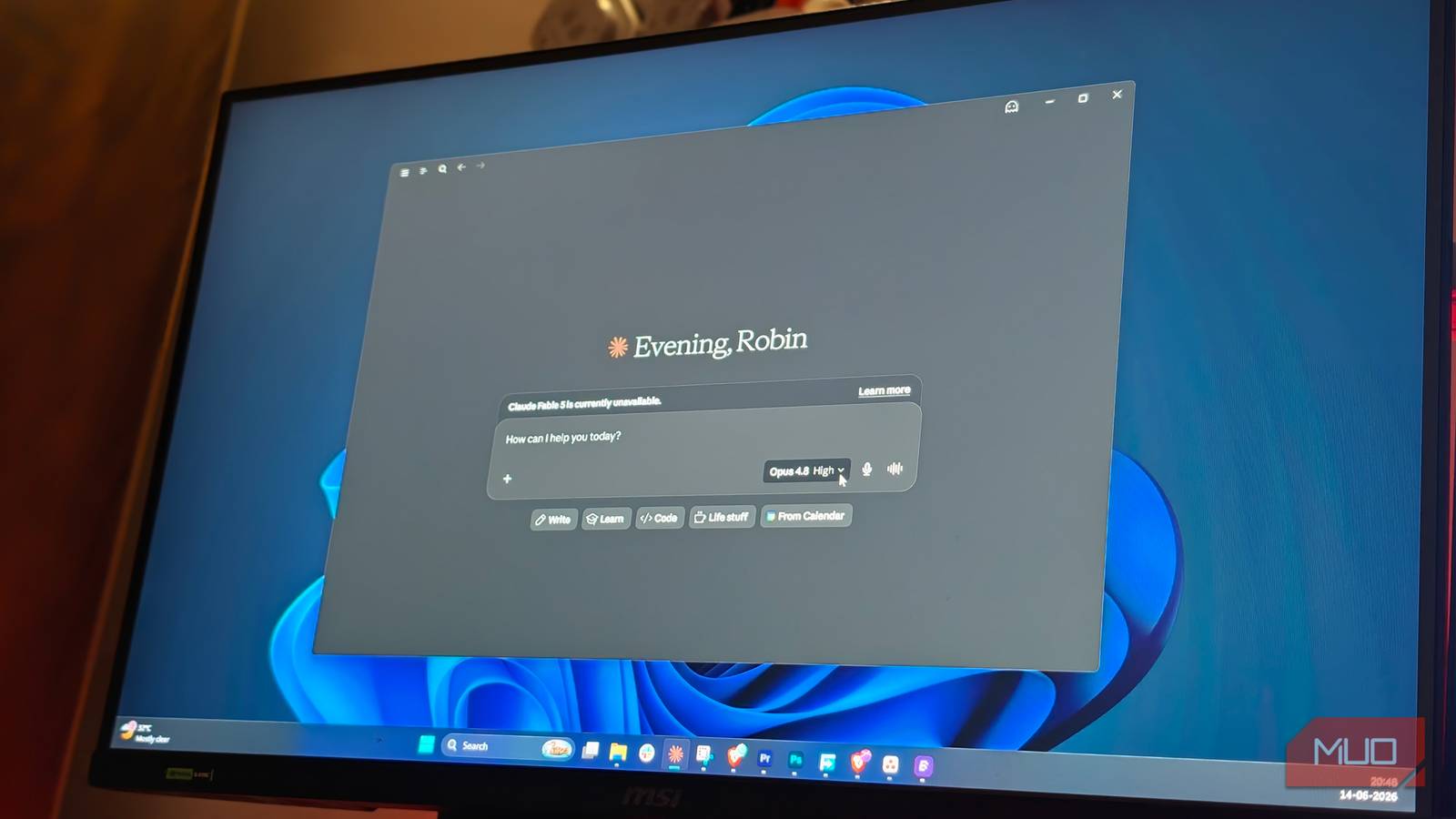
So, instead of guessing my way through it, I started feeding the crash data to Claude, along with a screenshot and mini-dump files for any BSODs. It turned into the most useful troubleshooting session I have had, and the culprit it eventually named was something I would never have found on my own.
Windows knew what happened, I just couldn’t read it
The evidence was sitting on my drive the whole time

Windows already keeps a record of every crash, and mine had left a trail. Reliability Monitor showed a clean timeline of failures going back weeks. Event Viewer had logged the errors around each one, and the mini-dump files in C:WindowsMinidump had captured the exact moment things fell apart.
The problem was making sense of any of it. My Reliability Monitor graph had been sliding downhill for a month. Event Viewer had over 41,000 entries to wade through, and raw mini-dumps were unreadable without a debugger and knowledge of what to look for. I don’t, not really. So I took a screenshot, pasted everything into Claude, and let it do the reading.
Everything looked guilty at first
Event Viewer is full of scary-looking noise

The early rounds threw up plenty of red herrings. Claude first pointed at my Intel XTU overclock, a fair guess on my rig, then revised to a pair of Nvidia driver hangs once it saw the Event Viewer data, and impressively binned the other 41,000-plus logged events as routine Windows noise. If I had stopped there, I would have reinstalled the older GPU driver, felt productive, and crashed again two weeks later.
The event I kept fixating on was Kernel-Power 41, and Claude talked me down from it. Event 41 only means the PC went down without a clean shutdown, so Windows logs it on the way back up. It confirms the crash happened and says nothing about why. The real answers, it said, were in the BugcheckCode and the dump files. So that’s where we went.
It even talked me out of blaming my RAM
My XMP profile looked guilty

One of those dumps was a PAGE_FAULT_IN_NONPAGED_AREA error, and I called it out because anyone who’s chased a blue screen knows that code as a classic RAM suspect, and my rig runs an XMP profile on top. Claude didn’t fold, and it didn’t get stubborn either. Fair point, it said, in isolation, that error absolutely puts memory near the top of the list. But failing RAM faults randomly, in random processes, wherever the bad cell happens to land. It doesn’t hit the exact same code path three times over two months.
Then it told me to run MemTest overnight anyway, because the test is free, and writing off hardware completely would be overconfident. Honestly, I appreciated that more than the diagnosis itself.
Three crash dumps, one name kept showing up
The culprit was an app I barely think about

I pasted in the debugger output from three crashes spanning two months, and this is where the whole thing cracked open. On paper, the crashes looked unrelated. Different bugcheck codes, different faulting drivers, with one blaming OneDrive’s cloud files filter and another blaming a completely different filesystem driver. That scattergun pattern usually screams dying hardware.
Except two things never changed, and Claude caught both. Every single crash traced back to the same process, CrossDeviceSer, which turns out to be the service behind Windows Phone Link. And every crash was doing the same file-attribute lookup through the same filter stack. The driver taking the blame kept rotating simply because the request passed through several stacked filters, and a different one caught the bad memory each time. Phone Link, of all things, was quietly detonating my system, and OneDrive’s cloud placeholders were making it worse.

- Developer
-
Anthropic PBC
- Price model
-
Free, subscription available
Claude is an advanced artificial intelligence assistant developed by Anthropic. Built on Constitutional AI principles, it excels at complex reasoning, sophisticated writing, and professional-grade coding assistance.
The fix cost nothing, and the crashes stopped
After all that detective work, the fix felt almost anticlimactic. I uninstalled OneDrive to kill the placeholder trigger, updated Phone Link through the Microsoft Store, and installed the pending Windows update that patches the exact drivers that are showing up in my crash stacks. That’s it. My RAM, PSU, and overclock all walked free, and they’re exactly where my money would’ve gone if I’d kept guessing.
It’s been over a month now, and the Reliability Monitor graph that spent weeks sliding downhill has finally flattened out. Not a single Event 41 since. I went in expecting to spend money on new RAM or a PSU, and walked away having uninstalled one app and updated another. If your PC keeps crashing and the answer won’t show itself, the logs already know. You just need something that can read all of them at once.