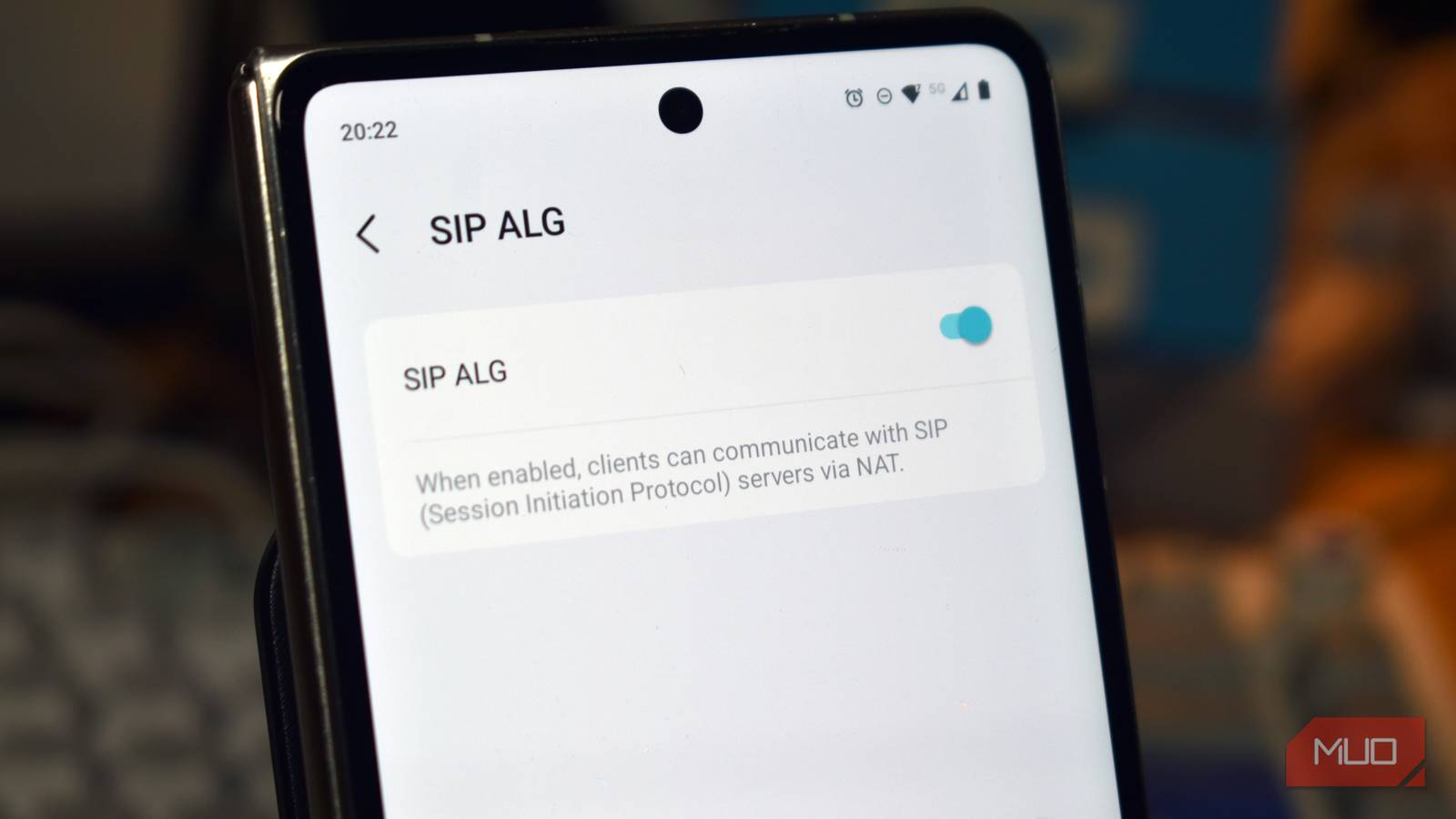
I never had trouble with Wi-Fi calling at home until I changed my router. I swapped out my trusty Nokia Wi-Fi Beacon G6 for a TP-Link Deco BE65, and everything has, frankly, been terrible since then, overshadowing my upgrade to Wi-Fi 7.
I find more issues the longer I use the router, the latest of which is that my Wi-Fi calls dropped, without fail, after around 25 minutes. Thankfully, there is a relatively simple, common fix that, most importantly, actually works!
Calls dropping is normal, but dropping on a schedule isn’t
A pattern is often a clue

I live in the depths of Cornwall, where the cell reception is beyond patchy, especially in the village where I live. That means at home, I rely heavily on Wi-Fi calling to make any type of phone call, because otherwise, it turns into a shouting battle against the terrible signal.
When it works, it’s perfect, and that’s long been the case with my old router. But the new router dropping the calls on the 25-minute mark (there or thereabouts) was the tell-tale sign that something other than poor signal was forcing me to restart my calls.
I tried the classic fixes: reboot the router, restart the Wi-Fi on my phone, turn the Wi-FI calling setting on and off, and so on, but nothing actually worked, at all. Each time any phone call I made using Wi-Fi calling hit around 25 minutes, bam. Restart your call, and heaven help if you were in a queue for something important (funnily enough, that’s exactly how I realized this was an issue!).
I thought SIP ALG was the problem
It normally helps, until it doesn’t

A quick internet search later, and I’d discovered the issue is a router setting known as SIP ALG: Session Initiation Protocol Application Layer Gateway.
This feature essentially watches voice-call traffic passing through your router and tweaks it during transmission, designed to help pass it through your network without issue. The unfortunate reality is that, due to its configuration, it can get muddled.
When you initiate a Wi-FI call, your address is sent to the receiving end so that the return point knows where to send the audio. The issue arises if the address sent uses your internal home IP address — like 192.168.0.1 — instead of your actual external IP address that the rest of the internet sees.
SIP ALG is the part of the process meant to catch that problem and fix it. Instead of letting your Wi-FI call proceed to the location holding the internal network IP address, it appends the external IP address on there too so that the returning call knows where to send the audio.
But Wi-Fi calling uses encryption to protect your privacy
There is another culprit at play

The big problem with accusing SIP ALG is that Wi-Fi calling isn’t sent across the airwaves for anyone to listen to. Instead, Wi-Fi calling typically uses an encrypted IKEv2 IPsec tunnel (essentially a private VPN connection) to your carrier, using UDP ports 500 and 4500.
That means that most of the time your router sees nothing but a scrambled mess of traffic being pushed to the correct destination. In the bigger picture, that means my router can’t see inside the call to begin with to change the destination address or add my IP address as the correct returning address… which means SIP ALG isn’t forcing my call to drop every 25 minutes.
What is more likely happening is that the Wi-Fi calling tunnel was resetting every 25 minutes, and the encryption keys weren’t being renegotiated properly. That means that somewhere in my router’s firmware there is a setting that says “after X minutes refresh the tunnel,” but the refresh process doesn’t work completely correctly. I tried making five WI-FI calls, all of which dropped at roughly the same time, building up this specific pattern before realizing what was probably going on!
Switching SIP ALG off fixed my problems
It’s worth trying if your Wi-Fi calling isn’t working
Weirdly enough, even though SIP ALG wasn’t necessarily interfering with the specific 25-minute call drop issue, disabling it on my router did seem to fix the other issue. I can’t completely lie here: I’m not entirely sure about the whys and wherefores of this configuration, but it seemed to do the trick.
From what I understand, it could be down to the “ALG” part of SIP ALG interfering with the tunnel renewal part of the process, which in turn meant that the call dropped because it couldn’t reconfigure itself properly.
However, what I do know is that once I turned SIP ALG off, my Wi-Fi calls instantly started lasting longer than 25 minutes, which is exactly what I wanted.
For me, the SIP ALG setting was found in the TP-Link Deco app, but most folks will have to sign into their router admin panel, typically using a web browser. If you’re not sure of the IP address used to access your router’s admin panel, you can find the default gateway on nearly any operating system in a few simple steps.
Now, if I could just figure out what the TP-Link Deco has done to the rest of the internet, I’d be laughing!