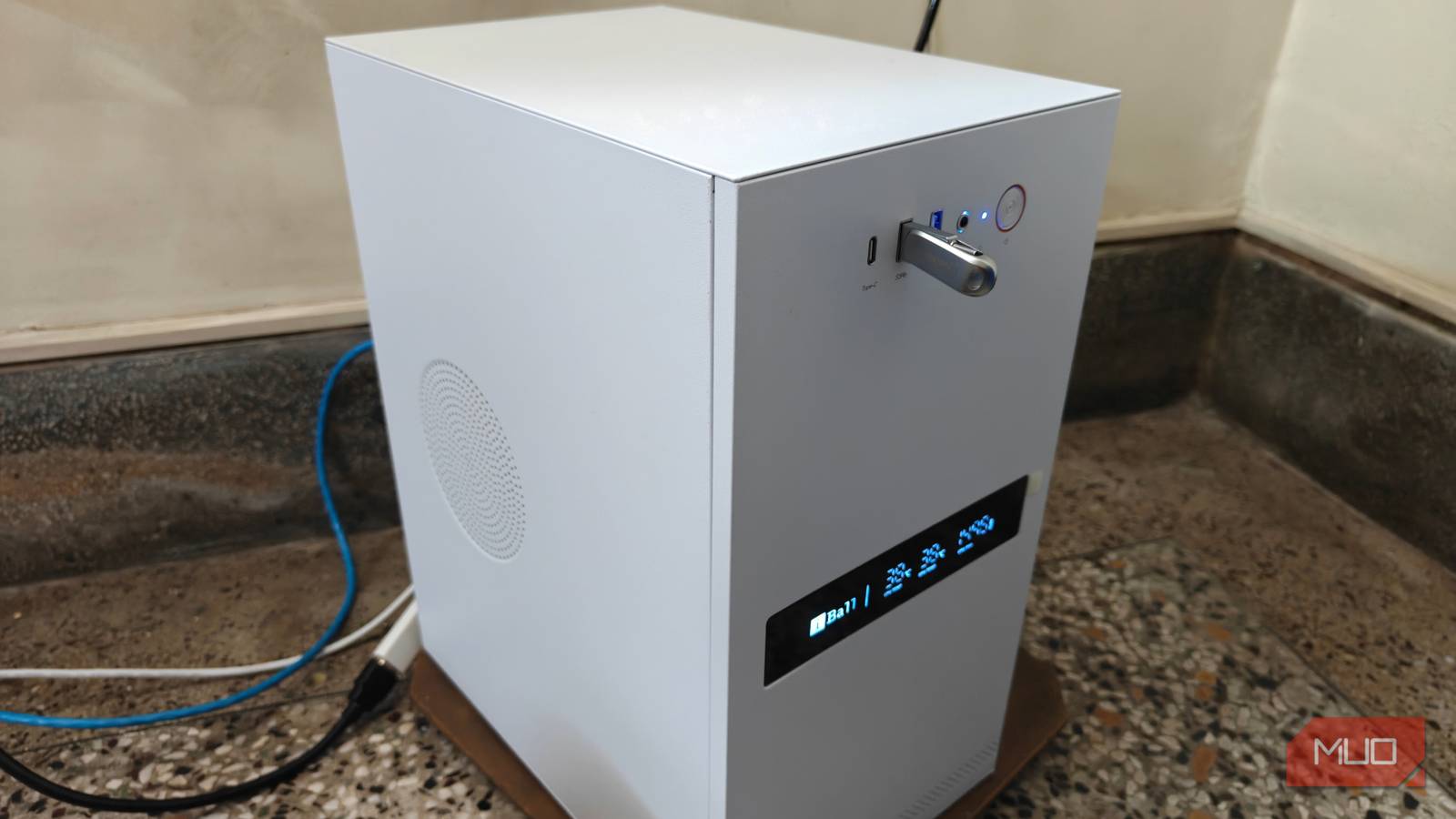
An old PC might feel painfully slow for everyday work, but that alone doesn’t doom it to the e-waste pile. In fact, aging hardware can be surprisingly capable when it’s no longer required to run a full desktop environment, dozens of browser tabs, and everyday programs.
Throw a lightweight Linux distro on it, add Docker, install a few VMs, and before you know it, you’ll have a full-blown server in your house. And just in case you’re wondering, there’s no shortage of free apps that make an old PC worth leaving on.
Home Assistant lets your old PC boss your smart home around
Local control, no cloud dependency, and zero brand loyalty
If you’re tired of having to buy specific smart home devices because they’re compatible with your particular hub, or don’t want to juggle half a dozen smart home apps, Home Assistant is by far the best upgrade you can give your smart home. It brings smart lights, plugs, sensors, thermostats, cameras, and other connected devices across brands into a single interface, letting you build automations that aren’t tied to a single manufacturer.
For example, Home Assistant could turn on a hallway light when motion is detected after sunset, notify you when a door is opened, or shut down appliances when there’s no one in the house. I’ve converted LED strips into visual alarms, supercharged my dumb appliances with smart plugs, and even created a custom climate-control system, all with Home Assistant automations written around my specific appliances and smart home devices.
More importantly, Home Assistant prioritizes local control. Devices running on technologies like Zigbee, Z-Wave, Matter, Thread, or ESPHome can continue working when your internet, or a manufacturer’s cloud platform, is down, though Zigbee, Z-Wave, and Thread do need a USB radio dongle plugged into the PC. An old x86 or x64 PC is more than enough to run a Home Assistant VM or Docker container without much strain either. If you want the simplest dedicated setup, Home Assistant also offers an operating system image for compatible 64-bit UEFI PCs, as long as you disable Secure Boot.
Kopia backs up your whole household while you ignore it
Encrypted, deduplicated snapshots, but still not your only backup
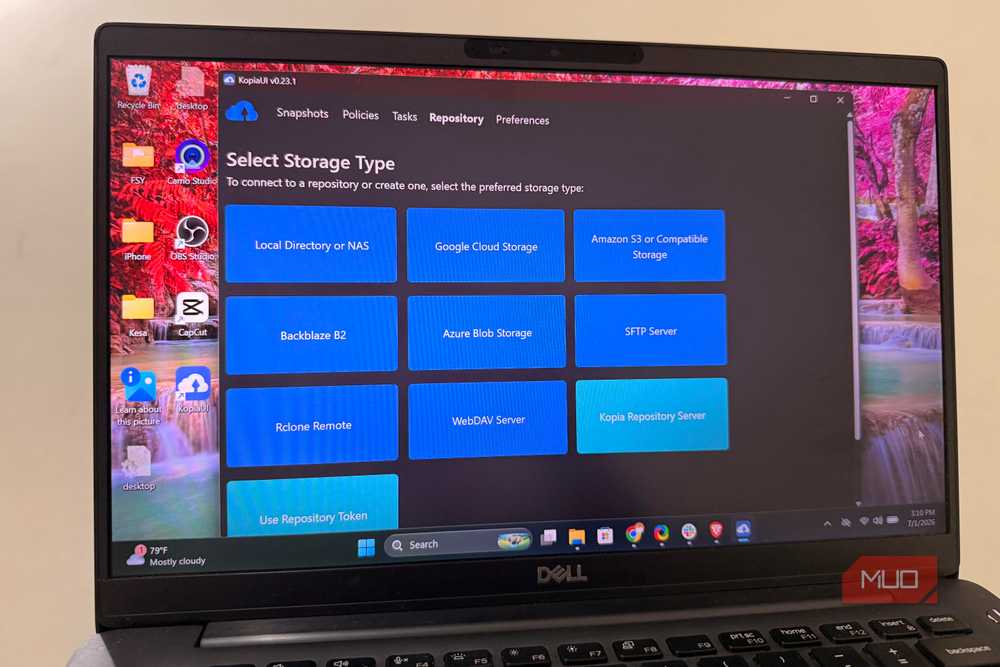
Another excellent use case for an always-on PC is a central backup location, and Kopia can help you set that up. It’s a free, open-source backup tool for Windows, macOS, and Linux, with both command-line and graphical interfaces. It creates point-in-time snapshots and can save them to local disks, network storage, SFTP, or WebDAV servers as well as several cloud-storage providers.
Kopia encrypts repositories by default and supports compression, scheduling, retention policies, and content deduplication. Its snapshots are incremental too, meaning once it takes the first backup, it only needs to store new or changed data. It can even avoid storing duplicate content shared by multiple files or computers in the same repository.
That can turn your old PC into a household backup hub. Install Kopia on your main computers and send their snapshots to a large drive attached to the server. Just remember that the server should not hold your only backup. A sensible strategy still keeps multiple copies of important data across at least two types of storage.
Paperless-ngx finally makes sense of your pile of warranty cards
OCR hurts an old CPU once per scan, then search is basically free
Paperless-ngx turns the server into a private document archive. Feed it scanned bills, receipts, warranties, certificates, manuals, and statements, and it uses optical character recognition to make their contents searchable. The original data remains on your server rather than being sent to a hosted document-management service.
Instead of digging through folders with inconsistent file names, you can search for a company, product, address, or phrase contained inside a scanned page. Paperless-ngx can organize documents using tags, correspondents, document types, storage paths, and custom fields. It can also learn from existing classifications and automatically apply metadata to newly imported documents.
That said, OCR can briefly tax an older processor, but since it doesn’t run continuously, you can get away with a relatively weak one. Once a document has been processed, browsing and searching the archive is comparatively light work. Paperless-ngx provides an official Docker Compose setup, making it a natural addition to the same Linux server.
Jellyfin gives the old PC movie night and Plex a cold shoulder
Quick Sync handles the transcoding so your ancient CPU doesn’t have to
Jellyfin gives your PC a more entertaining job. It organizes your personal collection of movies, television shows, music, and other media, then streams them to supported phones, computers, and TVs. Unlike proprietary alternatives, Jellyfin is free software and doesn’t require a subscription to unlock its core server features.
The main limitation is video transcoding. If a playback device cannot handle a file’s format, Jellyfin may need to convert it in real time. Fortunately, many older Intel processors include Quick Sync hardware that can accelerate supported transcoding workloads without overwhelming the CPU. Jellyfin supports Quick Sync on Linux for Broadwell (5th-gen Core) and newer processors, and VA-API for nearly all Intel GPUs, although codec support depends on the processor generation.
Your “worthless” old PC has a better future than a landfill
Pick one app, add storage and backups, and cancel something
Giving an old PC a dedicated job is one of the easiest ways to get more value from hardware you deemed worthless. These programs cover practical needs that benefit from always-on access, while keeping your data and services completely under your control.
They’re not overly technical or difficult to start with either. Pick one that solves an immediate problem, and expand outward as and when you need to. With a little storage, a stable Linux installation, and regular backups, yesterday’s desktops and laptops can become capable machines that save money, reduce waste, and make your digital life easier and better protected.