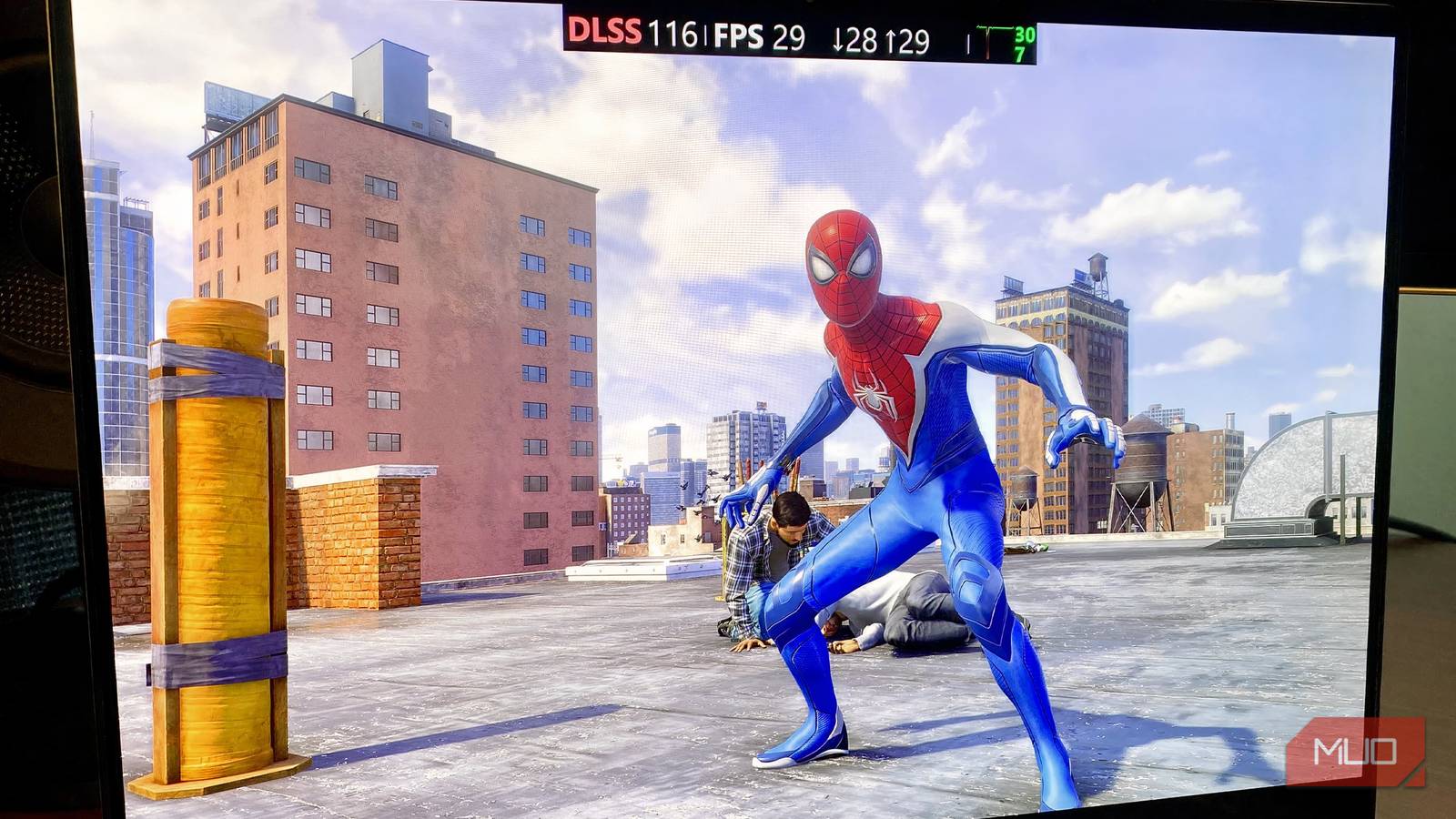
A game building its shader cache on its first boot is the hardest part to sit through. I remember getting The Last of Us Part 1 Remake on PC when it first came out and waiting an hour before jumping into the actual game just because shader compilation took so long.
Shader compilation helps a GPU translate shaders into native code it can execute, and it happens only once. However, this cache can sometimes be accidentally wiped out, causing stuttering as the CPU has to recompile it, which burdens the CPU.
Fortunately, you can fix this with a single tweak in the Nvidia Control Panel, and your games won’t have to recompile shaders after the first attempt.
Why your shader cache keeps getting wiped
Nvidia’s default size limit evicts older games’ shaders

Shader compilation is typically a one-time process, and your GPU saves the compiled data in your driver’s folder on the C: drive. However, this data can sometimes become overwhelming across multiple games, causing the GPU’s driver to expel the cache for other games to make room for newer ones.
This usually happens because the GPU’s driver sets a fixed, sometimes inadequate, cache-size limit, which can clear the cache and prompt the game to recompile shaders, causing stutters. When you re-launch a game whose shaders got wiped, your CPU gets burdened with compilation, causing stutters that only go away once the shaders are fully compiled.
Then, switching to another game may wipe the previous game’s shaders if the cache is filled, and so on.
How to raise the shader cache limit
One toggle in the Nvidia Control Panel

Both AMD and Nvidia let you set a specific size limit for the game’s cache, and if you have a big library like mine, you’ll likely experience frequent shader recompilation. To avoid this, set a custom size limit for your shader cache.
To do so, follow these steps:
- Open Nvidia Control Panel.
- Go to Manage 3D settings and then Global settings.
- Find “Shader Cache Size” and set it to a reasonable value, so your games don’t have to recompile shaders without impacting total storage. I’d recommend setting it to a higher limit, like 5GB, if your game library is massive.
Unfortunately, AMD doesn’t let you set shader cache limits; the driver manages it automatically, so there’s nothing that needs changing.
What the benchmarks showed
Stutter spikes shrank massively
Now, the shader cache doesn’t impact average FPS as much as other stats do. This is because the game will run smoothly for a few seconds, and the stutters are brief spikes that happen intermittently as the CPU compiles the rest.
That is why testing shouldn’t focus on average FPS, but on frame time and 1% lows, which are what reveal the stutters.
My testing methodology included running 3 different AAA titles (from my library of 15 games in total) before and after setting the custom shader cache on a PC with an RTX 4060, 16GB of DDR5 RAM, and a Ryzen 7 7800X3D to see how big of an impact it would make on the game’s performance, and here are the results I found.
|
Game |
1% Lows Before |
1% Lows After |
Frame Times Before |
Frame Times After |
Stutter Spike Before |
Stutter Spike After |
|---|---|---|---|---|---|---|
|
007 First Light |
42FPS |
44FPS (+4.8%) |
16.7ms |
15.1ms |
65ms |
42ms |
|
The Last of Us Part 2 Remastered |
38FPS |
39FPS (+2.6%) |
20ms |
17.8ms |
75ms |
58ms |
|
Cyberpunk 2077 |
61FPS |
62FPS (+1.6%) |
12.5ms |
11.4ms |
38ms |
30ms |
The results aren’t universal and may differ across setups, even with the same specs; play time also varies, since repeat runs make the game run smoother once shaders are compiled and cached properly. This is because some games compile shaders before you play, while others do it in the background, e.g., Cyberpunk 2077.
That said, stutters and lower frame times aren’t necessarily a shader compilation problem and can be caused by factors like asset streaming, CPU or GPU bottlenecking, outdated drivers, etc., so keep an eye out for the component usage before jumping to the conclusion that the problem is shader compilation.
Large DX12 libraries fill the default cache fastest
Most people with a few games installed won’t run into shader compilation issues because the default limit is usually high enough to hold the shaders from those games. However, users with multiple games may face this problem, which is even more noticeable when you play a game after a long time, because your GPU driver may evict shaders and replace them with those from another game.
DX12 games compile thousands of shaders, so they fill the cache faster than older titles like Forza Horizon 5 and Assassin’s Creed Black Flag Resynced. So, if your library is full of newer AAA releases, increase the shader limit to be safe.