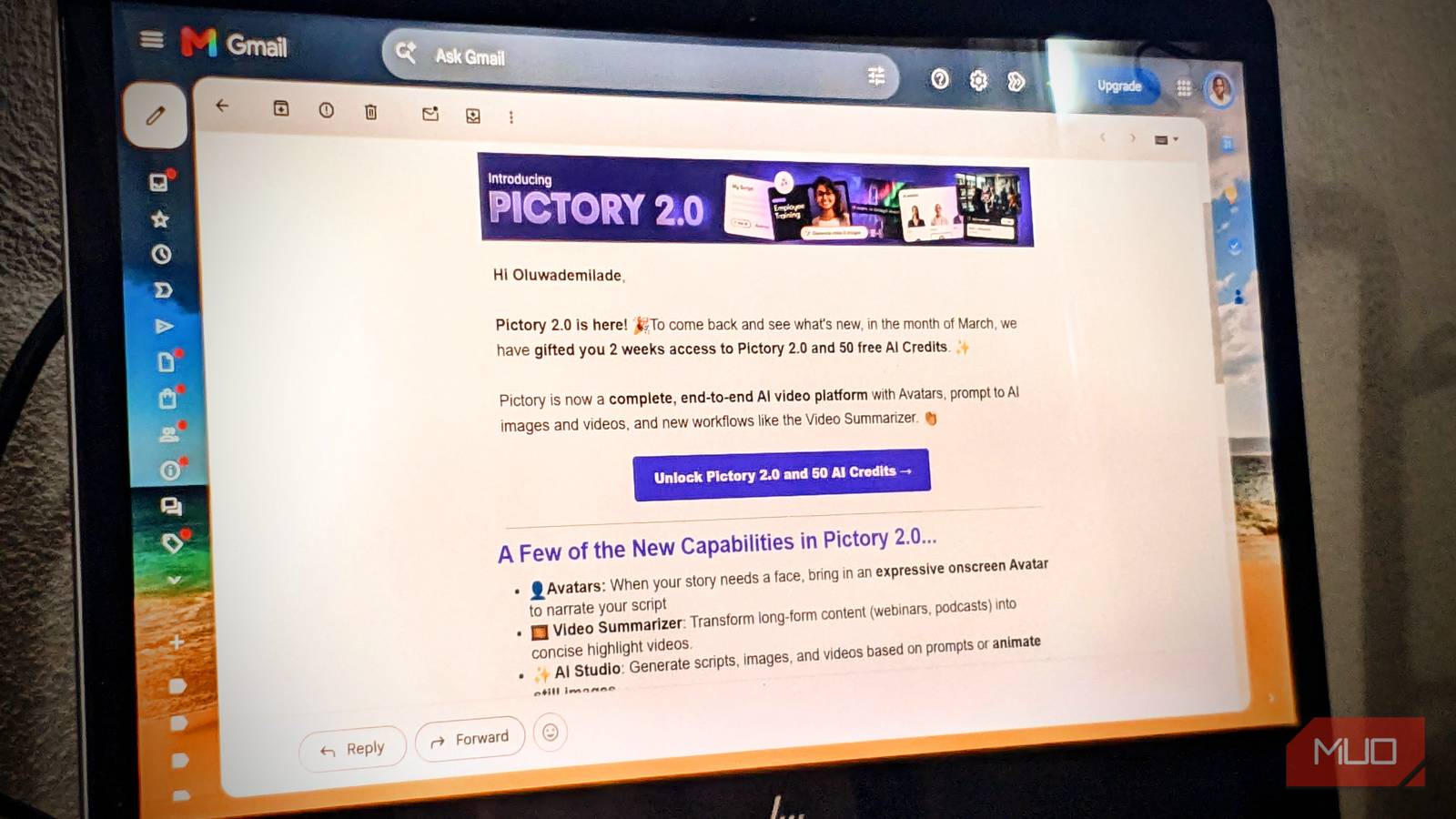
Say a store emails you 20% off something you looked at once. You open it, skim it for five seconds, and close it without tapping anything. Even though you barely interacted with it, that quick peek likely showed up on the company’s marketing dashboard.
Marketing emails can track opens, link clicks, and other behavior, sometimes before you’ve touched anything inside the message. Most of that plumbing stays completely out of sight, which is why it’s easy to assume an unopened link means you left no trail. The good news is that modern email apps have already made some of the oldest tracking tricks a lot less reliable, and there are several others you can shut down yourself.
An open can send a little receipt
The invisible image doing attendance

Most email tracking relies on external images. Instead of saving a picture inside the message, an email links to a photo hosted on a company’s server. The moment your mail app loads that photo, the company knows you looked at it.
Marketers often use a tiny, invisible graphic for this, known as a 1×1 tracking pixel. It tells the company exactly when you opened the email. This connection can also leak your IP address and basic details about the device you are using. However, trackers don’t have to be invisible; a regular product photo can track you the same way if the link has a unique code attached.
Because of this, an email “open” doesn’t actually mean someone read it. It just means the image was loaded. Today’s email apps handle this differently to protect your privacy:
- Gmail loads images through Google’s own servers instead of connecting directly to the sender. This hides your IP address, though the sender still knows the image was fetched.
- Apple uses Mail Privacy Protection to download email images quietly in the background before you even open the message. This makes it look like you opened the email even if you never touched it.
- Outlook also blocks external images by default or routes them through its own secure servers.
All of that makes open rates a lot murkier than the neat percentage in a marketing dashboard suggests. An “open” might be a person, a proxy, a privacy feature, or an automated fetch, which is a pretty big range for one little metric.
Clicking leaves a much cleaner trail
That blue link has paperwork attached

When you click a link in an email, it tells marketers a lot more than a simple “open” does. That’s because newsletters use unique, customized links for every single person on their mailing list.
Instead of taking you straight to a store’s website, the link secretly detours to a marketing company’s server first. That server logs your click, figures out exactly who you are and which email you came from, and then zips your browser to the actual webpage. Because of this background magic, you and your friend could click the exact same button in the same newsletter, but you’d both be clicking entirely different URLs.
Even so, click numbers aren’t perfect. Security programs and antivirus software often click links automatically to scan them for malware before letting them through. This creates “fake clicks” that look just like real human activity, which marketing platforms have to filter out.
Once the actual webpage loads, regular website tracking takes over. Cookies, browser scripts, and ad networks start tracing your steps, but that data belongs to the website itself, not your email app.
You’ve probably noticed how long and messy these links look. Pieces of text in the URL like utm_source=email or utm_campaign=summer-sale simply tell the website’s analytics software which marketing campaign brought you there. On their own, these “UTM tags” don’t know your name or identity—but other tracking codes hidden deeper in the link can.
Personalized unsubscribe links work the same way. The email platform needs a unique code to know exactly which person wants off the list. If you trust the newsletter, clicking that official unsubscribe button is the best way to stop getting their mail.
However, spam and phishing emails are a completely different story. If an email looks shady or untrustworthy, don’t click anything inside it. Even clicking “unsubscribe” on a scam email lets the sender know your inbox is active, giving them the exact reaction they want.
Make your inbox a worse informant
A few settings do most of the work
You don’t have to give up HTML email or dissect every URL like it’s evidence in a crime lab. A few habits cut out a lot of the easy tracking without making your inbox miserable to use.
- Stop external images from loading automatically. Gmail has an Ask before displaying external images option, and changing this Gmail setting can stop hidden tracking images from loading automatically.
- Keep your mail app’s privacy features turned on: If you use Apple Mail, navigate to Apps > Mail, then tap Privacy Protection and toggle on Protect Mail Activity. If you use Outlook, make sure your external image controls are activated. Go to Settings > Privacy and data > External images, and tick the circle next to Always use the Outlook service to load images.
- Use tracker blocking when your mail app supports it: If your current email app doesn’t already block tracking pixels, there are several easy ways to do so.
- Go straight to the website when you don’t want to use the email link: If a brand sends you a coupon or newsletter, don’t click the link in the email. Instead, open your browser, search for the store, or type their web address directly into the search bar.
- Check sketchy links before opening them: Look at a link before you click it. If you are on an Android phone, apps like URLCheck can let you safely inspect messy, tracking-heavy links before they open.
- Try a privacy-first email service: If you are truly fed up with tracking, consider switching to a provider like Proton Mail, which has built-in tools specifically designed to block email trackers.
- Use aliases for newsletters and online accounts that don’t need your primary address: Keeping your real email address off random websites also makes it easier to retire an alias that starts attracting junk.
Suspicious email is easier to deal with. Mark it as spam or phishing and don’t click anything inside it, including the unsubscribe button. Some innocent-looking email habits can create openings for attackers, and an unknown sender doesn’t need a courtesy click just because the message looks polished.
You also don’t have to use every precaution on every newsletter. You can save the stricter settings for senders you don’t know or don’t trust, while letting the mail you actually want behave normally.
Your inbox doesn’t need to report for duty
Marketing emails have always been a two-way street. A company gives you a discount code, a product update, or some other reason to pop into your inbox, and in return, they hope you’ll eventually buy something from them.
Once you realize just how much tracking and data collection happens behind the scenes of that deal, it gets a lot easier to decide how much privacy you’re willing to give up. You don’t have to treat every newsletter like malicious spyware. Just remember that behind every cheerful “20% off” button, there’s a whole digital accounting department taking notes.