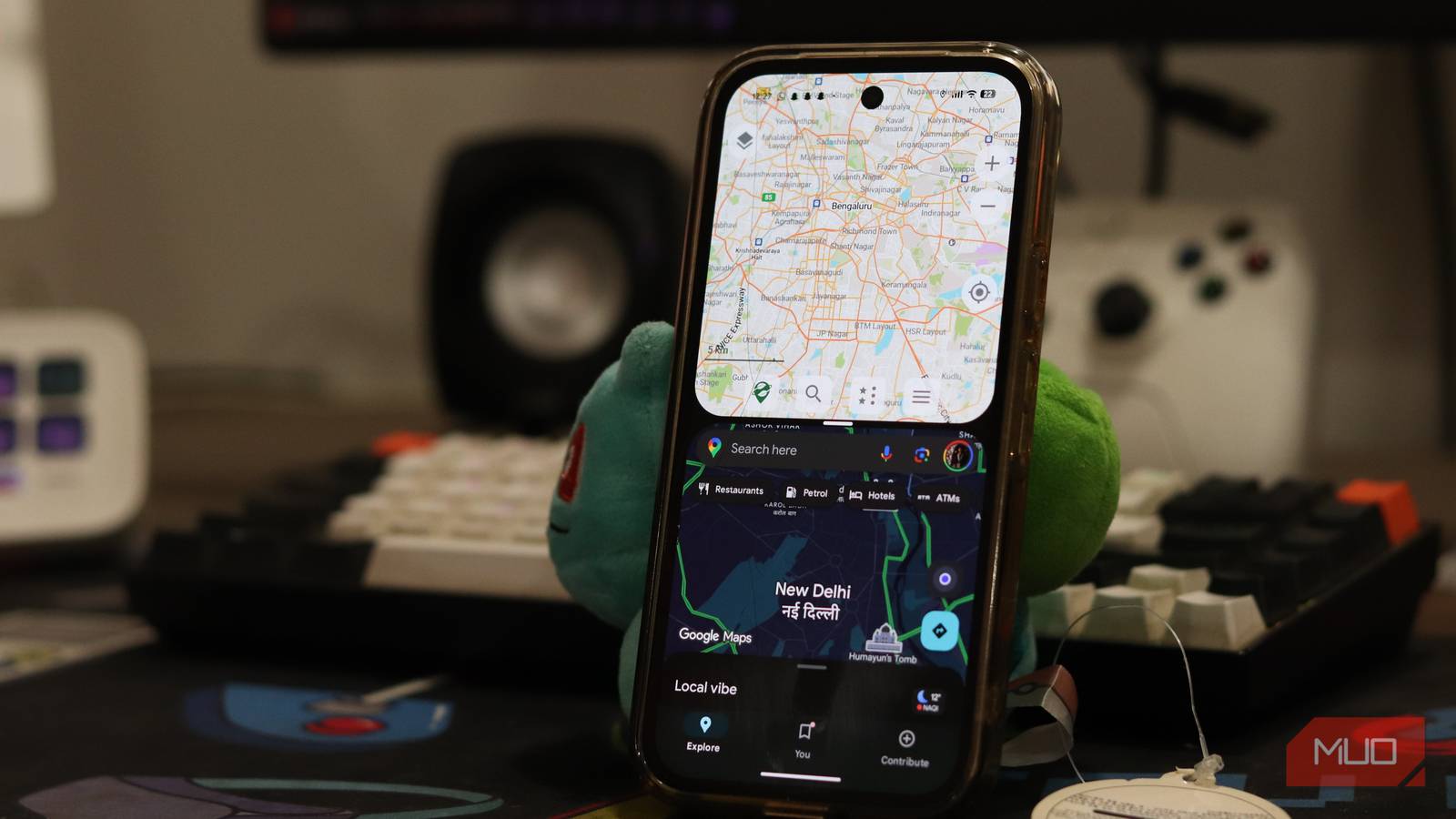
I’ve always relied on Google Maps to drive somewhere unfamiliar, explore a new city, or find a nearby restaurant. It also works offline, which is a convenient backup when I don’t have mobile data. However, I eventually realized that downloading a map doesn’t mean I can access every navigation feature when I’m offline.
I knew Google Maps’ offline mode had failed me when I was standing at a trailhead with no signal, staring at a grey grid. Enter: Organic Maps.
Why I stopped using Google Maps’ offline mode
I need to know where I’m going

I used to think that if I downloaded an area in Google Maps, I was prepared for my trip. Honestly, Google Maps can give me offline driving directions. If I’ve downloaded an area, I can still navigate as long as my route falls within it.
Now, the first limitation is that Google Maps doesn’t provide offline walking, cycling, or public transport directions. I also missed out on things like live traffic information, congestion alerts, and alternative routes based on current traffic conditions. My plans could change when I’m traveling.
For instance, I had downloaded a map around my hotel, but I wanted to visit a restaurant in a neighboring town. The destination was outside my downloaded area, so I needed an internet connection to download the additional map. Also, I had to update my downloaded maps periodically; otherwise, they would expire.
That’s why I wanted an app that wouldn’t leave me checking which features were available every time I lost my internet connection.
Organic Maps works without an internet connection
Meet an app built for offline use

Google Maps offers offline functionality as an additional feature, but Organic Maps is designed for offline navigation. It’s a free, open-source navigation app powered by OpenStreetMap data. I can download the maps I need, and the app will save them locally on my device. After that, I can search for places, explore my surroundings, and navigate without mobile data or Wi-Fi.
What caught my attention was the range of offline features, such as turn-by-turn navigation for driving, walking, and cycling. I can also search for points of interest, including restaurants, tourist attractions, and gas stations.
I don’t have to create an account to use its core features, and the app doesn’t bombard me with annoying advertisements. Since it relies on OpenStreetMap rather than Google’s mapping data, its interface and information look slightly different. After years of using Google Maps, I found it quite overwhelming. However, it also gives me useful details such as walking paths and cycling routes.
Setting up Organic Maps is surprisingly simple
It takes only a few minutes

It’s pretty straightforward to use Organic Maps. I just have to download the maps I want to use before going offline.
- Download Organic Maps from the App Store or Google Play Store.
- Open the app and allow it to access your location.
- Search for the country or region you want and select the download option when prompted.
- Wait for the map to finish downloading.
Once downloaded, you can explore the area without the need for an internet connection.
I’d recommend that you download maps before leaving home, especially if traveling abroad. For example, when I planned a road trip from London to Scotland, I downloaded the relevant regions beforehand. I didn’t have to worry about losing navigation in poor network areas.
If you’re traveling across multiple regions, you must download neighboring maps. Don’t assume your one download will cover the entire route.
Before you rely on the app, I recommend testing it in airplane mode with Wi-Fi disabled. Try searching for a place and creating a route to confirm that you have everything you need offline.
The offline features I actually use
What Organic Maps does better
One of the first things I wanted to check was whether I could find places without relying on an online search. With Organic Maps, I can search for points of interest like a restaurant or supermarket, directly within a downloaded map. I don’t need to reconnect to browse available locations. I find this really useful when traveling somewhere unfamiliar. In summer, I went to Italy and wanted to find the nearest petrol station.
Instead of opening Google Maps and praying I have enough signal to load search results, I searched directly in Organic Maps.
Getting turn-by-turn directions for walking and cycling without mobile data is probably the main reason I use Organic Maps. When I want to walk through a new city, I can follow directions without worrying about losing my mobile connection. My phone’s GPS can determine my location, and this allows Organic Maps to track my position on the downloaded map and guide me along my route. I can’t get live traffic updates, but I can still follow my route without an internet connection.
You can also bookmark locations in Organic Maps. When I was planning my Europe holiday, I saved places I wanted to visit, such as museums and local attractions. When I was in dead zones, I could easily access these bookmarks in my downloaded maps.
Have I uninstalled Google Maps?
I don’t see Organic Maps as a complete replacement for Google Maps. For me, the biggest gap is the lack of real-time information. When I’m driving through a city on a weekday, I still open Google Maps to route around jams.
Business information is another limitation. Since Organic Maps relies on OpenStreetMap data, some businesses might be missing, have outdated details, or lack information such as opening hours. Coverage depends on where you are. In well-mapped areas, I found nearly everything I looked for. In one small town, though, I searched for a cafe name, but it didn’t appear. I switched to Google Maps and found it immediately, along with its hours and photos.
The same goes for public transport. Google Maps is far ahead in timetables and live departures. I use both Google Maps and Organic Maps based on what I want. Google Maps is the best for real-time information, while Organic Maps stands out with its offline functionality.

- OS
-
Android, iOS
- Price model
-
Free, Open-source
Organic Maps is a free, open-source, offline navigation app for hikers, cyclists, and travelers. Built by Maps.Me founders using OpenStreetMap data, it features detailed maps, routing, contour lines, and voice guidance without cellular data. It prioritizes user privacy, containing zero ads, tracking, or data collection while remaining highly battery-efficient.