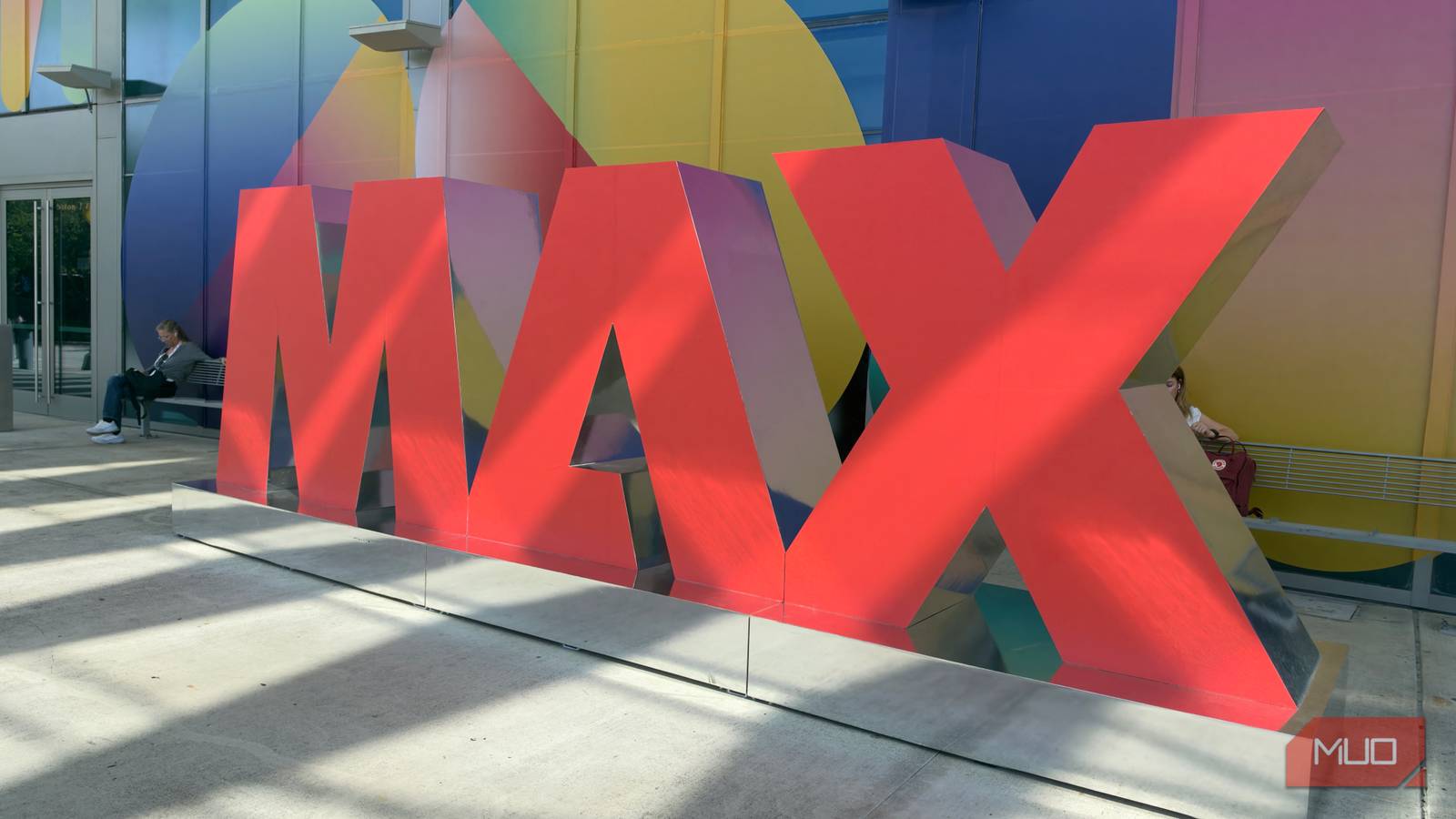
I just wrapped up Adobe MAX 2026 in Miami, Florida, and as you can imagine, the conference was buzzing with creativity, excitement, and, unsurprisingly, AI. Adobe had plenty of exciting announcements up its sleeve this year, and it was fascinating to see just how much the creative industry is changing.
But here’s the thing: AI isn’t just changing how people create anymore. It’s also changing how creative software itself is built. One particularly ambitious example is ArtCraft, an entire suite of free, open-source alternatives to Adobe’s Creative Cloud apps that were vibe-coded using Claude Code.
Now, you might think Adobe’s own conference isn’t exactly the place to bring up a suite of apps trying to replace its products. I, on the other hand, figured there was no better opportunity. With Adobe executives practically everywhere I turned, I decided to do exactly that and hear what they had to say about it.
ArtCraft started with one developer and an AI coding agent
One developer decided to build his own Creative Cloud
For those unfamiliar, ArtCraft is a project by software engineer Brandon Thomas, who got so frustrated with Adobe’s subscription prices that he decided to take matters into his own hands. He used his 15 years of software engineering experience and Claude Opus 5.5 to recreate seven of Adobe’s most popular Creative Cloud applications and make them completely free and open source.
Rather than keeping the project to himself for personal use, he went ahead and released the apps publicly for anyone to download, use, and even contribute to. The lineup includes PhotoCraft, LightCraft, FilmCraft, VectorCraft, PDFCraft, MotionCraft, and LayoutCraft, which are alternatives to Photoshop, Lightroom, Premiere Pro, Illustrator, Acrobat, After Effects, and InDesign, respectively.
I’ve tested almost all of them out, including his new Microsoft Office alternatives, and there were certainly parts of the experience that impressed me.
I asked three Adobe executives why I should still pay for Creative Cloud
So, why should I keep paying for Creative Cloud?

I had the opportunity to sit down with three senior Adobe executives during MAX, all of whom are closely involved in shaping the future of the company’s creative tools. I spoke with Zorana Gee, Senior Director of Product Management for Creative Cloud Agentic; Meg Donovan, Senior Director of Gen AI and Creators; and Stephen Nielsen, Senior Director of Product Management for Photoshop.
I asked all three of them if they’d heard of the ArtCraft suite, and followed up with a question I was super curious about: With AI coding tools making it increasingly easy to build alternatives to Adobe’s applications, why should someone still pay for Creative Cloud?
I wanted to look at this from both the perspective of casual users who only need a handful of features and that of creative professionals who rely on Adobe’s tools for their work. After all, what makes an application worth paying for can vary quite a bit depending on how you use it.
Each executive had a slightly different answer
Three executives, one very expensive software suite
While each executive approached the question a little differently, there was a fair bit of overlap in their answers.
Adobe’s head of Creative Cloud Agentic thinks precision and quality are hard to replicate
Zorana Gee was the first executive I brought ArtCraft up with, and her answer largely came down to two things: precision and quality. She pointed out that Adobe has spent decades building its creative tools, and while AI coding tools might make it possible to recreate parts of these applications, achieving the same level of depth, control, and precision is a different challenge altogether.
“I think anybody can vibe code something,” Gee told me, before comparing the process to building a car. You might be able to build individual parts of a car or even come up with a blueprint, but getting all those parts to work together reliably across different environments is an entirely different undertaking.
Her point was that while AI makes it easier than ever to build software, there’s a lot more to creating professional-grade tools than simply replicating their features. That’s where she believes Adobe’s decades of experience give it an advantage.
Adobe’s head of Gen AI and Creators believes interoperability is the bigger advantage
Now, Meg Donovan approached the question from a slightly different perspective. While she also emphasized Adobe’s decades of experience building professional creative tools, her argument focused more on how these applications work together, rather than what each one can do individually.
She brought up interoperability between Adobe’s flagship applications, particularly with the introduction of Adobe Creative Agent and the company’s growing support for MCP servers that were announced on the first day of MAX. The idea is to make it easier for users to work across different Adobe applications, have AI agents remember their preferences, and even access Adobe’s tools from outside its own ecosystem.

As Donovan put it, “If you want to work within the tools and go deeper, and you want those tools to talk to one another, Adobe is the one place to do that.” What I found interesting about her response was that she wasn’t necessarily making a case for Photoshop or Premiere Pro individually.
She was making a case for Creative Cloud as an interconnected ecosystem, which is a much bigger challenge for alternatives like ArtCraft to replicate.
Adobe’s head of Photoshop says professional-grade control is what sets it apart
Stephen Nielsen, Senior Director of Product Management for Photoshop, was a lot more specific with his response. He argued that PhotoCraft, while impressive at copying Photoshop’s features, still doesn’t offer the same depth of power and control as Photoshop, particularly when it comes to AI-powered editing.
Another point Nielsen kept coming back to throughout our conversation was control. He demonstrated several of Photoshop’s latest AI features, including Relight and Generative Restyle, to show how users can make precise adjustments rather than simply accepting whatever an AI model generates. He also explained that Adobe wants its AI agents to eventually make changes through editable layers and masks, allowing users to go back and refine individual elements without starting over.
This is a pattern I noticed throughout MAX. Beyond the emphasis on AI, the company also emphasized putting control back in users’ hands. Rather than simply letting AI make changes and hoping the results match what you had in mind, Adobe wants users to be able to fine-tune those changes and have the final say over how their work turns out.
I agree with Adobe, but only to a point
There’s still room for both ArtCraft and Creative Cloud

As someone who’s spent time using both ArtCraft’s applications and Creative Cloud, I do think the executives made some fair points. Stephen Nielsen’s argument about reliability and professional support, in particular, is something I agree with. If I were a professional designer working with complex PSD files and collaborating with clients, I’d probably think twice before replacing Photoshop with an alternative that’s still in its early stages.
But here’s the thing: I’m not a professional designer. I’m a journalist, and most of my use cases are pretty straightforward. I’ll open Acrobat to make a few changes to a PDF, or Photoshop to make a quick edit to an image, and call it a day. That’s also why, while I understand Meg Donovan’s argument about interoperability, it doesn’t particularly matter to someone like me. I typically use Adobe’s applications in isolation, and I’ve found that ArtCraft can already handle a surprising number of my everyday tasks.
However, one of the biggest reasons I still reach for Adobe’s applications is, ironically, their AI features. Tools like background removal and generative object removal are useful in my workflow, and PhotoCraft still has some major catching up to do in this area. There’s also something to be said about familiarity and ongoing support.
If you’ve spent years building your workflow around Creative Cloud, switching to another suite isn’t necessarily easy. Adobe also has an established community and continues to improve its tools. Photoshop’s Relight feature, for example, was first showcased at Adobe MAX Sneaks in 2025 before making its way into Photoshop this year. While ArtCraft is open source and anyone can contribute, not everyone wants to spend time tinkering with software.
Then there’s the pricing. Adobe has continued expanding its AI offerings, and while there’s now a cheaper Creative Cloud Standard plan at $54.99 per month, even that includes generative AI capabilities and 25 monthly generative credits. There’s no dedicated AI-free Creative Cloud suite for people who simply want to use the traditional tools they’ve relied on for years. When you’re only using a handful of features, paying for an entire subscription becomes harder to justify, especially as free alternatives get increasingly capable.
Ultimately, though, I don’t think this has to be an either-or situation. There’s absolutely still an audience for Creative Cloud, particularly among professionals who value its reliability, advanced features, and interconnected ecosystem. At the same time, I think it’s exciting that projects like ArtCraft are making creative software more accessible to people who don’t necessarily need all of that.
If one thing my conversations with Adobe’s executives reinforced, it’s that building professional creative software involves much more than simply recreating its features. That doesn’t take away from what ArtCraft has accomplished, though, and I’m curious to see how much further it can go.