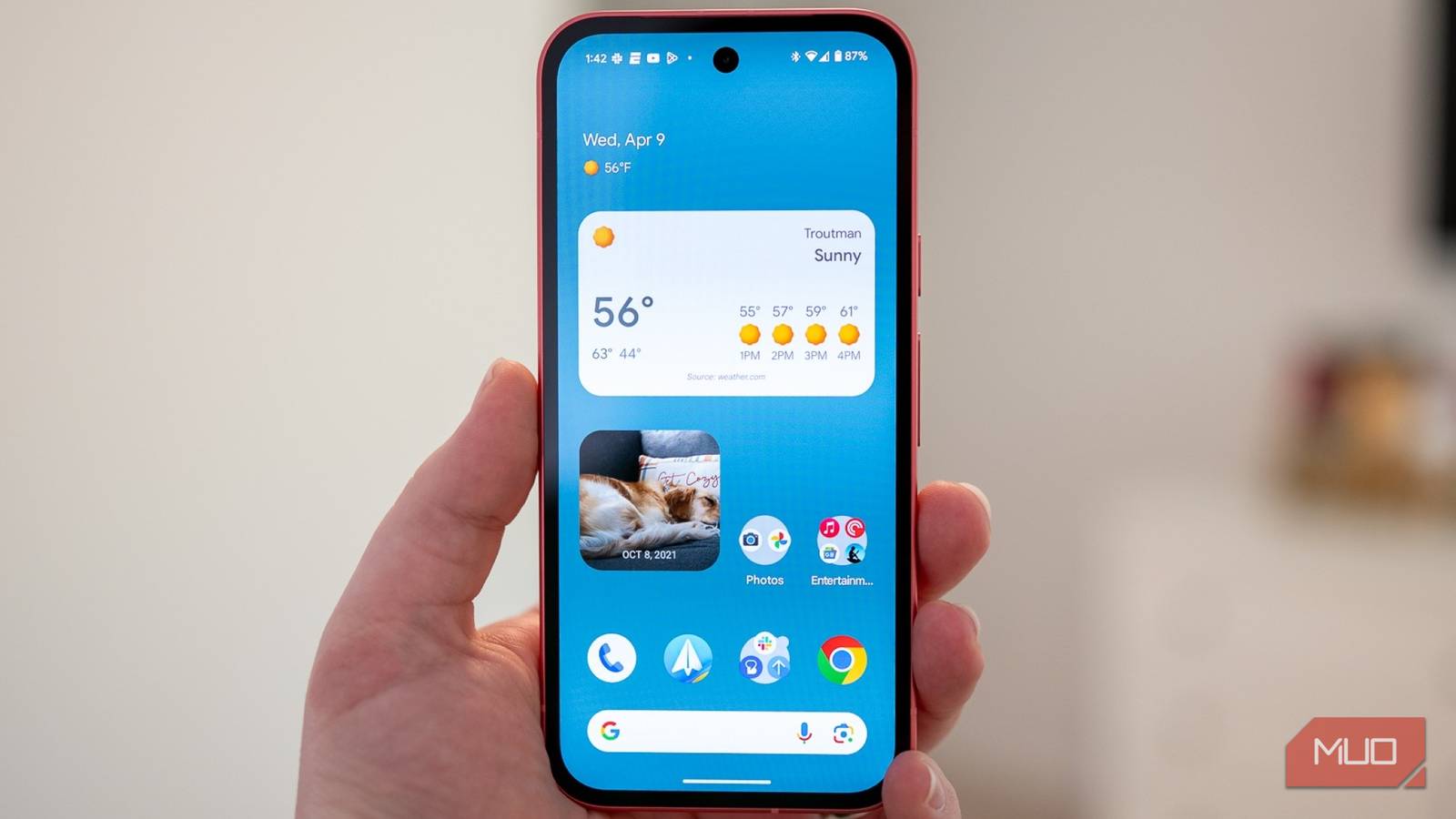
There’s something about a good home screen widget that makes your phone feel instantly more put together. It adds personality to your setup, but more importantly, it puts the information you actually care about right in front of you.
I tend to redo my Pixel’s home screen now and then. And whenever that happens, widgets are always a big part of the makeover. I don’t just want them to look pretty, though. If something is taking up precious space on my home screen, I want it to earn its spot. Over time, I’ve found a handful of widgets that do exactly that. So, if you’ve been thinking about refreshing your home screen, here are some useful Android widgets I wouldn’t skip.
My memory needs a little backup
The first widget I add to pretty much every home screen setup is Google Calendar. My entire day practically lives inside a Calendar, so having it sitting right there on my home screen makes a huge difference. Instead of opening the app every few hours to figure out what’s coming next, I can simply glance at my phone and see everything lined up for me. Meetings, appointments, events, to-do lists, and the rest of my daily schedule are all right there. It’s especially handy on those packed days when I’m jumping from one thing to another and would otherwise completely forget that I have something scheduled an hour later.
More than anything, I like that it keeps my priorities visible. Every time I unlock my phone, I get a tiny reminder of what I need to get done and what’s coming up next. So, if you’re also the kind of person who likes planning out the day or even the entire week, the Google Calendar widget absolutely deserves a spot on your home screen.
Music controls, right where I need them
Skip, pause, replay, and obsess

Then there’s music, which is almost always playing on my phone. If you’re anything like me and rarely go through the day without something playing in the background, your favorite music app absolutely deserves some home screen space, too.
I use the YouTube Music widget, and what I love is how much I can do without opening the app. If I’m working and a song comes on that I’m not in the mood for, I can skip it straight from the home screen. I can pause or resume playback just as quickly, and when I stumble across a song I know I’m going to play to death for the next few weeks, I can add it to my playlist right from the widget. These are all tiny things, but that’s exactly what makes a good widget useful. Instead of opening YouTube Music every time I want to control what’s playing, I can keep the basics just one tap away.
My home screen is also my remote
Who’s at the door? Let me check

Another widget that has earned a permanent spot on my home screen is the Google Home widget. It gives me quick access to the smart home devices and automations I use most, without me having to open the Google Home app every single time.
My favorite example is my video doorbell. Say I’m already tucked into bed, and someone rings the bell. Instead of getting up and walking to the living room to see who’s there, I can tap the doorbell shortcut on my home screen and pull up the live camera feed. I can see who’s at the door and, more importantly, decide whether getting out of bed is actually worth it.
And that’s just how I use it. You could add a pet camera to quickly check what your dog is up to while you’re in another room, turn off the kitchen lights after realizing you left them on, or control your living room devices without hunting through the Home app. If you have a few smart devices around the house, having your most-used controls sitting right on the home screen can save you a surprising amount of time.
Those steps aren’t going to walk themselves

I also like keeping my health and fitness stats somewhere I can actually see them. I usually start my mornings with a walk or a run, squeeze in some weight training, and try to stay active throughout the day. That’s why a health widget has become another regular on my home screen.
For me, it works almost like a tiny reminder to keep moving. I can glance at my home screen and immediately see how active I’ve been. If it’s already evening and my step count is embarrassingly low, that number is sometimes enough to convince me to go for another walk. Or, if I’ve had a particularly active morning, seeing that progress gives me a nice little push to keep the momentum going.
The biggest benefit is simply having that information in front of me. I don’t have to remember to open the health app and check how I’m doing because the widget does that job for me. And if you’re trying to be a little more active or keep a closer eye on your daily fitness goals, having those stats staring back at you can be surprisingly motivating.
Make every little square count
These are the widgets that work best for how I use my phone, but that doesn’t mean they’ll be the perfect combination for everyone. Android offers plenty to choose from, so I’d recommend heading into the widget browser and spending a few minutes browsing what your apps have to offer. You might be surprised by how many useful ones are already sitting on your phone.
The trick is to pick widgets for things you actually do every day. There’s absolutely no point filling your home screen with widgets just because they look nice if you never actually use them. For me, the best home screen sits somewhere between useful and good-looking. And with the right widgets, you can make your phone feel a little more personal while also saving yourself a surprising number of taps throughout the day.