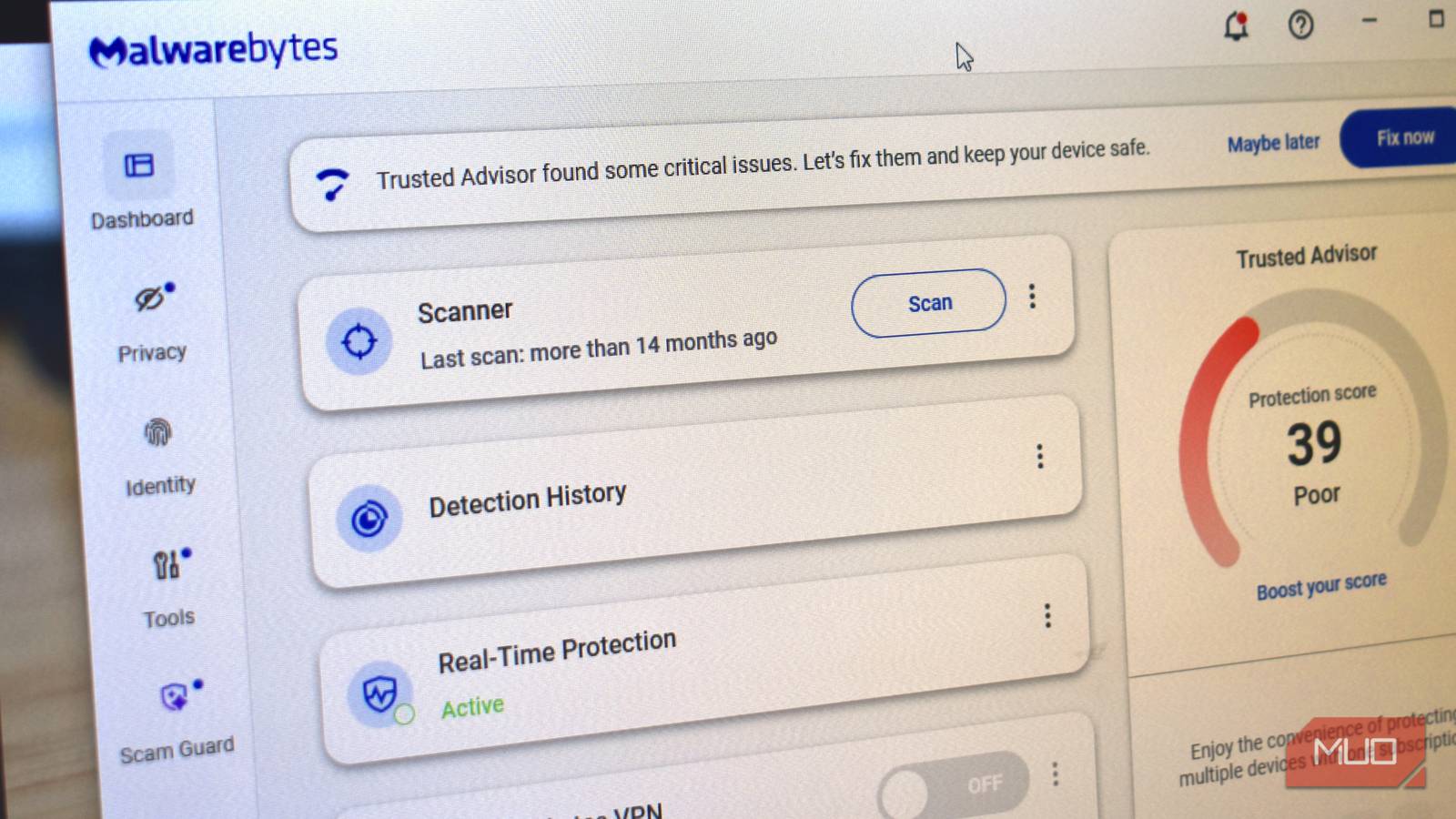
After years of running several subscriptions, I paused to investigate the value of each one. The pieces of software protecting my PC, storing my passwords, connecting me to my own network, and backing up my files were some of the most valuable ones. But the more I looked at these four, the more I realized I was paying for them because subscriptions had become my default, and not because I lacked options. So I pulled apart what each was doing and replaced the parts I actually needed with free tools.
Antivirus subscriptions
I stopped paying for protection Windows was already providing

Norton 360, my antivirus plan, was the first to go. Not because malware protection is unnecessary, but because I was running Windows 11 on this specific computer and Microsoft Defender Antivirus already provides the malware protection I needed.
Not just Norton 360, but paid antivirus in general comes bundled with VPNs, password managers, identity monitoring, and other extras; but I already had separate tools for these. What I really was paying for was malware protection, and Windows already covered that.
In AV-TEST’s May-June 2026 Windows 11 consumer test, Defender scored 6/6 for protection, 5.5/6 for performance, and 6/6 for usability. In both months, it detected 100% of widespread malware, and in June it detected 100% of zero-day threats tested.
For the protection I actually needed, Norton was duplicating a capability Windows was already providing.
|
What I was paying for |
What Windows already provides |
|---|---|
|
Real-time malware protection |
Microsoft Defender Antivirus |
|
Basic firewall protection |
Windows Firewall |
|
Protection against malicious websites and downloads |
Microsoft Defender SmartScreen |
This switch also meant I no longer had to deal with my antivirus application’s notifications and settings. If you want bundled extras, you should still pay for an antivirus, but if Windows was already giving me the malware protection I needed, I didn’t need another yearly subscription for the same layer.
Password manager subscriptions
KeePassXC put my password vault back in my hands
The reason why a password manager subscription bothered me was quite different. The main thing I was paying for was a managed password vault that handled storage, syncing, and convenience.
I was paying $2.99 a month for 1Password’s Individual plan, or $35.88 a year. This gave me access to features like autofill, password generation, syncing across devices, and alerts when credentials are compromised.
I switched to KeePassXC, and its design is quite different. It’s open-source, free, and keeps the passwords under my control. I decide where the passwords are stored and how they get to my different devices — things the subscription handled.
I back up and sync the database myself; there’s no provider to help with recovery.
|
1Password |
KeePassXC |
|---|---|
|
$35.88/year |
$0 for the software |
|
Hosted service |
Local encrypted database |
|
Built-in syncing |
I choose how to sync |
|
Provider-managed storage and syncing |
I manage storage and backups |
KeePassXC 2.7.9 for Windows 10 also received ANSSI’s first-level security certification in 2025, valid through November 2028.
While there is a convenience trade-off, putting my vault under my control makes it worth it.

- OS
-
Windows, macOS, Linux, Portable
- Price model
-
Free
KeePassXC is an offline password manager that offers strong password encryption and does not require the cloud to store or handle your credentials. It is open source and community maintained.
VPN subscriptions
WireGuard is enough when the destination is my own network

The word VPN makes the comparison more confusing than it needs to be. While I may be able to create an encrypted tunnel with both a commercial VPN and the one I run myself, they solve different problems.
If I want my internet traffic to appear to come from another country, I need a VPN service with an exit server there. WireGuard doesn’t provide that network of exit servers because it’s VPN software, not a commercial VPN service. However, it offers me a secure route back to my own network. The software is free and open-source.
I run a WireGuard endpoint at home and connect my portable devices to it. This means that even when I’m away from home, I can still reach services on my home network.
I had a NordVPN subscription that cost me $14.99 monthly or $179.88 when billed annually. For the actual need of getting back into my home network, I don’t need that subscription.
|
What I need |
What fits |
|---|---|
|
Reach my home network securely |
WireGuard |
|
Use an IP address in another country |
Commercial VPN |
|
Choose from global exit servers |
Commercial VPN |
|
Control the VPN endpoint |
WireGuard |
I still have to maintain WireGuard. I configure the keys and ensure the endpoint is running. It also doesn’t provide anonymity or a global server network. I just find paying for a commercial VPN to be solving a different problem when I actually want to reach my own house.
Cloud-backup subscriptions
Restic lets me separate backup software from storage

With cloud backup, I discovered I was paying for two things that didn’t necessarily have to come from the same provider: backup software and storage.
You’d pay $99 a year for the current Blackblaze Personal Backup, which bundles automated continuous backup and unlimited computer backup. This package has an obvious appeal: once you set it up, the service handles the ongoing backup for you.
I’m able to separate these two needs with Restic. This free and open-source tool runs on Windows, macOS, Linux, and BSD. I use it to send encrypted backups to different destinations.
Since I already have external drives, I can use Restic without paying for separate backup software and bundled cloud storage. This may apply to you if you have a NAS, home server, or suitable remote storage.
|
Backblaze Personal Backup |
Restic |
|---|---|
|
$99/year |
$0 for the software |
|
Storage included |
I provide the storage |
|
Automated service |
I configure the backups |
|
Managed recovery |
Provider-managed restores |
With Restic, you are also taking on responsibility for verifying backups, keeping more than one copy of important data, and testing the restore. Although it is more work than a managed service, I can at least pay for storage separately.

- OS
-
Linux, Windows, macOS
- Price model
-
Free
Restic is a modern backup program. It is free, open sources, and effortless to use. It is a command line utility that works seamlessly across platforms.
Finding the balance between convenience and control
These specific replacements may not work for everyone, but they showed me that a subscription isn’t always the only way to get the capability I need. If a free tool handles the part I actually need, and I can tolerate the accompanying trade-offs, that’s enough reason for me to stop paying for the rest.