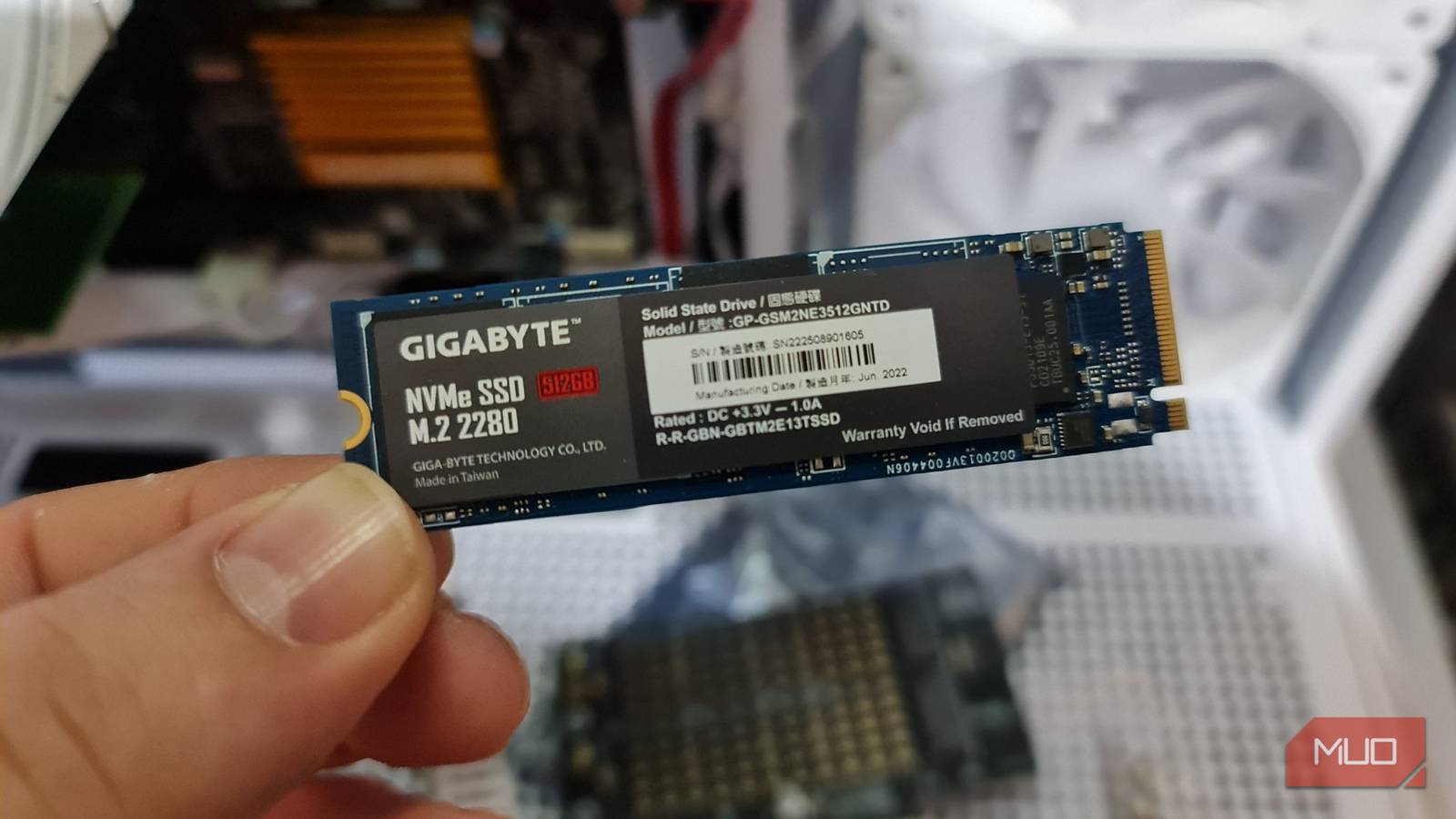
A modern 1TB SSD has an average write endurance limit of 600TBW (Terabytes Written), meaning you can write (save) 600TB of data on it before it might begin to fail. I use a 512GB SSD, so I can expect mine to be half that. But that figure varies by SSD type; some can withstand more, while others may fail after only a few hundred TB.
Still, the way you use your PC heavily influences how much data gets written to your SSD. Some things you do force your drive to work overtime by repeatedly saving data it doesn’t really need. Over time, those writes can eat into your SSD’s rated endurance, which can potentially reduce its lifespan.
Torrenting every large file
Torrent clients can generate substantial disk activity while downloading and organizing file pieces

I used to use BitTorrent for almost every large file I needed to download because it offers better download speeds than a traditional download. Instead of downloading from one central server, torrent clients pull small pieces of a file simultaneously from multiple users (peers and seeders).
But these pieces often arrive out of order, meaning the client may need to write data to different locations within the destination file rather than saving everything sequentially. This can result in random disk writes, which are more demanding on an SSD than sequential writes. The workload can contribute to write amplification, where my SSD ends up writing more data than what I’m actually downloading.
I made things worse by using a QLC (quad-level cell) SSD, which stores four bits per memory cell. Those SSDs are usually affordable, but they often have lower write endurance than TLC drives. After a few years, my SSD started experiencing problems, and I eventually had to replace it. I’m not saying the failure was due to torrenting, but the experience made me more conscious of how much data my drive was writing.
Running SSD benchmarks over and over again
Performance tests can write hundreds of gigabytes of data when repeated excessively
I know how tempting it is to benchmark a new SSD after installing it. You want to see whether it delivers the advertised speeds, compare it with your old drive, and make sure everything is working as expected. There’s nothing wrong with doing that occasionally, but doing it repeatedly is where the problem lies.
Benchmarking software measures drive performance by reading and writing dummy files that it deletes immediately. To measure sequential write speeds, for example, the tool may generate large amounts of dummy files and write them to your SSD. So, a single run can involve several gigabytes of written data.
Now imagine repeating that process several times a day; your SSD could be writing as many files as an AI data center. But you don’t have to stress your SSD that much. Tools like CrystalDiskMark let you adjust the test file size and number of runs. Or better still, run the benchmark sporadically.
Recording your screen continuously
Long recordings can write tens of gigabytes to your SSD in a single session

I was once a wannabe streamer even though I didn’t really have a passion for it. Any time I played games on my PC, I would use Xbox Game Bar to record my gameplay in the background so I could save clips and post them later on my page. But honestly, I never really posted anything, and I was just constantly recording gameplay for the fun of it.
Apart from the recorded gameplay taking up storage space, recording video continuously means the software is constantly encoding and saving new data to my SSD. The amount depends on your resolution, frame rate, codec, and bitrate, but a high-quality recording can easily consume several gigabytes in a short time.
For instance, I record my gameplay at a bitrate of 20 Mbps, which uses roughly 9GB of storage per hour before accounting for any additional overhead. So, recording a few hours every day means I was writing substantial amounts of data to my SSD even though I never actually use any of the recordings.
Letting software generate logs all day
Excessive logging can turn background processes into a constant stream of SSD writes

Generating logs helps software record errors, diagnose problems, and track what it’s doing. But some programs (cough cough, Docker) generate far more logs than they actually need.
So, instead of writing a small amount of information when something goes wrong, an application might record irrelevant events or repeat the same errors in loops. And all that is being written to your SSD.
The situation can be worse with software that repeatedly creates, deletes, and recreates log files without any actual limit. Even if the individual files are small, the constant activity adds up over time.
Save your SSD from early wear
Although most people may never reach their SSD’s write endurance limit through everyday use, unnecessary writes aren’t something to be proud of. By limiting them, you can reduce avoidable disk activity and help your SSD last longer.