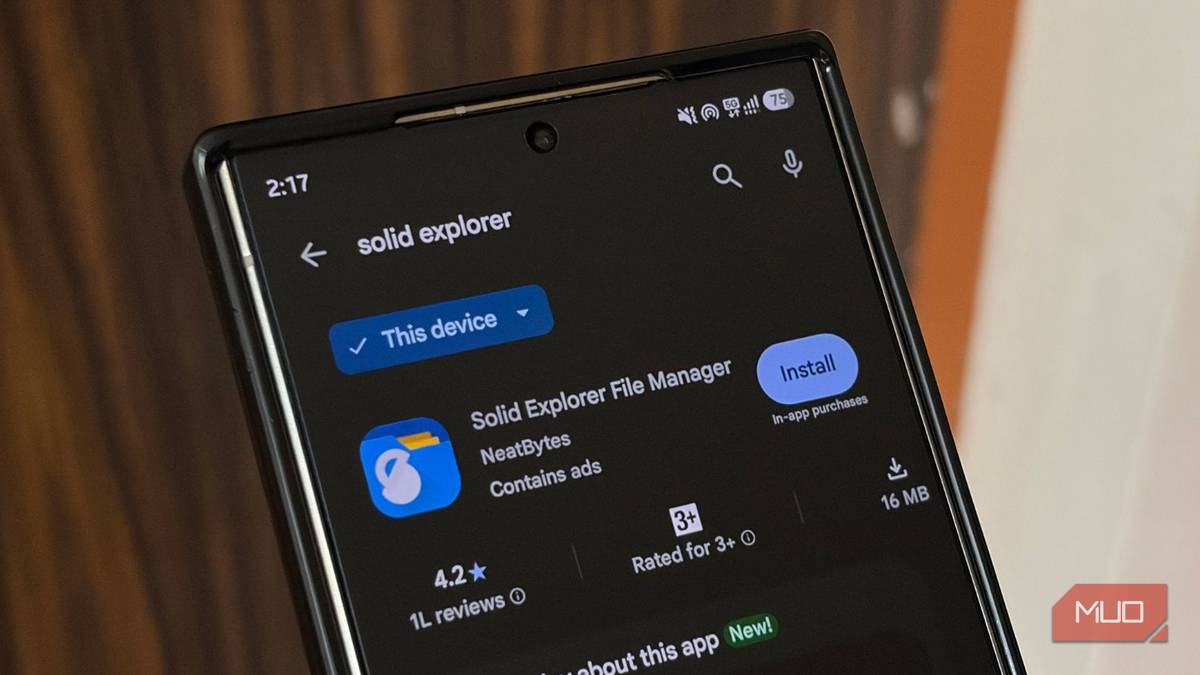
Most of us stick to the default file manager app that our phone company provides because it just does the job. We don’t want much from it, and it is absolutely bare-bones. I have also used Samsung’s My Files for years in my Samsung smartphone journey and have never even bothered to switch to other file manager alternatives. But recently I decided to look for an alternative and came across Solid Explorer. It literally exposed how much time I had been quietly losing.
If you think your phone’s file manager is holding you back, you are not imagining it. There’s a faster way to make things happen.
The stock file manager was never built for speed
It is designed for browsing, and not for actually managing

Hear me out. Samsung’s My Files has evolved (trust me with this, since I have been using Samsung phones for decades). It’s been sufficient for a heavy file-mover like me for years, and I am sure it is more than enough for many out there. But apps like Solid Explorer show you that you can get things done quickly.
My Files or other file managers, like Files by Google, are meant to let you look at your files and not move them around efficiently. Every transfer means opening one folder, selecting your files, backing out, opening the destination folder, and pasting. Do that with photos or a bunch of documents, and you have burned several minutes on something that should have taken seconds.
I did not realize how much this was costing me until I started using Solid Explorer. Sorting a folder of mixed photos and PDFs into subfolders took almost 10 minutes with the Samsung My Files app. The single-pane, one-folder-at-a-time design just isn’t made for real organizing.
This is where Solid Explorer shines. It has a dual-pane layout. This means you get two independent file browsers on screen at once: source location on one side and destination on the other. You can literally drag files between them, no backing out, no re-navigating, no second-guessing.
One app for every cloud, server, and drive you own
It makes you stop switching to five different apps
Solid Explorer feels like the kind of change that isn’t dramatic but completely rewires how you handle your files day to day. Another area where Solid Explorer shines is its support for Google Drive, OneDrive, Dropbox, Box, MediaFire, Yandex, OwnCloud, and SugarSync, plus Mega through a paid add-on.
It can also connect directly to network storage over SMB/CIFS, SFTP, FTP, and WebDAV, so if you set up a NAS or a shared folder on your PC, you can access it from your phone using the Solid Explorer app. And because it has a dual pane, it can pull raw photos off a home server without emailing them to myself or messing with a USB cable.
Additionally, Solid Explorer keeps your private files private. That means if your phone has sensitive documents like tax documents, ID scans, work files, etc., Solid Explorer lets you lock them with AES-256 encryption, protected by a password or your biometrics. The encrypted files stay locked even if you uninstall the app, and it doesn’t require an account.
This matters because you won’t lose access to your vault if a service shuts down. This also means that if you use a separate vault app to keep your files safe, then you can do that inside Solid Explorer, which also means one less app to worry about.
If you clean up RAM or storage often, Solid Explorer also works like a lightweight cleaner app. It can scan your internal storage, SD card, USB drives, and even connected cloud accounts and detect duplicate files, oversized files, and junk you’ve forgotten about. I used it to clean up a folder of duplicate WhatsApp images that I had forgotten about and something I would have never caught manually.

- OS
-
Android
- Individual pricing
-
Free, Subscription available
- Developer(s)
-
NearBytes
Solid Explorer is a file manager app for Android that packs a dual-pane interface, network storage, and other features.
The downsides that you should be aware of
Not a flawless app, though

Solid Explorer is a solid app and does a lot of things that take time in other file managers. But since nothing is perfect, Solid Explorer falls into the same category. When you get it from the Play Store, you get the free version, which includes ads.
To access all the features, you need the paid version. There is a 14-day free trial that gives you access to all the features, but you need to complete the in-app purchase to keep using them. According to several reviews, the app sometimes fails to recognize external SD cards and USB drives after recent updates.
But the app isn’t flawless. In my experience, I haven’t had any issues, whether with day-to-day file management or connecting external USB drives.
Should you jump ship?
If you are someone who deals with file management, like moving or locating files, once every couple of weeks, then you are probably better off with your default file manager. But if you deal with files daily, Solid Explorer’s dual-pane setup will show you its benefits. If you are not sure, you can try the 14-day free trial and test the waters before committing. If Solid Explorer isn’t for you, you can switch to other alternatives.