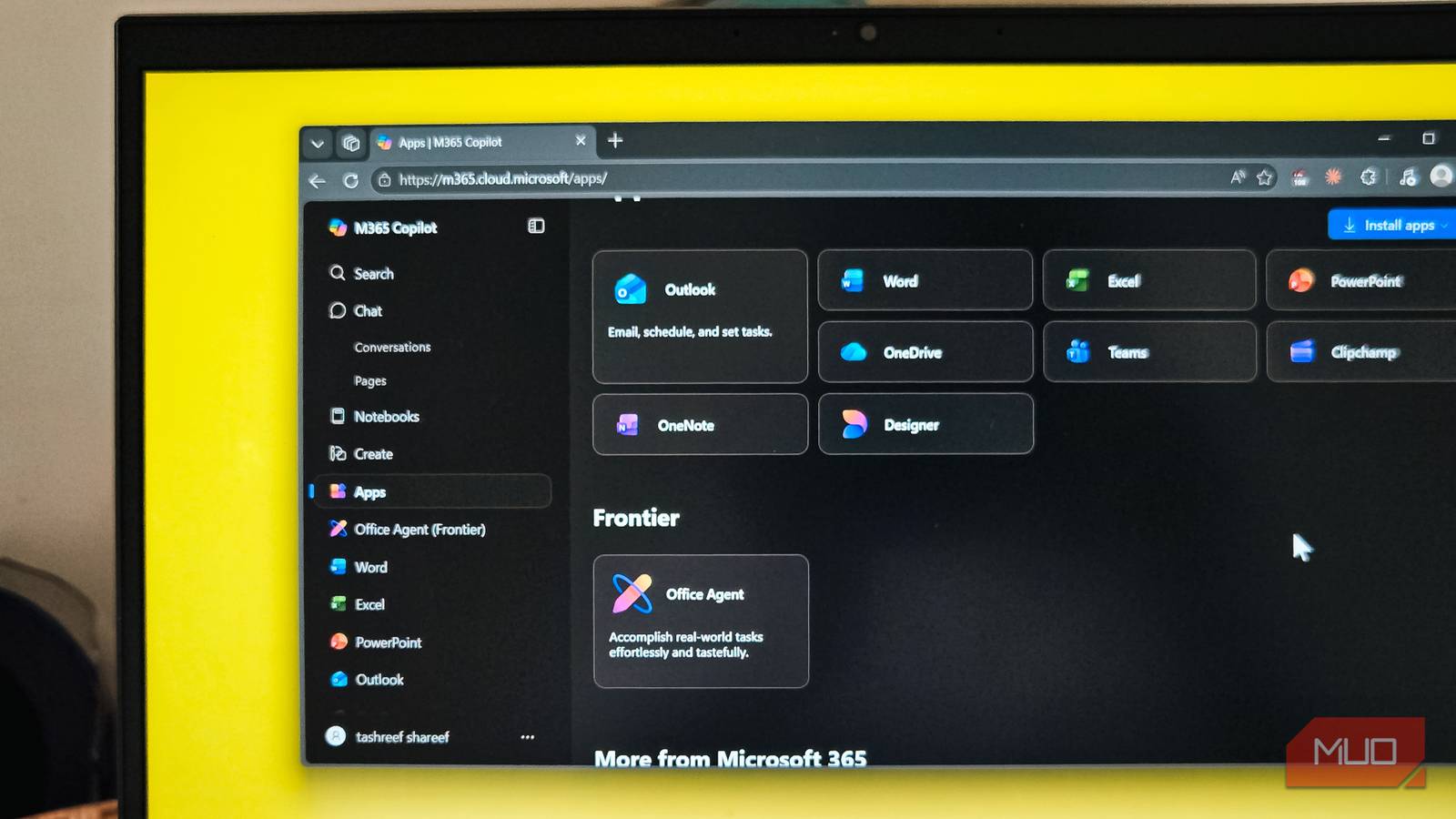
Among the many subscriptions I currently have active, Microsoft 365 seems to offer the most value. It not only includes 1TB of OneDrive storage on the Personal plan, but also Office apps, which I used to use daily until I no longer needed them.
Yet, despite not using Office apps as often, I upgraded from a Personal to the Family plan, purely for the sheer value it offers on a per-terabyte basis. At $99.99/year for up to six people, each with their own 1TB of storage, the math was too good to ignore. And I’m not the only one who thinks so.
I didn’t subscribe to Microsoft 365 for storage
The Office apps were the reason I signed up
My reason for subscribing to Microsoft 365 was the Office apps. I primarily used Word as my daily driver for writing, but more importantly, I needed version history, auto-save, and the ability to sync my documents across devices without downloading anything. I could start writing an article on my home PC and continue it on my 2-in-1 when I was on the move. The convenience of instant sync was worth the cost alone.
The 1TB of OneDrive storage was a perk I didn’t think much about at first. But it quietly became essential. It gave me enough room to back up all the photos on my phone, and it also removed the biggest limitation with Microsoft Backup on my Windows PC. Without OneDrive storage, the Windows Backup app is practically useless, since the 5GB storage space on the free OneDrive plan is practically unusable in any meaningful way. With 1TB on tap, it wasn’t a problem anymore.
So while I signed up for Word, Excel, and PowerPoint, the storage was doing the real heavy lifting in the background.
I stayed for storage
My writing tools changed, but my storage needs didn’t

Somewhere last year, I stopped using Microsoft Word and switched to writing in Markdown with Obsidian and eventually moved to Zuber, another Markdown editor. That switch meant my primary reason for subscribing to Microsoft 365 was no longer valid. I wasn’t opening Word anymore. I wasn’t using PowerPoint or Excel either.
But I stayed for the storage. The backups for my PC and photo backup on my phone meant I was mostly using the subscription for the generous cloud storage it offered. And once I realized that, I went ahead and upgraded to the Family plan.
The Family plan lets up to six people share a single subscription, and each person gets their own full 1TB of OneDrive storage. That’s up to 6TB total across a household for $99.99/year. I split it with my partner and my siblings, each with their own storage, their own OneDrive vault, and their own login. Nobody shares a single storage bucket, which is what makes it work so well for families.
To put that in perspective, the Family plan costs about the same as a Netflix Basic subscription or a month of Spotify Premium for a single person. Buying comparable storage individually through Google One or iCloud for six people would cost significantly more than the Family plan does as a whole. Even if a household member never opens a single Office app and wants a reliable place to back up photos, videos, and files, the Family plan pays for itself on storage value alone.
You get more than just storage and Office apps

Even though I subscribed for storage, the rest of the subscription didn’t just vanish. Microsoft bundles a surprising amount of extras into the Family plan that most people never explore.
Microsoft Defender comes included, providing continuous device scanning for malware, ransomware protection, and identity theft monitoring. It’s not going to replace a full-blown antivirus setup, but for everyday browsing and phone security, it does the job.
Then there’s Clipchamp, Microsoft’s built-in video editor. Family subscribers get access to premium filters, effects, and a stock media library without paying for a separate Clipchamp license. It’s not Final Cut Pro, but if you need to trim a clip, add subtitles, or put together a quick video for social media, it’s more than enough. Microsoft Designer is also part of the bundle, which lets you create AI-generated images and edit photos with generative tools.
And if you have kids at home, Microsoft Family Safety offers screen-time limits, app and game controls, and web filtering across Windows and Xbox devices. It’s not the most feature-rich parental control tool out there, but it’s built into the subscription you’re already paying for.
These aren’t features I use every day, but they show up when I need them. And they come at no extra cost on top of what I’m already paying for storage.
The storage alone is worth the cost
I started with Microsoft 365 because I needed Word. I stayed because the storage is too good to give up. At roughly $17 per person per year on the Family plan, you’d be hard-pressed to find 1TB of reliable, well-integrated cloud storage for less anywhere else. The Office apps, Defender, Clipchamp, and Family Safety are all bonuses that come along for the ride. For a subscription I originally bought for productivity apps, it turned out that the least exciting feature on paper, cloud storage, is the one that keeps me renewing year after year.