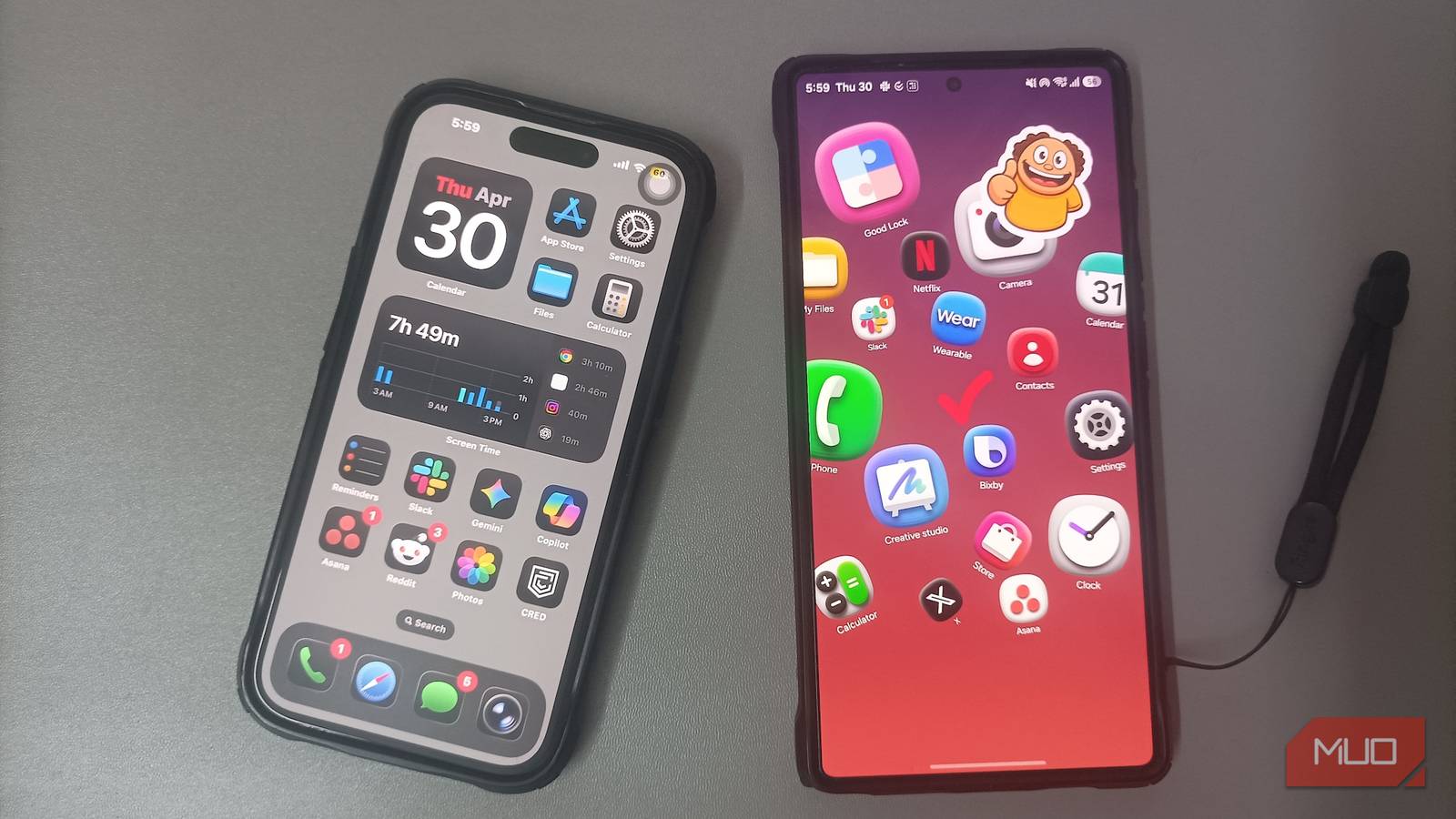
Google offers clean Android with zero clutter, while Apple delivers tight hardware and software integration. Against those two, Samsung’s One UI has long carried a reputation for being heavy and packed with bloatware, and I’ve nearly walked away.
Yet whenever I plan the switch, I run into a wall of missing features. Samsung builds One UI with tools and safety nets that I count on every single day. Living without them turns simple tasks into extra work, and after testing a Pixel for a month, I understand why Samsung fans don’t switch.
A fortress inside my phone
An encrypted vault no one can reach
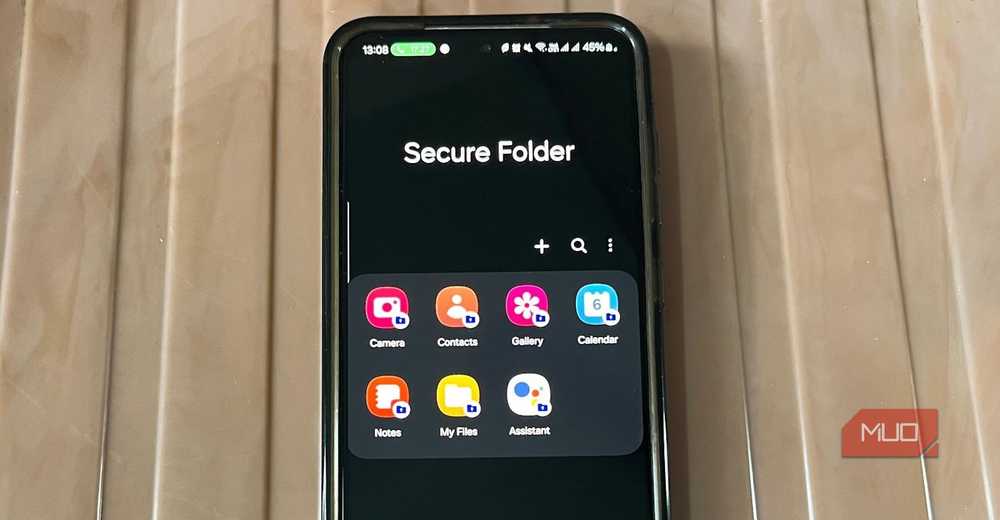
Many phones let you lock individual apps behind a fingerprint, but Samsung goes beyond basic app locks with Secure Folder. Backed by hardware-level Knox security, it creates an isolated sandbox inside your phone. It functions like a second, private device hidden within the main operating system, encrypted the moment you lock the screen.
I use it to run duplicate copies of banking apps, store sensitive documents, and keep personal communication separate from my standard apps. Unlike simple app lockers on other platforms, apps inside Secure Folder do not share cache, login tokens, or storage with the outside system. If I hand my unlocked phone to someone to show a photo or let them make a call, my private files are completely inaccessible.
Google introduced Private Space in Android 15, and Apple added locked apps with iOS 18, but neither feels as mature or flexible. Secure Folder lets you disguise the app icon, change its name, and set independent notifications, giving you genuine isolation without switching between Android user accounts.
The deepest phone customization possible
Free tools that redesign daily interactions
Personalization on most smartphones stays skin-deep. Google expanded Material 3 with expressive color theming, while Apple lets you place icons anywhere on the grid and apply tinted styles, but both platforms focus on cosmetic changes. Neither lets you change how the operating system actually behaves. Samsung opens that up with Good Lock, a free first-party set of tools that reshapes parts of the phone other manufacturers never let you touch.
The feature I miss most whenever I leave Galaxy hardware is SoundAssistant. It gives you individual volume sliders for every app and lets multiple apps play audio simultaneously. I keep Spotify at full volume while muting Instagram and TikTok, so random video clips never hijack my headphones. On an iPhone or Pixel, a single autoplaying video takes over your sound with no way to control audio per app.
Good Lock also transforms navigation gestures on large screens through One Hand Operation +. It places invisible gesture handles along both edges of the display, with each handle recognizing three swipe directions in short and long pulls. That gives you twelve customizable shortcuts without cluttering the screen. Triggering split-screen used to mean opening recent apps, tapping an icon, and selecting from a menu. Now it happens with a single diagonal swipe from where my thumb naturally rests.
Complete autopilot for my entire day
Silent automation with real system control
Google and Apple both offer phone automation, but both approaches feel incomplete. Pixel Rules are limited to changing ringtone volume or Do Not Disturb based on location or Wi-Fi, with no way to chain multiple triggers together. Apple Shortcuts is capable, but it comes with a learning curve and confirmation prompts that keep interrupting the automation. Samsung Modes and Routines finds that balance with deep system control, no coding, and silent background execution.
One of my favorite routines solves an annoyance with the camera. While some regions include a shutter sound toggle in settings, models sold in countries like Japan and South Korea enforce a mandatory shutter sound by law. Whenever I open the Camera app, a routine instantly drops my system volume to zero and restores it the moment I exit, so taking photos in quiet rooms stays discreet even on region-locked models.
I went further and built my own anti-theft alarm that monitors incoming messages on WhatsApp and Messages. If I send the phrase help me to my phone from any other device, the routine immediately activates. It turns on mobile data, Wi-Fi, location, and the flashlight, pushes every volume slider to maximum, and uses text-to-speech to announce on a loop that the person holding it stole my phone. Matching that depth of system control on a Pixel or iPhone would mean third-party apps, workarounds, and still falling short.
What keeps me here
Clean software and minimalist designs look great during a quick store demo, but living with a phone comes down to how much work it saves you during the day. When you add hardware perks like Samsung DeX, which turns the phone into a full desktop setup, and the built-in S Pen on Ultra models, walking away gets even harder. What keeps me on Samsung isn’t brand loyalty or benchmark numbers, but practical tools that solve small, real problems. Until other manufacturers build that same depth into their software, leaving Galaxy hardware will always feel like giving up too much.


8.5/10
- SoC
-
Snapdragon 8 Elite Gen 5
- Display
-
6.9-inch Dynamic Super AMOLED 2X
- RAM
-
12 or 16 GB
- Storage
-
256GB, 512GB, or 1TB
The Samsung Galaxy S26 Ultra isn’t a massive leap in specs compared to the previous generation Samsung Galaxy S25 Ultra, but it boasts improvements in every aspect. The major differentiators are two features that will appeal to power users and content creators, called Privacy Display and Horizon Lock.