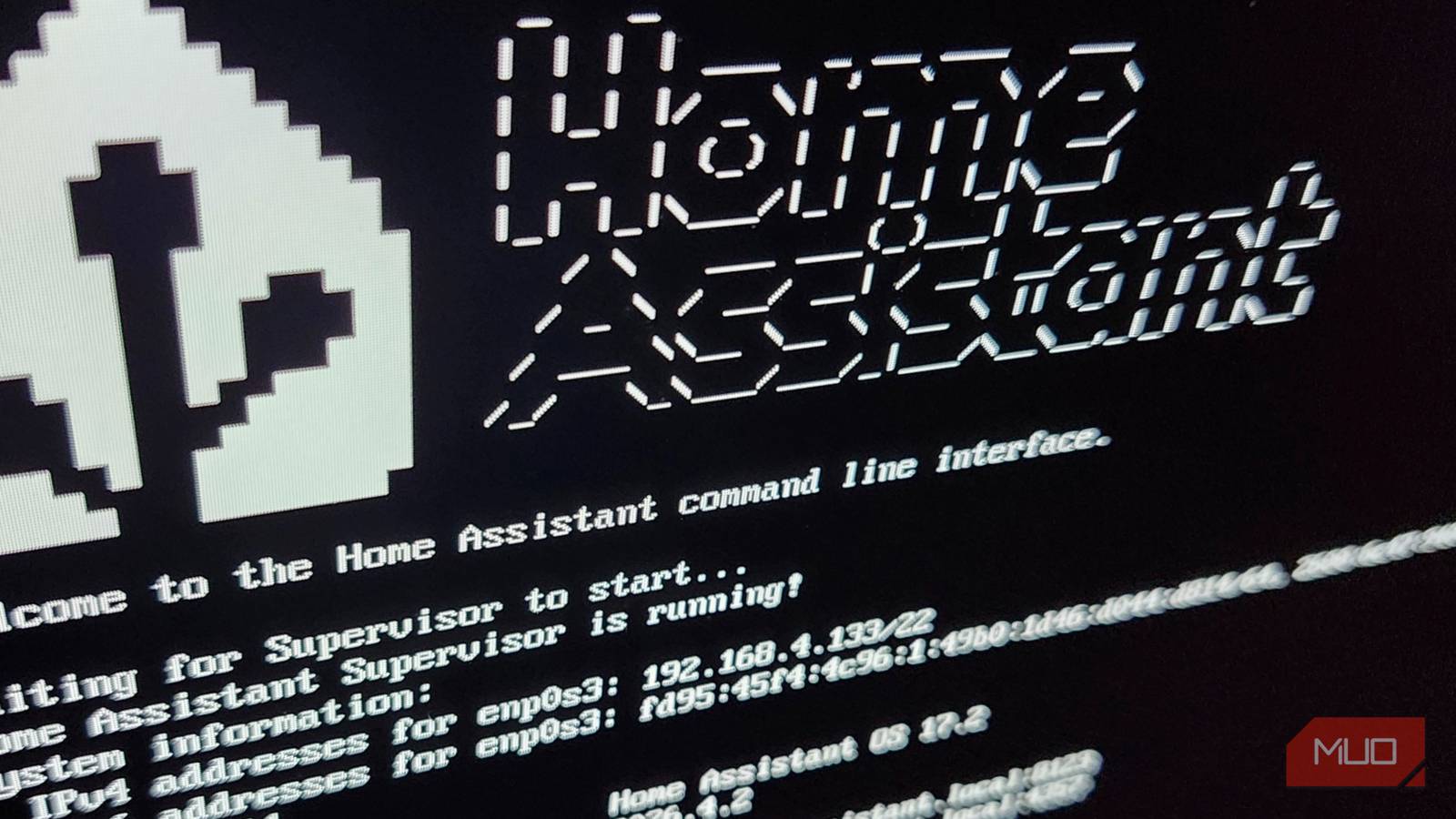
The most common smart home platforms all rely on some sort of third-party cloud infrastructure to some extent. But that’s a risk, especially if you live in an area with spotty internet. Not being able to turn your lights on because your broadband is down is nobody’s idea of a fun time. That’s why choosing a system that runs inside your home, on your own hardware, is often a better approach.
The idea of rolling your own smart home system doesn’t have to be daunting, either. Home Assistant is an open source project that is quick and easy to set up and it supports more accessories and devices than most big-name alternatives. More importantly, it works whether you have an internet connection or not.
Welcome to Home Assistant
A local hub for your connected devices

Home Assistant is a home automation platform designed to centralize your whole smart home. Instead of having to switch between different apps to control your lights, thermostat, cameras, or door locks, it brings them all together into a single, unified dashboard.
Having a single app to manage your smart home also opens up a whole world of possibilities. New automation options become available, for example. And you can create custom Home Assistant dashboards that more logically group accessories the way you want to use them, not the way a company thinks that you should.
A local system also brings with it much improved performance. Because Home Assistant runs on hardware in your own home, commands sent to your smart home accessories are actioned almost instantly. Instructions don’t have to go to a cloud server before being processed, something that takes time — even if your internet’s working. No more pressing a button and then counting the seconds before something happens.
Home Assistant can even go beyond simply controlling your smart home devices and accessories. It can be configured to track your electricity usage, monitor your home server, and a whole lot more. If you’ve ever wished your current smart home could do more, Home Assistant could well be the answer you’ve been looking for.
Clear skies ahead
Local first, cloud second

Using a commercial smart home system, like Google Home or Apple Home, might be the quickest and easiest way to get started. But that convenience comes at a cost.
We’ve already mentioned the performance boost a local setup can bring to the table. But Home Assistant also removes your reliance on third-party servers and APIs that could be removed at any moment. It isn’t unheard of for a company to cease support for a product, leaving users with non-functional hardware. Home Assistant and systems like it put you back in control of your devices and accessories.
The privacy aspect shouldn’t be downplayed, either. Commercial hubs and third-party cloud systems can keep tabs on everything your smart home does and even use that data to build a picture of how you and your family behave.
With Home Assistant, no data leaves your home unless you explicitly allow it to.
It’s easier than you might think
Up and running in minutes
While the Home Assistant website might give the impression that it’s complicated to set up and use, that doesn’t have to be the case. In fact, you might be surprised at just how quickly and easily you can get Home Assistant up and running.
The easiest way to use Home Assistant is via official, dedicated hardware like the Home Assistant Green hub. That plug-and-play solution is a great way to get started, but Home Assistant can also be installed on just about anything. An old mini-PC, a Raspberry Pi, or a virtual machine on your server are all viable options. Easy-to-follow guides can be found on the Home Assistant website to help you on your way.
Once Home Assistant is up and running, it’s incredibly easy to begin adding your smart home devices. Just open a web browser and connect to homeassistant.local:8123 and you’ll be guided through creating your account and beyond.
The Home Assistant auto-discovery engine will go about its business and scan your network for compatible devices — just a couple of clicks later and they’ll be ready to go.
The easy choice
More control, wider compatibility

Moving away from a cloud-dependent smart home platform doesn’t have to mean sacrificing convenience. Home Assistant can be configured to function remotely, too, so you can still check you locked your door or turned off the heating when you’re already halfway down the road.
But Home Assistant also offers something these other systems can’t. It brings low-latency control, rock-solid reliability, and better data privacy to your smart home — all while being surprisingly easy to set up. And once you have your Home Assistant running, the sky really is the limit. You’ll be creating custom dashboards and having your smart home working just how you like it in no time at all.