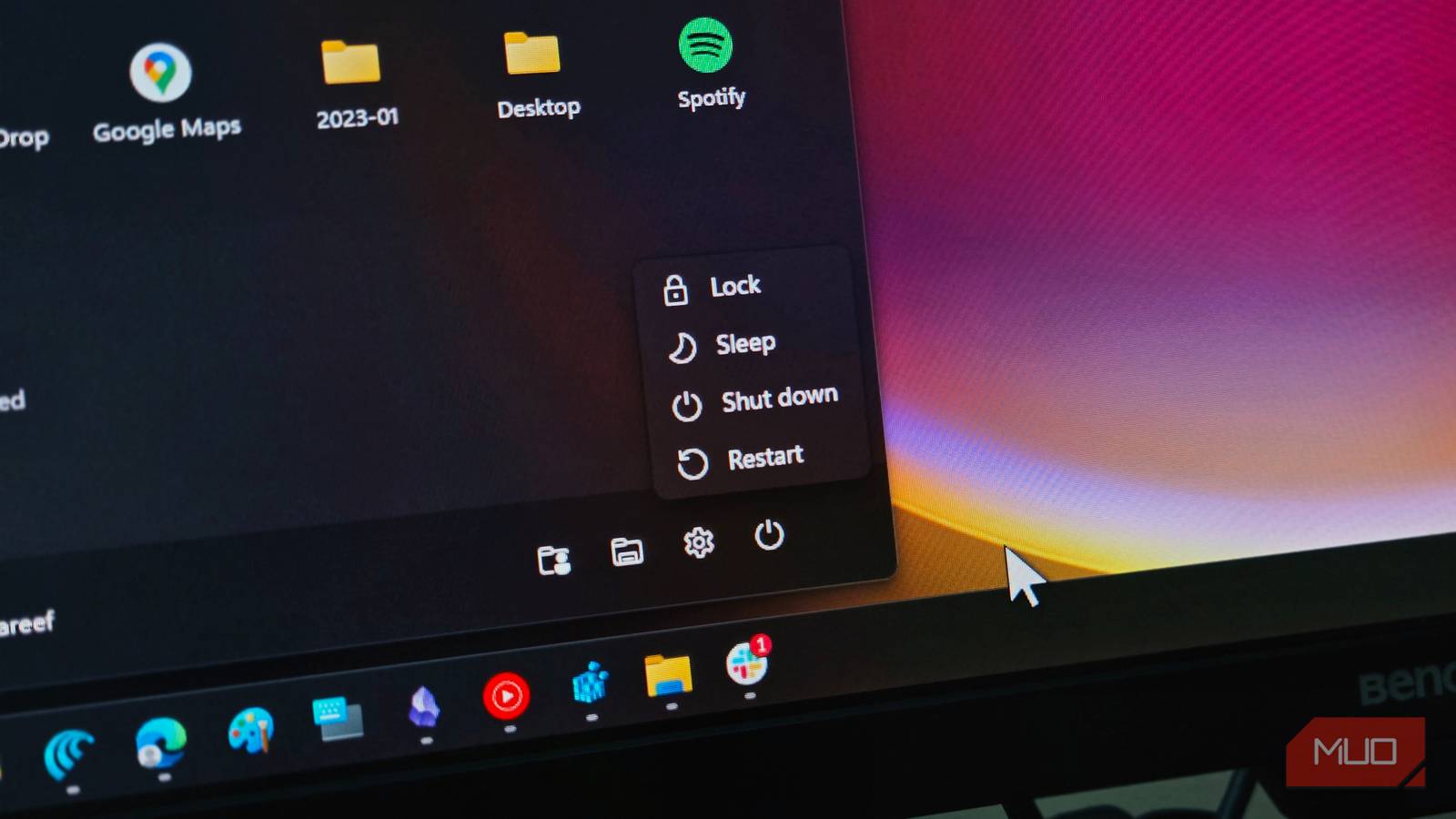
Every electronic device has one way or another to turn it off. Most of the time, turning off a device does exactly what it means: cutting power and letting it rest. That’s common sense and what everyone would expect, right?
Well, PCs running Windows don’t always get that luxury. You see, when you click the Shut down button on your Windows 11 PC, it doesn’t exactly do what it says. There’s actually a good reason for that, but it’s kind of two-faced; it can be beneficial and damaging at the same time.
Windows doesn’t completely shut down by default
Fast Startup saves part of Windows
By default, Windows uses a feature called Fast Startup, sometimes referred to as hybrid boot. Whenever you’re done with work and select Shut down, Windows closes your open apps and signs you out, but it doesn’t actually shut down the operating system. What it does instead is hibernate the core operating system kernel and loaded hardware drivers by saving a snapshot of them to your storage drive.
So, the next time you turn on your PC, Windows doesn’t need to start everything from scratch. It can just load up that saved state, which in turn reduces boot times, especially on older devices with slower hard drives. After all, nobody wants to be staring at a loading screen for several minutes just to get to the desktop.
However, if you want your PC to perform a more traditional shutdown, you can disable Fast Startup. To do this, open the Control Panel and go to Hardware and Sound -> Power Options -> Choose what the power buttons do. Then, click Change settings that are currently unavailable and uncheck Turn on fast startup (recommended) under Shutdown settings.
That faster boot comes back to bite you sometimes
Old system states and minor problems can survive a shutdown

Fast Startup can be useful, but its biggest advantage is also where some of its problems come from. Because Windows saves part of its previous state rather than starting everything from scratch, old driver states, minor glitches, and other issues can remain.
For instance, you might experience a problem with a driver, shut down your PC, turn it back on, and still find the exact same problem there. That’s because a standard shutdown with Fast Startup turned on may not have completely reset the Windows kernel and drivers.
Pending updates can also complicate things. Some updates require a complete restart to properly replace system files and finish their installation. Simply shutting down and turning the PC back on may not always provide the clean slate you expect.
This doesn’t mean Fast Startup is a bad feature. For most people, it works in the background and saves a little time every time they boot their PC. But it’s worth understanding that a faster startup comes from Windows skipping part of the normal shutdown and boot process. You’re gaining convenience, but you’re also keeping some of the previous system state around.
Restart is actually a more complete shutdown
It skips Fast Startup and forces a clean boot

Why do you think that when you run into an issue, people usually say, “Just restart your PC,” instead of telling you to shut it down and turn it back on? You may think it’s because restarting is faster than shutting down and turning your PC back on.
You’re not wrong, but the main reason is that restarting actually gives your PC a cleaner reset than clicking Shut down and powering it back on. Choosing to restart forces Windows to clear the system memory and perform a completely clean boot from scratch. This bypasses the whole Fast Startup process, so there are no minor glitches or driver issues still lingering around.
If I want to quickly turn off my laptop and get back to work later, Shut down is fine. But if something is acting up and I want Windows to start from a clean state, I choose Restart, and you should too.
Shut down isn’t broken; it just doesn’t mean what you think
Fast Startup isn’t some secret Windows bug, nor is it a misleading feature Microsoft mistakenly left behind. It is even recommended to leave it turned on, as you will see when you try to turn it off. It does exactly what it is meant to do: make boot times faster.
The confusion comes from the word “shut down,” which makes most people assume their PC is completely shutting everything down. It should, but when you enable Fast Startup, that’s not quite what’s happening. Windows is basically taking a shortcut by saving part of its current state so it can get you back to the desktop faster the next time you turn on your PC.