I never thought I’d have to self-host my password manager, and it wasn’t about distrusting my server. I just always assumed that putting my passwords on my server would create a problem I didn’t have. But after looking at what I was already running at home, it was obvious that I was already comfortable taking responsibility for almost every other service I ran at home.
So it was time to move from 1Password, and I chose to give Vaultwarden a shot. What surprised me most was how little changed after the switch.
I opened my browser and 1Password just wasn’t there anymore
Same passwords, same autofill, one thing underneath had completely changed
Changing tools usually brings some friction and adjustment. That’s why I was surprised that I could log into my accounts without thinking or noticing the tool had changed.
The basic login workflow barely changed: the extension pops up, credentials fill in, and the authenticator code drops into the MFA field. I had to pay close attention to notice that I was now using Bitwarden’s clients and extensions. They were all communicating with my Vaultwarden server.
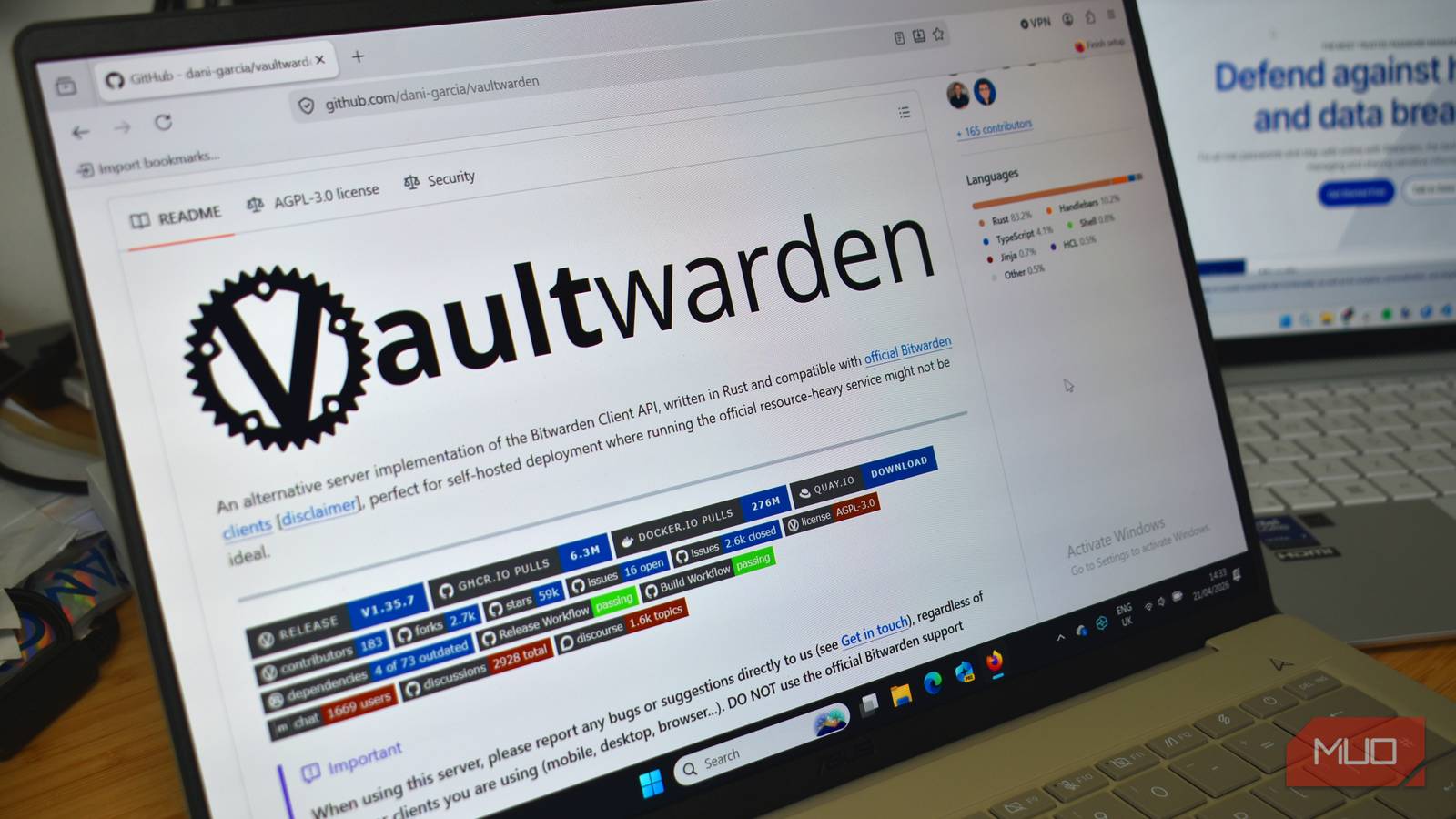
Vaultwarden is an open-source, Rust-based alternative implementation of the Bitwarden Client API. Vaultwarden’s documentation refers to its server as a nearly complete implementation of the Bitwarden Client API. In my day-to-day use, though, it felt much closer to the polished password-manager experience I was used to than I expected.
Even though there were not many obvious experience changes, I was working with a totally different infrastructure. In the past, every piece of this infrastructure was owned by 1Password. This included the server, updates, and backups, but now they are under my control.
|
1Password |
My Vaultwarden setup |
|
|---|---|---|
|
Server |
1Password |
Me |
|
Updates |
1Password |
Me |
|
Backups |
Provider-managed |
Me |
|
Uptime |
Provider infrastructure |
My server |
|
Client |
1Password app |
Bitwarden clients |
While the table above may feel tidy, it’s quite different living inside it.
Every login I’d saved for years came down to one export button
That single file mattered more than anything else in the whole move

With one export, I could move years of logins and secure notes, along with old software licenses I may no longer have remembered. The process of transitioning was quite easy. I clicked Export, picked a format, did a few security checks, and got an unencrypted file with all my data. I exported this file to a laptop that was disconnected from everything, imported it into Vaultwarden, and deleted the plaintext export as soon as I was finished.
This was an uneventful process. After I imported it, my logins were intact, and the folders from 1Password maintained their structure. It was interesting to see that the TOTP secrets for my two-factor logins also carried over without me having to rescan the QR codes. However, I had a batch of secure notes with formatting that didn’t exactly survive the transfer. When they landed, the formatting was stripped, bold text disappeared, and bullets were gone.
It was a seemingly small loss, but it was one of the few places where the migration wasn’t completely transparent. Other essential parts, like browser autofill, unlocking on my phone, and syncing between devices, worked as they should.
1Password had been quietly doing a job I never saw it do
That job became mine the moment I hosted the server myself

While I used 1Password, I wasn’t concerned with what kept it running. It just worked. I never saw certificate renewal processes and didn’t control a server that needed restarting. This maintenance that came with Vaultwarden was the first wake-up call of the changed infrastructure.
These three elements have required the most attention so far:
- Keeping my Vaultwarden container image current
- TLS certificate renewal so the vault can be served over HTTPS
- Testing backups before they are actually needed
I had a scheduled backup fail for two weeks without noticing. I missed it because I never tested whether I could restore from the backup; I was just content to see it existed.
I also learned how important it is to configure a server so you can reach it. Now mine is only reachable over a VPN, which keeps the login page off the public internet and reduces what I have to expose.
Control turned out to mean something more specific than I expected
In reality, deciding when an update happens became my new definition of control. There wasn’t a provider prompting me to do these things; I just had to remember. Configuring backups also makes remembering and maintaining them my responsibility. My home network and server now determine whether my password manager is available, and this was the level of control I had.
Vaultwarden, however, is just one route to this outcome. You may decide to take the path of Bitwarden Lite, Bitwarden’s own single container option. Bitwarden Lite is also built for personal, home-lab setups, and comes with official support. One option that I find specifically interesting is KeePassXC because it stores the vault in a local encrypted database that you can synchronize using a method you control.
Vaultwarden was an easier choice because I already know the Bitwarden clients. It saved me from relearning muscle memory in addition to the server responsibilities I was learning. All these were decisions that 1Password used to make for me. Now, even if I make them badly sometimes, they’re still mine.

- Developer
-
Daniel García
- Price model
-
Free, Open-source
Vaultwarden is a lightweight, self-hosted password manager compatible with Bitwarden clients, designed to run efficiently on low-resource servers.