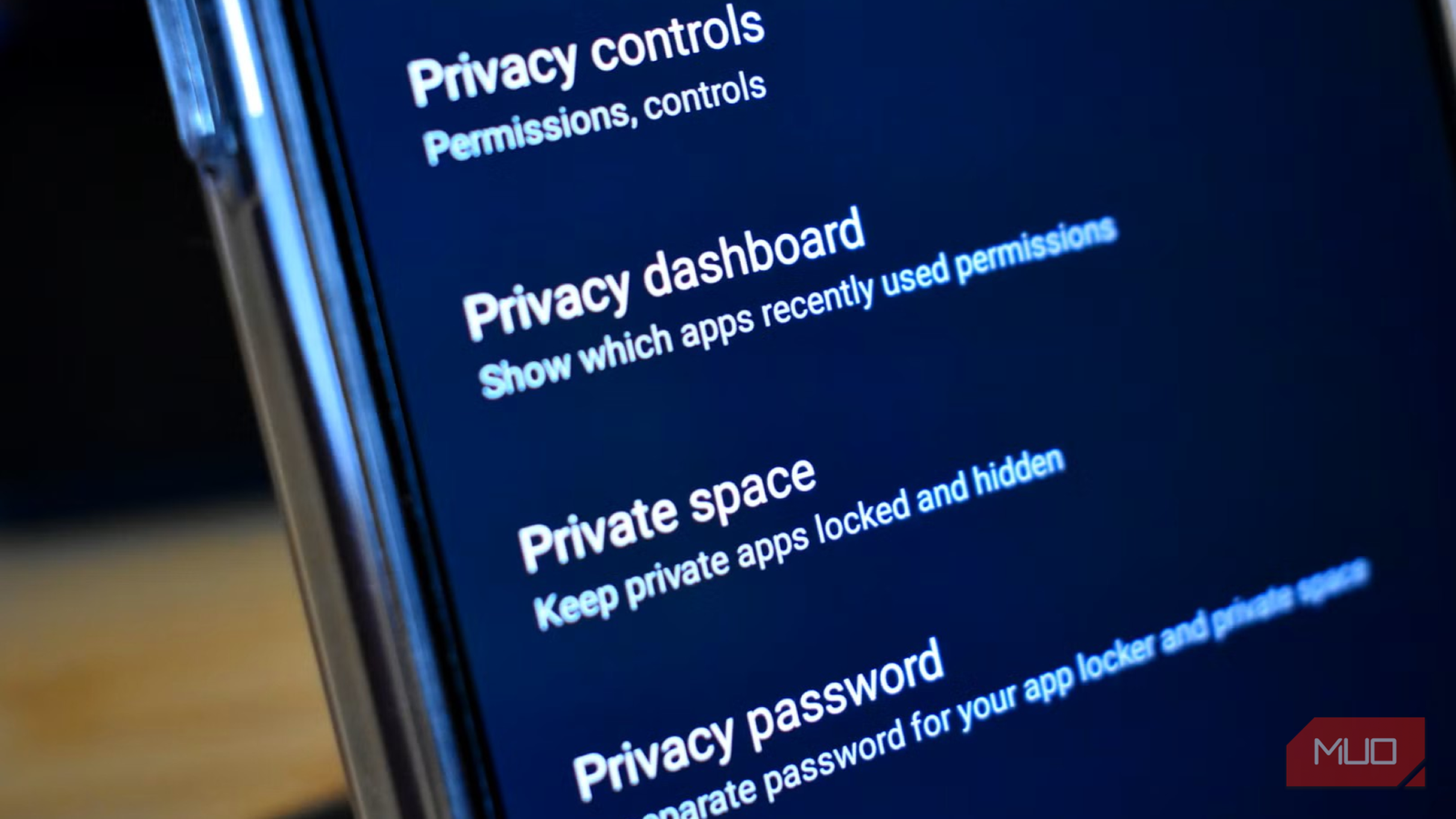
I always felt Android’s privacy options were half-baked. Even though it gives a lot of tools for manual control, to be frank, I often feel the built-in toggles aren’t enough. I spent a few weeks building a stronger setup, and the best part was that all these apps are available free of cost. The only thing is that they aren’t apps you can get from the Play Store. These are third-party apps, fully safe and secure, that improve your Android’s privacy features. You can get them from F-Droid, which is a Play Store alternative, except for one app. If you’ve already tweaked Android’s default privacy settings and still feel watched, these are the apps that you need to install.
Android’s defaults only get you so far
The settings can’t see what apps do behind your back

When you do the usual things, such as turning off Web & App Activity or resetting your ad ID, it definitely helps. But those settings mostly control what Google collects. They don’t show you which third-party trackers your other apps secretly send your data to. That’s the gap I wanted to close.
I made up three goals, which were to see the trackers, block them, and keep the worst offenders far away from my phone. One of the good things I was able to achieve was that everything was available for free and did not cost me much of my time either.
I narrowed it down to 5 apps: Essentials, AdAway, HeliBoard, Insular, and TrackerControl. Here’s what each one does to your phone.
TrackerControl
Spots and stops the trackers
TrackerControl is an open-source app available on F-Droid. It uses Android’s VPN feature to analyze your apps’ network traffic locally on your phone. This eliminates any interference from outside servers. It then matches what it sees against the Disconnect blocklist (the same one Firefox uses) and its own list, which the app says it built by analyzing around two million apps.
When you first open it, you will get a long list of companies you might have never heard of that are tied to apps you have on your phone for years. You can block them one by one, and with the latest updates, the TrackerControl app gets minimal, standard, strict, and research blocking modes, negating the need to micromanage. You can use this app without root, and it works on Android 6.0 and newer.
- OS
-
Android
- Open-Source?
-
Yes
TrackerControl is an open-source Android app that monitors app network traffic to identify and selectively block hidden trackers, analytics, and advertising services. It uses Android’s local VPN to analyze connections directly on your device without requiring root access. f-droid.org
AdAway
Blocks the ads and trackers at the source
AdAway blocks ads and trackers at the DNS level. You can use this app on your rooted or non-rooted Android phone. Notably, when an app asks to reach an ad or tracker host, AdAway redirects that request to 127.0.0.1, which means it goes nowhere. If you are using a rooted phone, then AdAway edits your hosts file directly. If not, then it uses a local VPN instead.
There is also the option to pull in ready-made blocklists from inside the app, manually add your own, or whitelist a host when something breaks. You can use AdAway on Android 8.0 or newer. It is also one of those nice open-source apps that fit the bill if you have already moved away from Google’s defaults.
- OS
-
Android
- Open-Source?
-
Yes
AdAway is a free, open-source Android ad blocker that blocks ads and trackers across apps using hosts files. It works on both rooted and non-rooted devices, with the latter using Android’s VPN feature to block unwanted connections.
HeliBoard
Keeps your typing offline
Anything you type, including your messages, passwords, and searches, can be seen by your keyboard. This rarely crosses our minds, but it’s important to fix it. HeliBoard is an open-source keyboard based on AOSP and OpenBoard, and is one of the best Google keyboard alternatives.
It is available on F-Droid, and HeliBoard doesn’t use the internet, which means it’s fully offline and can’t send what you type anywhere. Everything stays on your phone. The good thing is that the devs haven’t stripped it down to a compromise, either. Features such as custom themes, clipboard history, one-handed mode, multilingual typing, and a backup option for your settings and learned words are all there.

- OS
-
Android
- Price model
-
Free
Insular
A different profile for different tasks
There are some apps that you can’t live without but cannot trust either. Insular is made to handle that specifically. It’s a fork of Island (which is available on the Play Store) that puts to use Android’s work profile to isolate apps. This way, such apps can’t easily see what is on the rest of your phone. The communication with other apps gets blocked, and they are isolated. Insular also gives you the option to clone apps or freeze them so they can’t run in the background; plus, you can also hide them.
The isolation feature isn’t made up and really works. Android’s work profile has separate app data from the main profile, and it is a way to keep work apps and data separate from personal ones. If you use a VPN, then you can use a VPN on one profile and a different one on the other.

- OS
-
Android
- Open-Source?
-
Yes
Insular is an open-source Android app that creates an isolated work profile to separate and manage apps on your device. It lets you clone apps, freeze or hide them, and control their background activity for greater privacy and organization.
Essentials
The small tools that fill the gaps
Essentials isn’t just a single privacy app that does one job. It’s a collection of more than 25 powerful tools for privacy for your Android device. Notably, a few of them fit this setup nicely. You get a button re-mapper, app updater, notification and edge lighting, animation and scale customization, app freezing, an app lock, a Private DNS quick settings tile, and link actions, among many other features.
The Private DNS tile is the one that I use daily. It eliminates the need to navigate through the settings menu every time I want to toggle my DNS on or off. Just note that Private DNS isn’t supported while it’s running. So you need to toggle it with that in mind. Essentials isn’t available through F-Droid. You need to get the APK from its official website.
Some simple apps that avoid headaches
Android privacy settings seem like an oversight, especially in this digital age. With these five tools, you can see who is tracking you, block them, type in private, and keep shady apps away from your personal files. You don’t need to set up everything in one go. Rather, you can start with one app, like HeliBoard, and see the difference.