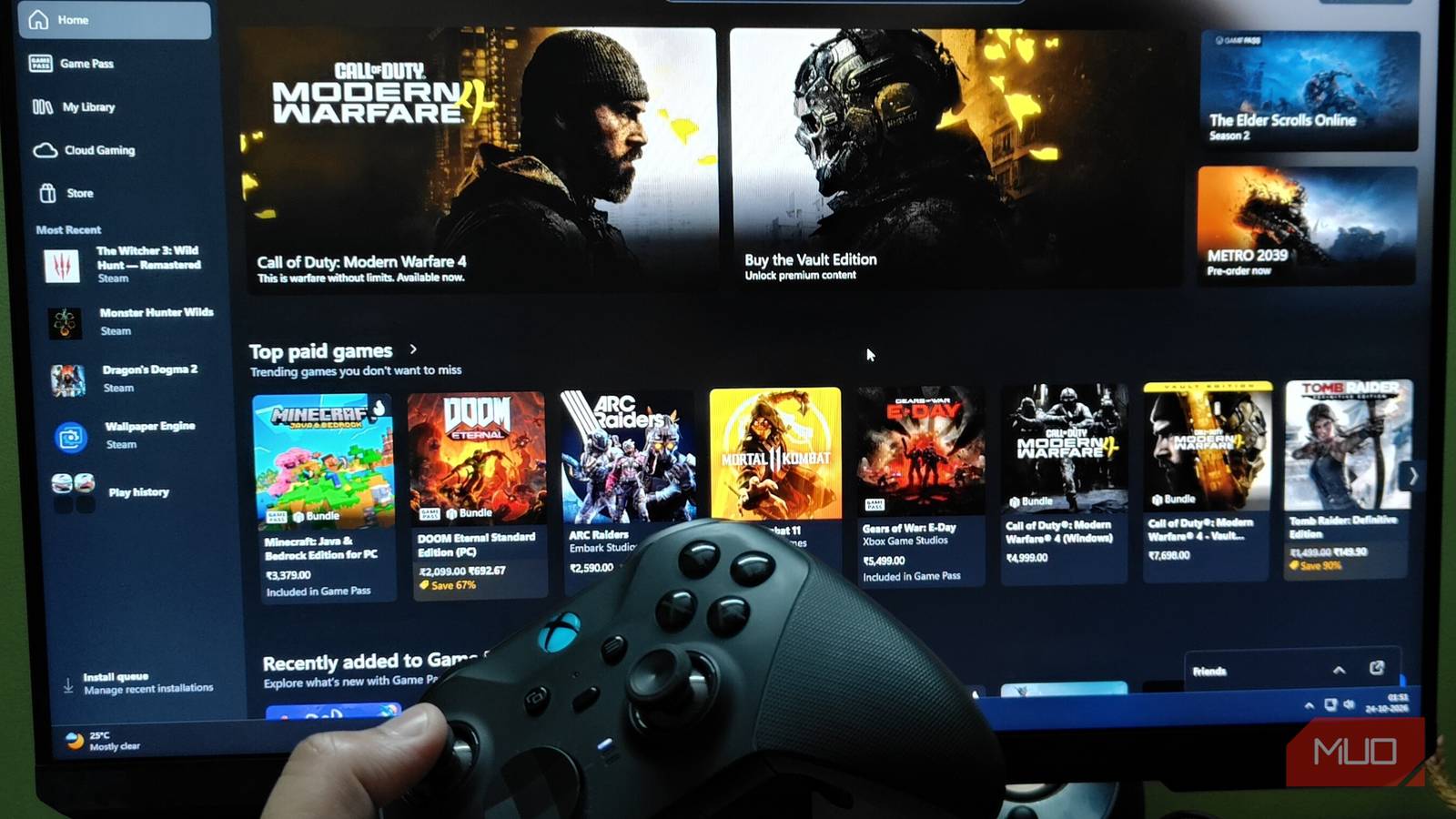
A lot has gone wrong with Xbox lately, from mishandling its premium IPs like Halo and Gears of War to raising its Game Pass subscription prices and putting everyone’s backs up. However, Xbox seems to be getting at least one thing right: its consoles. And surprisingly enough, that thing is the new upscaling tech that’s coming to the current-gen Xbox systems. The upgrade comes courtesy of AMD, in the form of FSR 4.1.
And trust me, FSR 4.1 is much more than a simple version upgrade, a la DLSS 4.5. Instead, on consoles, it’ll be as revolutionary as Sony’s PSSR.
With FSR 4.1, Xbox has one major advantage over Sony’s proprietary upscaler(s)
And it has nothing to do with the upscaling tech itself
AMD’s FSR 4, which started life as Project Redstone, is already a massive upgrade over FSR 3 and 3.5. It’s essentially AMD’s first iteration of a machine-learning upscaler, akin to Nvidia’s DLSS. As such, it offered significant visual and performance advantages over previous generations of FSR. However, FSR 4, at least at launch, had a major caveat: limited support, even on AMD hardware.
However, with FSR 4.1, that’s going to change, and for the better. Now, AMD has confirmed that FSR 4.1 is heading to not only the Xbox family of consoles — and yes, that includes the handheld systems too — but also to the RX 6000-series GPUs. Finally!
And this is precisely where Xbox gets a massive advantage over Sony’s PSSR. You see, PSSR, even after almost a year of its release on the PS5 Pro, is not available across all games on the system. And that list is even smaller for Sony’s newest iteration of their proprietary upscaler, albeit for the base PS5: QSSR.
FSR 4.1 is a massive upgrade over vanilla FSR 4, in terms of both visuals and performance output.
Now, it is understandable that for a proprietary tech like PSSR and QSSR, developers do need more time to implement said tech within their game’s code. But the lack of support for games more or less invalidates any excitement generated over a new tech like this.
Thankfully, that isn’t going to be the case for Xbox and FSR 4.1. Since it’s FSR, which is already baked into most current-gen games, and even some re-releases like The Witcher 3: Wild Hunt – Remastered, adding FSR 4.1 won’t take nearly as long as the PSSR updates for games on the PS5.
Also, it’s not a tech limited to just the Xbox systems. If you’re on PC, you can also take advantage of FSR 4.1. In fact, you can even install a “prototype” version of FSR 4.1 (FSR 4.1.1b) via OptiScaler.
How to install FSR 4.1 on your PC?
And yes, it works on lower-end GPUs

Now, to get FSR 4.1 working on any system, you will need the binary file that can bypass the INT8 check. You will essentially need a way to inject the custom INT8 binary into a game’s directory to get FSR 4.1 working. However, thanks to Team OptiScaler, this process isn’t as tedious as it sounds. OptiScaler has already created a custom FSR 4.1.1b DLL file that you can simply copy and paste into your game’s directory.
This not only bypasses the INT8 check, but also retains functions of the previous FSR libraries. This means, even with the modified binary installed, you will have full access to not just FSR 4.1 but also FSR 4 (legacy).
To install FSR 4.1:
- Download the FSR 4.1.1b DLL from Team OptiScaler’s GitHub.
- Next, you want to extract the DLL file that you downloaded and move it to your game’s Binaries > Win64 folder.
-
Do remember that copying the new DLL will try to replace the existing amd_fidelityfx_upscaler_dx12.dll file.
- To avoid that, before you copy the custom DLL, head to the Binaries folder of your game and rename the existing DLL file to something else, like amd_fidelityfx_upscaler_dx12.dll.original.
- That way, you can revert to the original DLL file in case there are stability issues with the custom library.
And that’s it. That’s all you need to do to get FSR 4.1 running on your system. The mod works on all GPUs, even on the older RX 6000-series cards. I tested the DLL on my RTX 4070 and also the internet’s most notorious GPU, the RTX 4060, since I don’t have an RX 6000 GPU at hand. But even on the Nvidia cards, FSR 4.1 works flawlessly, at least for the games I tested.
FSR 4.1 is not competing against DLSS 5, and that’s a good thing

One question that has been brewing in my mind ever since Nvidia announced DLSS 5 (and its “unique” features) is — what will AMD’s answer to such a tech be? With the way AMD was hyping up FSR 4.1, I did anticipate something akin to Nvidia’s neural rendering tech. However, it turned out to be a more “grounded” upgrade to the existing machine learning upscaler algorithm. And you know what? It’s all the better for it.
As much fun as I had testing DLSS 5 Swapper in retro games and current-gen titles, at the end of the day, the biggest reason why I (and many others like me) tend to use an upscaler in the first place is, well, the performance uplift.
With DLSS 5, performance has been one of my biggest concerns, even while testing the community-made mod. As such, I’m very relieved to see that with FSR 4.1, AMD is sticking with the concept of performance uplift with minimal visual degradation. In time, we might see the FSR version of what DLSS 5 is shaping up to be.
But for the time being, FSR 4.1 isn’t going to get us those AI-like NPCs in Starfield or Dragon’s Dogma 2. And that’s perfectly fine, if you ask me.