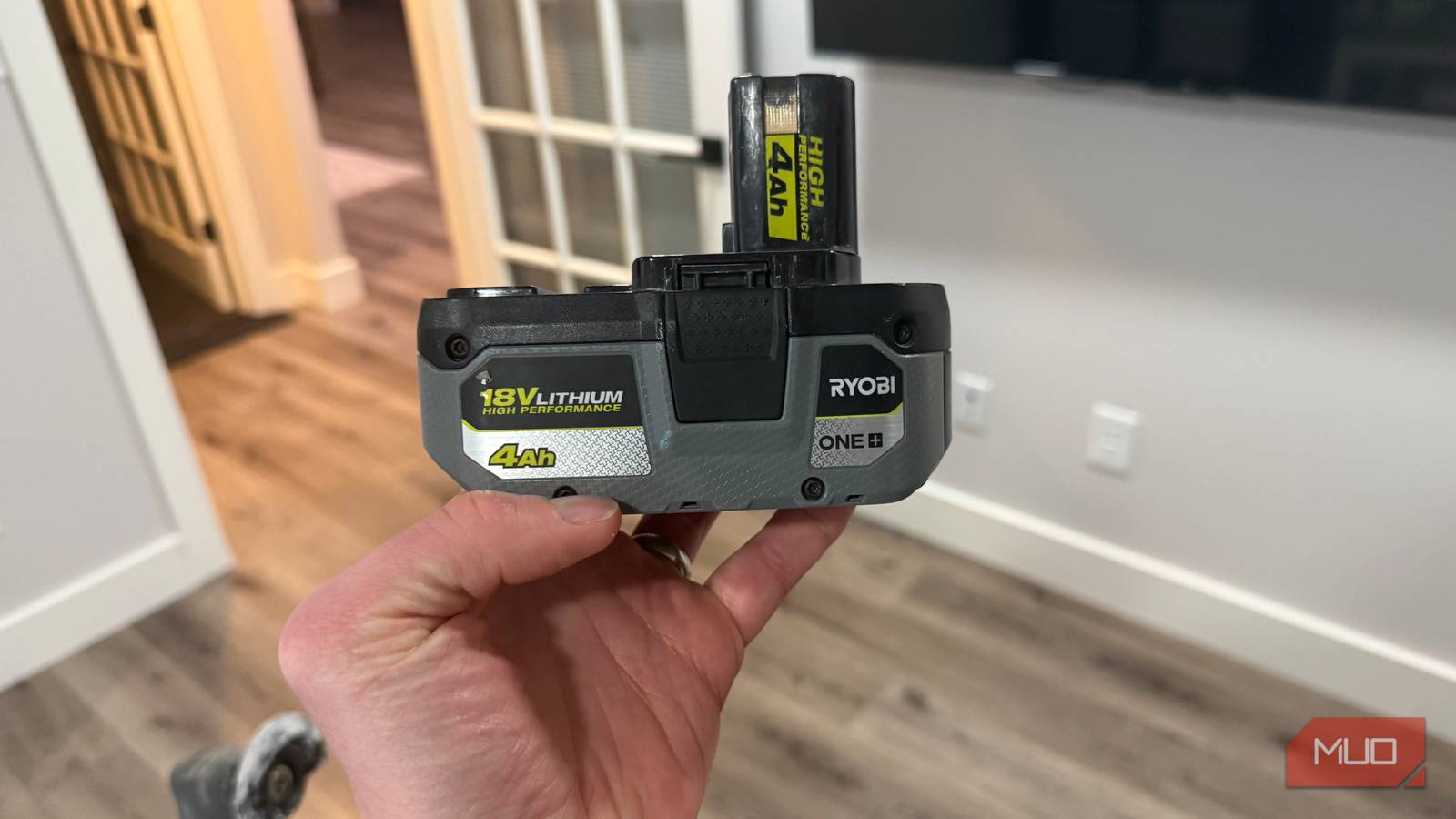
A Ryobi pack that blinks on the charger and never fills up looks like a $70 loss, but it often isn’t one. Every ONE+ and 40V battery has a protection circuit, and Ryobi’s chargers are designed to refuse a charge whenever conditions look wrong. Most of those conditions cost nothing to fix. I’ve watched my own charger stall packs after a hot afternoon of yard work, and the same habits that make power tool batteries die years early explain many of these lockouts. Before a pack goes in the recycling bin, run these checks in order, easiest first.
Over-discharge can put a pack to sleep
The charger lights tell you which problem you have
Read the charger before you guess. On most Ryobi 18V chargers, a red light flashing by itself means the charger is still evaluating the pack because it’s too hot, too cold, or too drained to fast charge. Red and green flashing together is the defect code, and that pattern calls for a different response.
A drained pack can trigger either one. The protection circuit inside each battery cuts power before the cells drop low enough to suffer damage. My 18V stick vacuum shows this cutoff clearly: compact packs quit after a few minutes, then read three of four bars once they rest.
Trouble starts when voltage keeps falling after that cutoff. A battery left attached to an idle tool, stored empty for months, or run through a cheap adapter with no low-voltage protection can sink below the level a charger expects, which is why I pull batteries off my tools before they go on the shelf. Ryobi’s single-port chargers, including the RC18115, list a pre-charge mode for these packs, so give a sleeping battery real time on one before you judge it.
Let the battery reach room temperature
The charger holds off on hot and cold packs

Temperature is a frequent reason a healthy battery sits on the charger doing nothing. Ryobi chargers wait until a pack falls roughly between 50°F and 100°F, and they flash red while they wait. My 40V charger did exactly this after I ran the trimmer, blower, and edger in 90–100°F heat. The packs were fine; they just needed time.
Pull a hot battery off the charger and let it rest somewhere shaded for at least 30 minutes, which matches Ryobi’s own guidance. I charged packs straight off the tool once or twice before I started letting them cool first. A cold pack from a truck or unheated shed should warm up indoors on its own. Resist speeding that up with direct heat, since uneven warming stresses the cells.
Reset the charger and test with a known-good pack
Find out which half of the setup is failing

With temperature ruled out, isolate the fault. Unplug the charger for a minute, plug it back in, and reseat the battery until it clicks. Ryobi’s instructions for the defect code say to repeat the attempt this way once before drawing conclusions. On a multi-port charger, try another port.
Next, set a battery you know works on the same charger. When it charges normally, the charger is fine, and the original pack is the problem. When the good battery also throws the defect code, suspect the charger. A different charger is also worth trying on a deeply drained pack, since the manual for my RC18640 6-port charger doesn’t list a pre-charge mode.
Some online guides suggest running jumper wires from a healthy pack to a dead one, or opening the case to boost the cells directly. Skip both. Forcing current into lithium cells that a protection circuit has locked out can cause overheating or a fire, and opening the case can void the warranty.
Dust and grime block the connection the charger needs

A charger can’t evaluate a pack it can’t read. Sawdust, drywall dust, and grass clippings work into the terminals over time, especially on yard tools. Cleaning them on my own packs took a few minutes.
Unplug the charger first. Wipe the battery terminals and charger contacts with a dry cloth, then clear the slots with a soft brush or compressed air. For stubborn residue, lightly dampen a cotton swab with isopropyl alcohol and let everything dry completely before reconnecting. Look for bent, discolored, or melted contacts while you’re there. Damage like that points to a problem cleaning won’t solve.
Know when the battery is genuinely gone
Some packs aren’t worth saving

Stop troubleshooting if the pack is swollen, cracked, leaking, hot while sitting idle, or giving off a chemical smell. The same verdict applies to a pack that still shows the defect code on two different chargers after every step above.
Check the purchase date before you buy a replacement. Ryobi covers its 18V ONE+ and 40V batteries with a three-year limited warranty, so a newer pack may qualify for a free swap through an authorized service center. If the battery came from a third-party seller at a suspiciously low price, look for the signs of a counterfeit Ryobi battery, since a fake may lack the protection circuitry that makes recovery possible.
When a pack is truly finished, tape over the terminals and drop it in a Call2Recycle bin at Home Depot rather than the trash. Then choose a replacement from the Ryobi ONE+ batteries actually worth buying.

- Battery Type(s)
-
Lithium-Ion
- What’s Included
-
2 Batteries
A blinking charger is a diagnosis, not a death sentence
Ryobi’s chargers would rather refuse a pack than risk damaging a cell, and that refusal usually traces back to heat, cold, dirt, or a drained battery. Work through the checks in order: read the lights, wait out the temperature, reset and swap, then clean the contacts. A pack that fails all of them has earned its trip to the recycling bin, and you can replace it without second-guessing. To keep the next battery out of this situation, store it at partial charge somewhere below about 80°F, and take it off the tool between jobs.