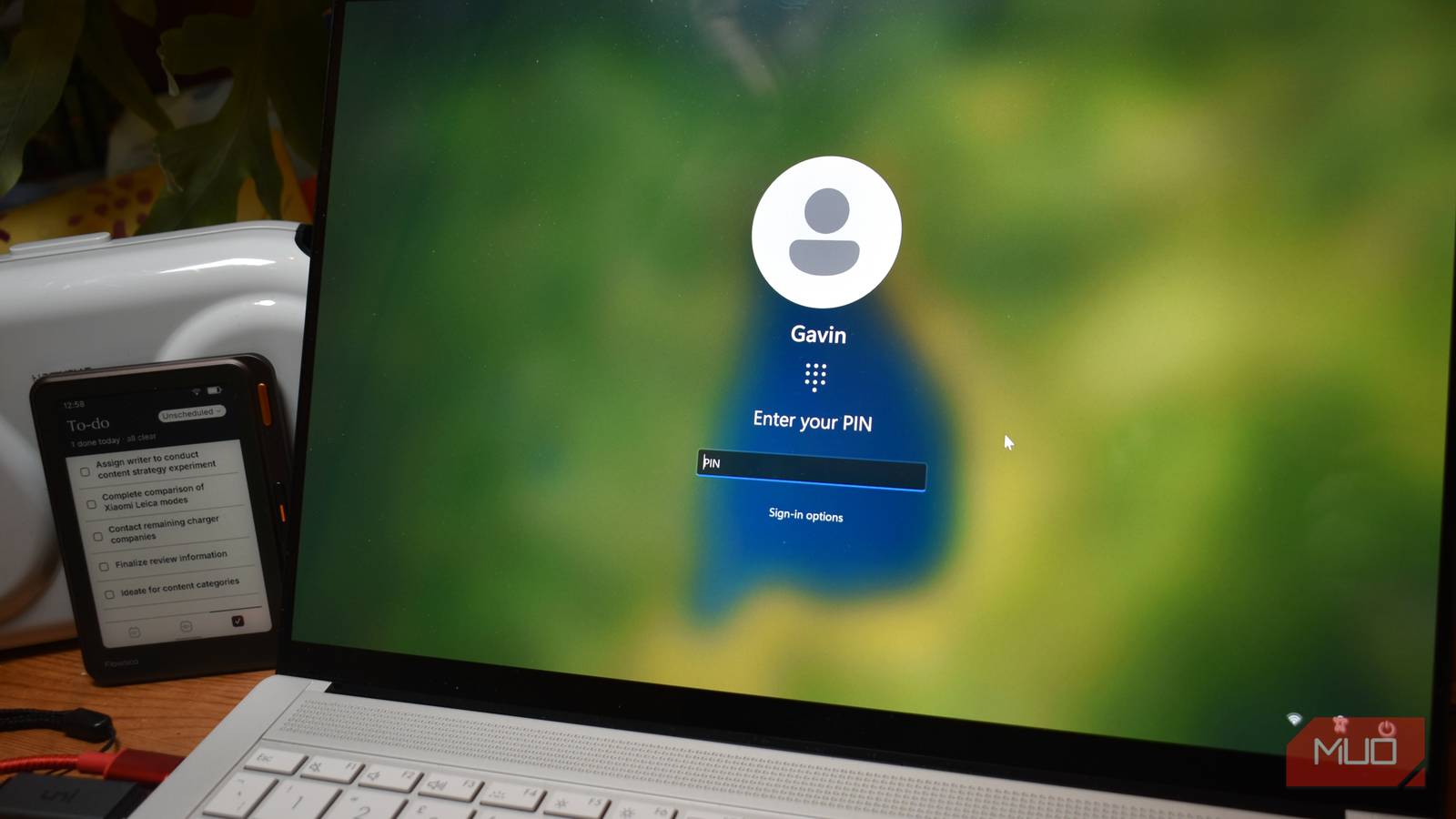
When setting up Windows, you’re required to create a Windows Hello PIN first, even if you plan to use biometrics like facial recognition or a fingerprint. You might be wondering why Microsoft doesn’t just let you use a regular password.
On paper, a password seems like the more secure choice. It can contain letters, numbers, and symbols, giving you far more possible combinations than the usual four- or six-digit PIN most people use. So why does Microsoft insist on a PIN? Trust me, it’s not for convenience. The answer is that the way Windows is put together now makes a PIN a whole lot safer than a password.
Windows Hello PIN is tied to one device
A stolen PIN can’t be used to sign in from another computer
Microsoft requires you to sign in with or link a Microsoft account during Windows 11 setup. Because of that, if you choose not to use Windows Hello and go for a traditional password, your Microsoft account password becomes your PC password.
That means if someone gets hold of your device password, they could potentially access your Microsoft account and other services or devices linked to it. As you can tell, that isn’t exactly ideal from a security standpoint.
Meanwhile, a Windows Hello PIN works differently because it’s tied to one specific Windows device. Even if someone learns your PIN, they can’t use it to sign in to your Microsoft account from another computer. The PIN only works on the device where you originally set it up.
Also, your PIN isn’t sent to Microsoft or transmitted to a server as a reusable login credential, meaning it cannot be intercepted by hackers or involved in a data breach. Instead, Windows uses it to unlock a cryptographic key stored on your PC. That key then helps verify your identity when you sign in.
Your PIN is protected by your device’s TPM
This security chip protects the keys Windows Hello uses to verify your identity

A Windows Hello PIN doesn’t work alone. On supported PCs, it’s backed by a Trusted Platform Module (TPM), a small security processor built into the motherboard or included as firmware. It’s like a secure vault for sensitive cryptographic operations and keys.
When you set up Windows Hello, your device creates an asymmetric key pair. The private key stays protected on your PC, while the corresponding public key is registered with the identity provider. The TPM helps protect the private key so it can’t simply be copied and reused elsewhere. Your PIN, or your fingerprint or face when you use biometrics, helps unlock access to that key.
The TPM also provides protection against brute-force attempts. It can limit repeated incorrect PIN entries, making it much harder for someone with physical access to your computer to keep guessing until they get it right. If too many attempts are made, the TPM can lock access to the protected key material.
That’s why a short PIN can still be secure. Its protection doesn’t come from having more possible combinations than a long password. It comes from being tied to one device and backed by hardware designed to protect the cryptographic keys used during authentication.
You can use a local account instead
A local account keeps your Windows password separate from your Microsoft account

Although Microsoft kind of forces you to link a Microsoft account during the standard Windows setup, there are workarounds that let you use a local account instead. That means the local account exists only on that particular Windows installation.
In that sense, creating a password offers the same key benefit as a Windows Hello PIN. The password is specific to that device alone. But there’s still a difference between the two.
A local account password doesn’t get the same device-bound cryptographic protection and TPM-backed safeguards that Windows Hello uses. It can also be exposed to attacks against the local Windows installation if someone gains sufficient access to your PC and is prone to brute-force attacks. So, while using a local account helps separate your PC sign-in from your Microsoft account, it isn’t a complete replacement for Windows Hello’s security protections.
A PIN is more than a shorter password
I used to think a PIN was a less secure way to sign in simply because it had fewer possible combinations than a traditional password. But Windows Hello isn’t treating a PIN as a replacement password. It’s using it as a way to unlock a device-bound cryptographic key, which is a very different approach to authentication.
With a working TPM, that key gets hardware-backed protection and safeguards against repeated guessing. A local Windows account can also keep your PC password separate from your Microsoft account, although it doesn’t offer all the same protections.
So, the next time Windows asks you to create a PIN before setting up facial recognition or fingerprint sign-in, you’ll know why.