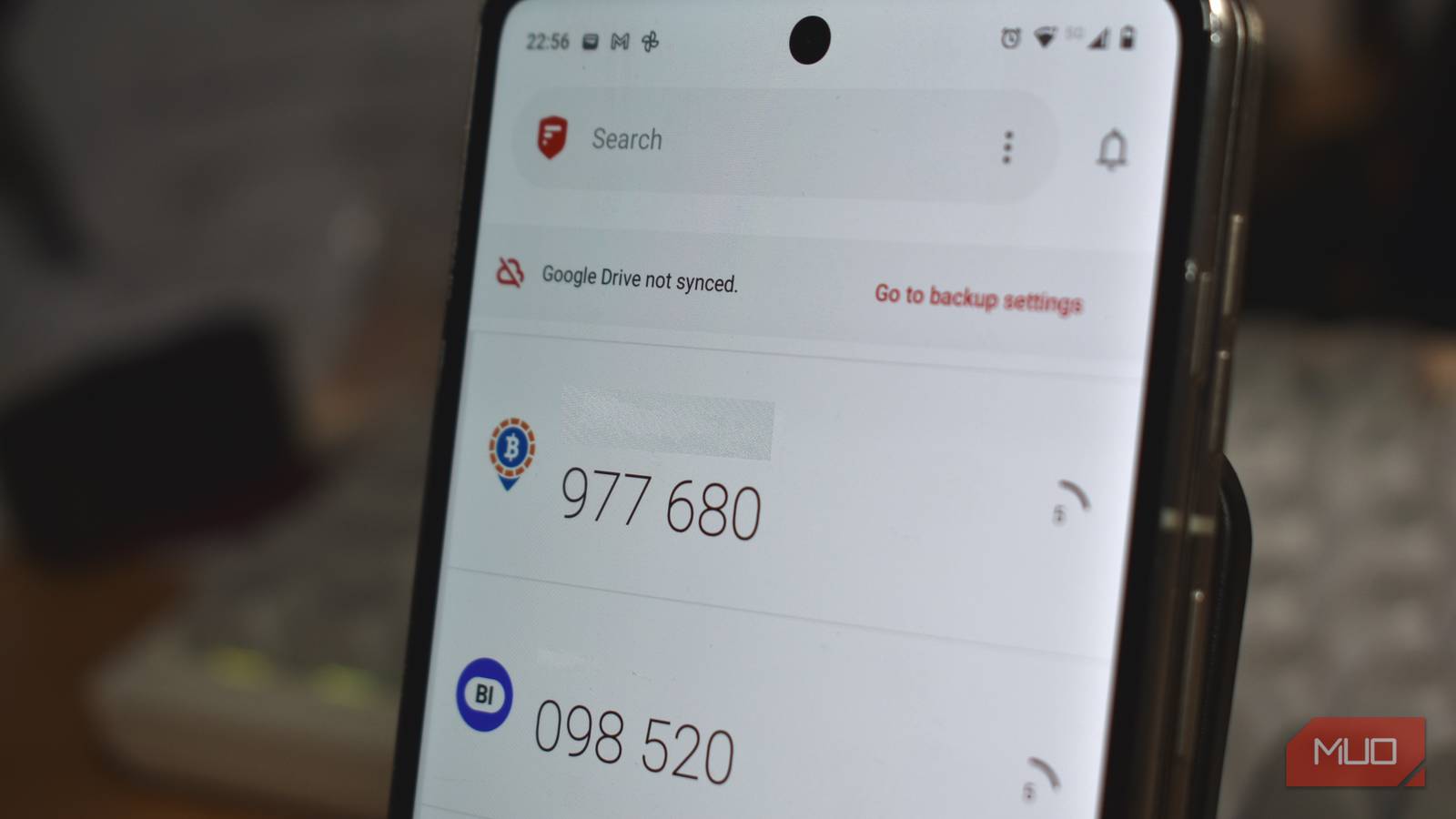
When it comes to authenticator apps, I’ve tried a few: Microsoft Authenticator, Authy, and Google Authenticator. Each served its purpose, but they either locked you into proprietary ecosystems or made moving between devices tricky. Then I found 2FAS, a free, open-source solution that offers more control without sacrificing convenience.
Why I stopped using the go-to authenticator apps
The convenience was there, but that wasn’t quite enough
I liked Google Authenticator for its simplicity, but it wasn’t exactly flexible. The codes remained tied to my phone’s hardware; migration is fiddly, and there’s no instant web access. Microsoft Authenticator works best if you’re invested in Microsoft’s ecosystem, and Authy was initially built around easy syncing, but its desktop version was discontinued on Mac, and it stopped ticking all the boxes for me.
Like I suspect many users, I felt that my codes never fully belonged to me, and my 2FA codes were tied to one brand’s ecosystem. That left me uneasy, and I wanted something I could easily back up, export, and restore whenever I like. As anyone who has ever lost their phone will agree, the risk felt too great, and ownership became more important than convenience.
2FAS gives me complete control
Open source means transparency is a priority
One feature that most attracted me to 2FAS was that it’s open source. While that doesn’t automatically mean the software is more secure, it benefits from independent oversight rather than trusting a faceless corporation with all my security codes. This makes a significant difference when you’re asking an app to store access to dozens of sensitive accounts. When we’re talking about access to my email, banking, work logins, and more, an extra layer of transparency helps me sleep a little better at night.
Perhaps just as important is the fact that 2FAS doesn’t require an account. Your tokens are stored locally on your device, with cloud backup as an option rather than a requirement. This gives users the best of both worlds: those who prefer to keep everything offline can do so, while anyone who values the convenience of restoring a new phone can enable backups as they so wish. That sense of ownership finally convinced me to switch.
Moving devices is surprisingly easy
It solves the biggest annoyance with authenticator apps

Even without losing my device (which has happened at least once), I always dreaded switching between phones, especially when migrating across platforms.
2FAS makes migration refreshingly straightforward. It can import tokens from Google, Authy, Microsoft, and several other companies’ authenticator apps, and it also creates encrypted backups that are easy to restore later. That means you don’t have to rebuild your entire 2FA library every time you upgrade your phone.
Another feature that I have come to appreciate is the browser extension. Rather than manually typing six-digit codes, I can securely send them from my phone to my desktop browser with end-to-end encryption, which makes logging into websites much faster.
Familiar apps still have advantages
The obvious downside is that other apps are more established

I knew this would be a hard sell. There’s a good argument for sticking with Google and Microsoft, and even I am still reluctant to trust unfamiliar software without careful consideration. There’s also the bonus that these apps come preinstalled on many devices, are used by millions daily, and as far as generating six digits on a device is concerned, they do the job just fine.
I also appreciate that for many business users, Microsoft Authenticator integrates neatly with Microsoft accounts and workplace security features, so it remains the practical option and the default for many organizations. However, if I were to pick one to start using from day one, I’d go with 2FAS, and the reasons are convincing enough.
First, I prefer the interface. It’s superficial, I know, but even though it’s entirely utilitarian, there’s still a lot to say for a clean, well-thought-out design with brand icons and sharp fonts. But above all else, I like that it doesn’t expect me to trade convenience for ownership. I still get a clean interface, biometric protection, encrypted backups, offline functionality, and cross-device features, without creating another account or getting tied to one company’s ecosystem.
The only authenticator app I plan to keep
This combination of features is rare among authenticator apps. Most excel at one or two of these things, but 2FAS combines them into a package that is more attractive, feels simpler to use, and is more capable. I must admit, after trying big brands Google Authenticator, Microsoft Authenticator, and Authy, I wasn’t expecting an open-source outlier to become my favorite.
However, 2FAS delivers the three things I value most: transparency, true data ownership, and effortless migration. These alone might be enough to convince some people to seriously consider switching to this user-first, open-source alternative.