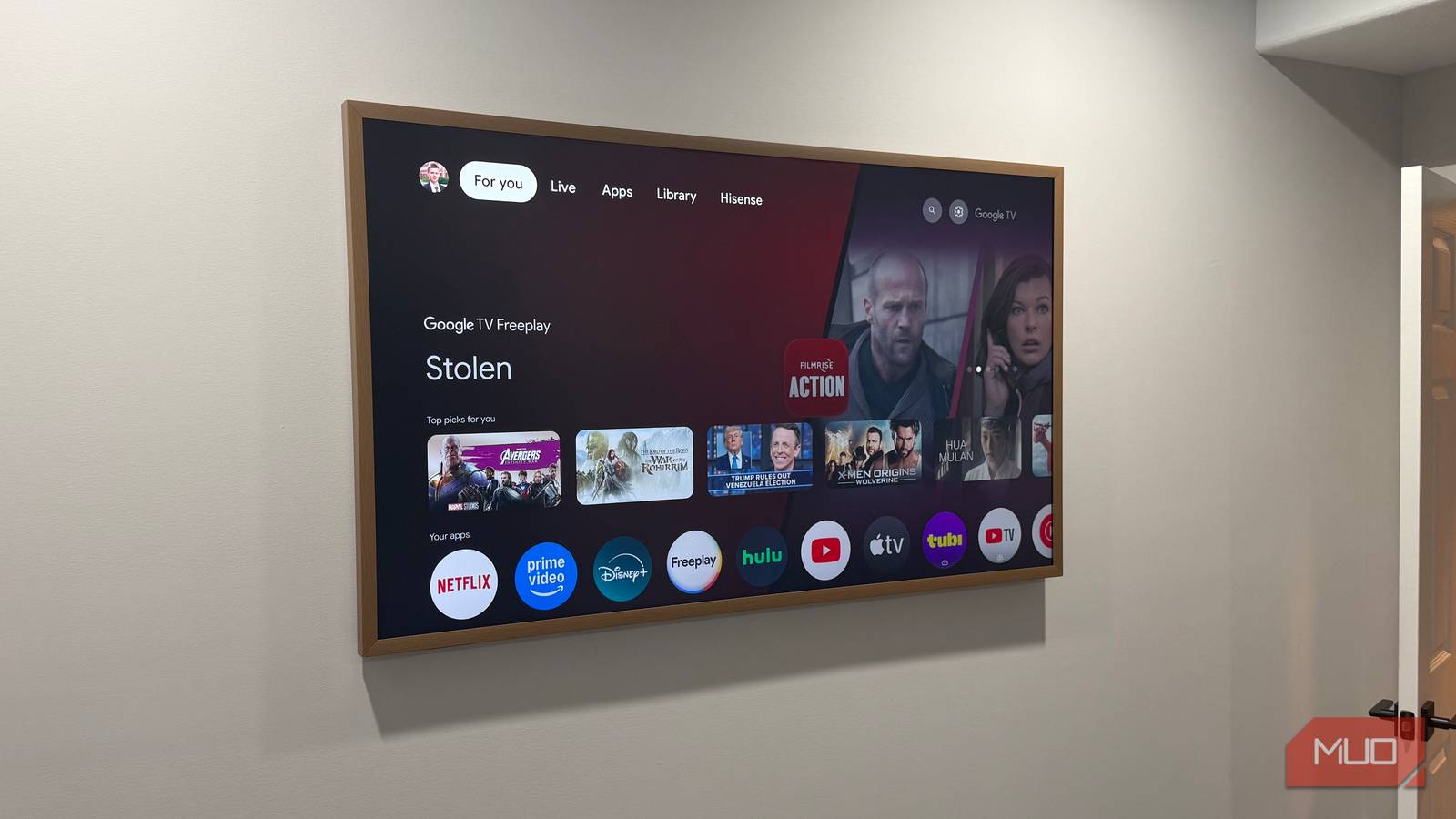
My basement CanvasTV had started to stutter. Menus lagged, apps took a beat too long to open, and the whole set felt older than it actually was. I figured the culprit was obvious: a stack of preinstalled apps I never touch. So I opened the storage menu expecting a junk drawer of dead streaming services.
The apps were there, sure. They were also the smallest part of the problem. Between my three art TVs and a couple of TCL Roku sets, the real space eaters turned out to be things I’d put there myself without thinking, plus a pile of data the TV had been collecting on its own. Here’s what was actually filling the drive, and what I cleared out.
The unused apps were the smallest slice
Cache and temp files take up more room than the apps do
An app you never open still costs you a few megabytes. Annoying, but minor. The bigger drain is what the apps you do use leave behind. Streaming services cache thumbnails, preview clips, and temporary files to make everything load faster, and that cache grows every time you scroll a menu or start a show.
On my Hisense CanvasTV, which runs Google TV, the damage was easy to see. Head to Settings > System > Storage and the breakdown lists each app with its cached data beside it. A few of my most-used apps had swollen to several times their install size. Clearing it is quick: open Settings > Apps > See all apps, pick the offender, and choose Clear cache. The app rebuilds what it needs the next time you launch it.
My art library was the real storage hog
Every 4K painting is a full-size image file sitting on the drive
This is where the number jumped. My 55-inch Frame TV and the CanvasTV I bought instead of a second Samsung both run an art mode that shows a painting or photo when the screen is idle. Each of those pieces is a 4K image, and the TV stores it locally so it can display it without pulling from the internet every time.
Save a handful and you won’t notice. Build the kind of rotating gallery these sets practically beg for, then layer your own photos on top, and suddenly you’re holding dozens of multi-megabyte files on a drive that never had much room to start with. I’d loaded travel shots, family pictures, and a stack of downloaded art across my art TVs. Trimming the collection down to the pieces I actually rotate through freed up more space than deleting every unused app combined.
The TV keeps a running memory of what I watch
Recommendation rows and viewing history live on the set, not just in the cloud

Look at the rows of suggestions on your home screen. Every one of those tiles is an image, often paired with a short preview clip, cached on the TV so the interface feels responsive. The longer you use the set, the more of that recommendation media it holds onto. Underneath it sits your viewing history, which modern smart TVs track in unsettling detail and store locally to feed those suggestions. None of it shows up in the app list, so it slips right past you.
You can’t wipe recommendation data as cleanly as an app cache, but signing out of a profile and back in, or resetting your ad and viewing settings, clears a real chunk of it. On Google TV, resetting the ad ID and pausing watch history slowed the pileup on my CanvasTV.
Games and sideloads I forgot I installed
Casual titles and sideloaded apps claim more than you’d think

Google TV and other Android-based sets let you install games, and those weigh far more than any streaming app. I’d added a couple of casual titles to the CanvasTV months earlier, played them twice, and forgot they existed. Together they outweighed every streaming service on the TV.
Sideloaded apps fall in the same bucket: anything you installed outside the official store to plug a gap the built-in list left open. Samsung’s Tizen sets and Roku TVs hand you far less to manage here, which cuts both ways. There’s less to bloat the drive, but also almost no window into what’s eating it. On those platforms, uninstalling apps you don’t use is close to the only lever you get.

- Brand
-
Hisense
- Display Size
-
65″
Clear it out, then stop asking the TV to do so much
A slow smart TV usually isn’t dying. It’s just full, and full of more than the dead apps everyone tells you to delete first. Ten minutes in the storage menu, clearing cache, trimming your art library, and pulling the games you forgot about, buys most sets a noticeable second wind. The longer-term fix is to stop leaning on the TV’s own software at all.
Plugging in a dedicated streamer like the Google TV Streamer shifts the apps, the cache, and the recommendation churn onto hardware built for it, and leaves your panel to do the one thing it’s genuinely good at.