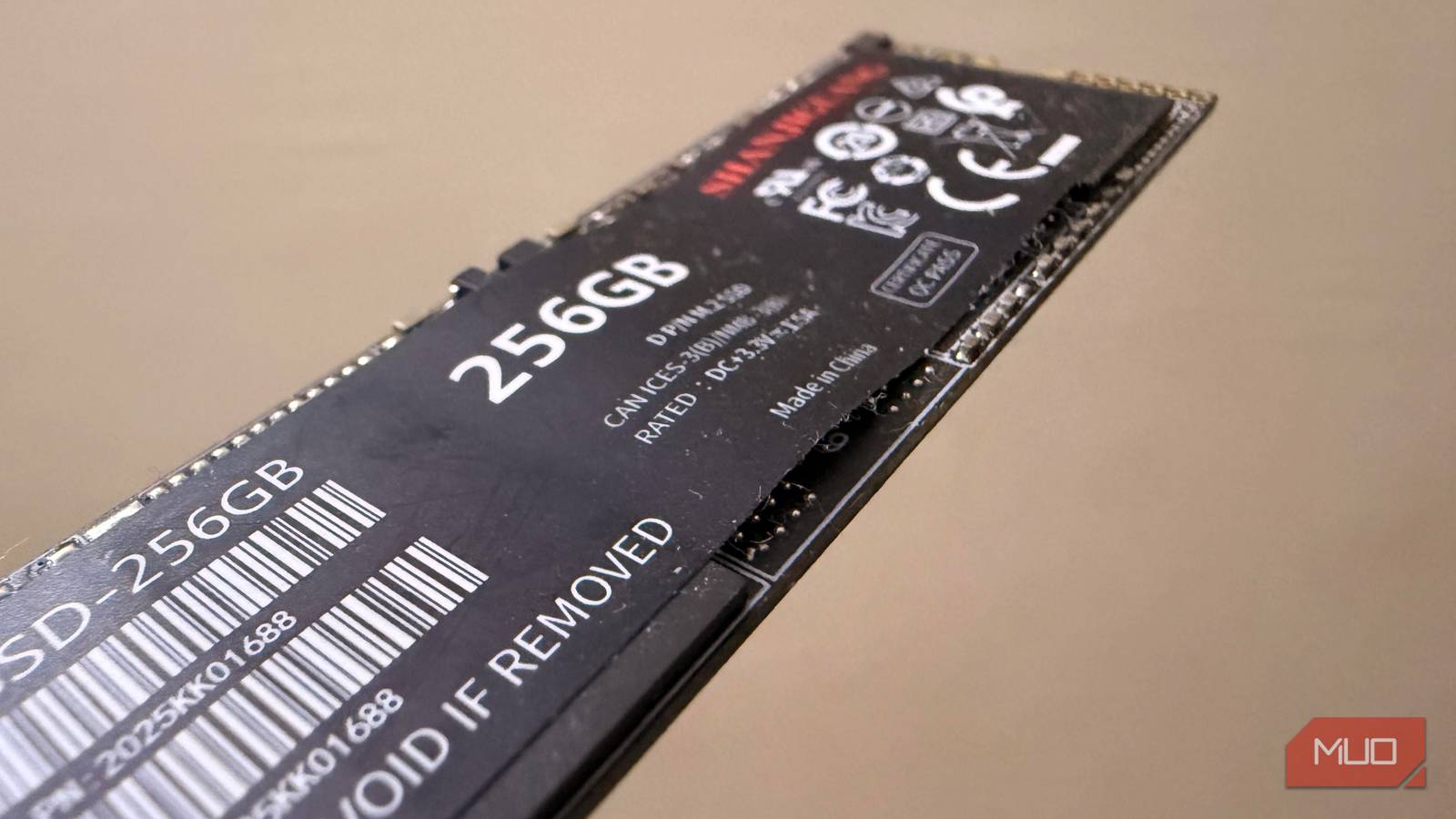
Projects that outgrow my laptop go into an external SSD. However, I assumed Windows maintains external and internal drives the same way. On the surface, nothing looked out of place, but once I started paying attention to my SSD’s enclosure, I noticed a problem. While an SSD in one enclosure may report ReTrim available, in a different enclosure it may report no operation.
For this test, I used two generic SSD enclosures with the same SSD.
fsutil gave my drive a clean bill of health, with a catch built into the wording
0 doesn’t mean “confirmed.” It means “not explicitly refused.”
On my terminal, I ran this command:
fsutil behavior query DisableDeleteNotify
The results returned 0. While this may signal a green light on paper, in reality it’s a double negative. It only tells you that Windows doesn’t block TRIM/delete notifications. However, it says nothing about whether the SSD receives the notifications or whether the drive ever acts on them.
Next, I checked Optimize Drives, and in PowerShell, I ran Optimize-Volume -ReTrim. In both cases, Windows recognized the external drive as solid-state media. It exposed the optimization paths that I expected to see for any SSD. These checks proved what Windows was willing to do, but they didn’t confirm whether the enclosure’s bridge chip dropped the UNMAP command or passed it through to the SSD.
When these same tools are applied to an internal NVMe drive, you get a more complete picture. After a retrim action, the event logs will usually reveal a clear optimization history entry — a way of confirming that the command is completed. The history of my external volume only showed that I had solid-state media with an active schedule.
Everything on the Windows side looked correct, and no element indicated maintenance was failing. The gap, however, was whether there was a complete path between the USB port and the NAND.
My SSD was never talking to Windows directly — the enclosure was doing the talking
USB bridge chips translate storage commands, and translation is where things get lost

Once you map it, it’s a straightforward path where the USB storage stack receives a SCSI-level UNMAP from Windows. This is the command behind the TRIM behavior Windows exposes to the user. The enclosure’s bridge then needs to translate this into the language that the SSD controller understands, after which the controller may mark that block free.
The error is assuming that the enclosure is a transparent pipe. Bridges are translators, and they may drop specific SCSI commands (for example, UNMAP) during translation. UASP tells you the enclosure is using the USB Attached SCSI protocol, but it doesn’t guarantee that every storage command, including UNMAP, will make it all the way through. An enclosure can therefore fail to pass TRIM/UNMAP even when it advertises USB 3.2. With some, translation can only be properly implemented under specific conditions, which may include a particular USB controller, specific firmware revisions, or after a cold plug (i.e., connecting the device while the host is powered off). They fail in all other scenarios.
The flow is Windows -> USB stack -> bridge chip -> SSD controller -> NAND. Drives will typically support TRIM, but the enclosure determines if the host can see the support. Hence, there is a clear distinction between an SSD supporting TRIM and supporting TRIM through a specific enclosure. The mistake is seeing both as the same.
Swapping the enclosure changed Windows’ answer, not the SSD
Same drive, same PC, two bridge chips, two different verdicts

I switched the enclosure of the SSD. Both were generic with nothing special about either. Every other element — drive, USB port, and cable — aside from the plastic shell and its bridge, remained the same. The two enclosures had been in regular use for months, processing similar workloads that included photo archives, video files, music files, and the occasional large project folder.
Both surfaced on Windows as USB-attached solid-state drives. Optimize Drives listed the media type as Solid state drive, but once I requested a retrim, the difference became obvious. On one enclosure, the operation was available, but on the other, the operation was not available.
|
Enclosure A |
Enclosure B |
|
|---|---|---|
|
Same SSD |
✓ |
✓ |
|
Windows detects SSD |
✓ |
✓ |
|
Drive type in Optimize Drives |
Solid-state drive |
Solid-state drive |
|
Windows optimization |
ReTrim available |
No operation |
I avoided guessing at chip families and treated the enclosure itself as the variable, since I couldn’t reliably identify the bridge controllers for each. Even when units look identical, the firmware and implementation details may vary. So the results are unlikely to be coincidental when the SSD and PC remain constant.
Non-TRIM enclosures don’t instantly collapse write performance. However, the controller receives less information about blocks that are no longer needed, potentially reducing opportunities to prepare free space efficiently. Depending on the SSD, workload, and enclosure, this may become a significant factor.
Not every enclosure deserves the SSD you put in it
Here are three questions you should ask before troubleshooting performance issues or buying an external SSD:
- Does the enclosure explicitly support TRIM/UNMAP, rather than merely advertising USB 3.2 speeds?
- Does the manufacturer provide firmware updates?
- Do independent reviews or teardowns identify the bridge chip and mention TRIM/UNMAP behavior?
Many of the answers you’d need would be on storage-focused forums and, sadly, not necessarily the retail listings. Several inexpensive cases may not pass the command reliably, but some docking stations and higher-end enclosures would. Regardless, the difference isn’t usually obvious from the outside.