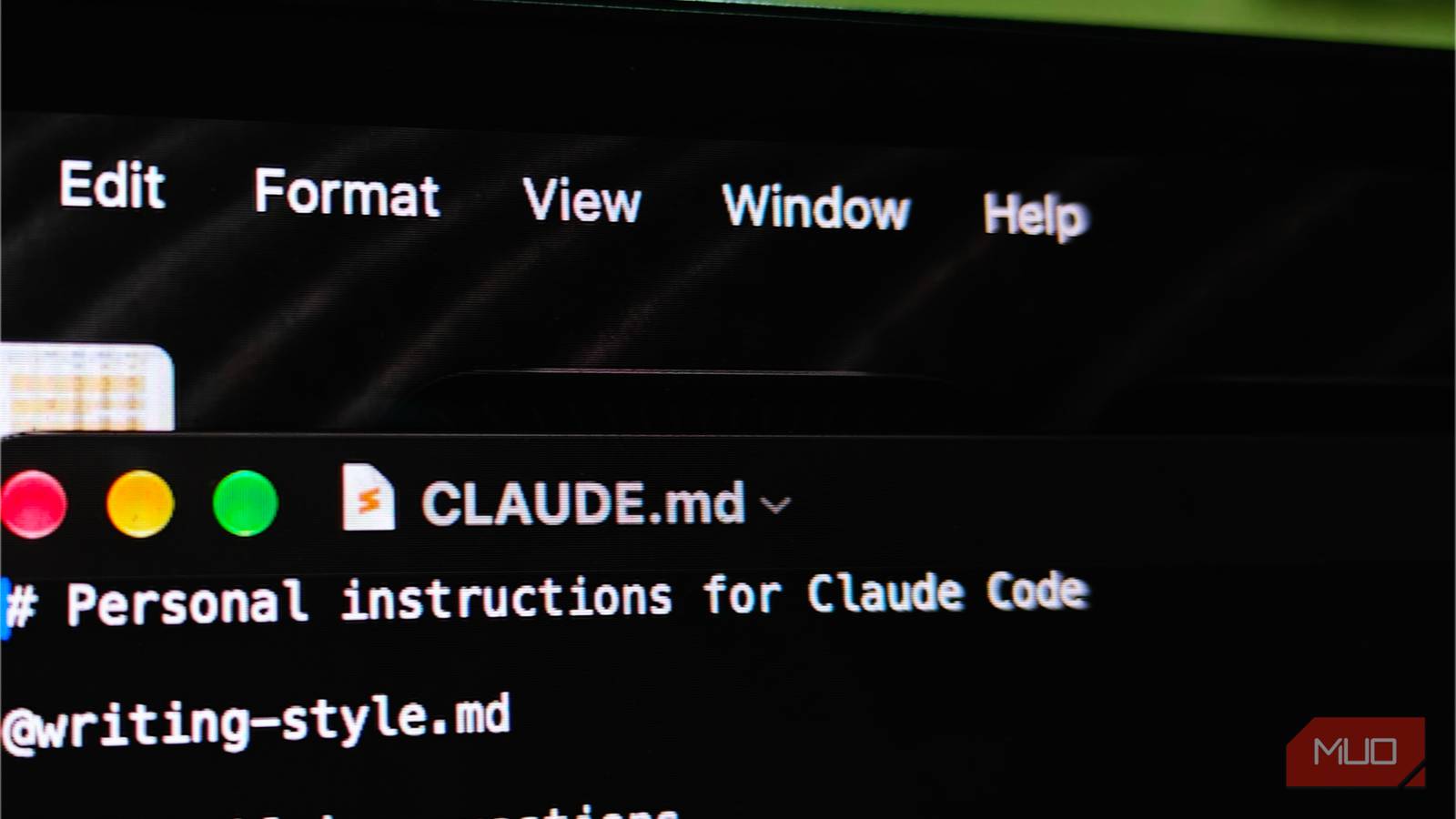
One way to get the most out of Claude Code is to set up a CLAUDE.md file that contains custom information you want Claude Code to know before it does something for you.
This is especially true if you have Claude Code perform repetitive tasks as part of a project. However, it doesn’t mean that a super-lengthy CLAUDE.md file will make everything super effective — it may, in fact, do the opposite.
CLAUDE.md is a tax you pay for every single message
Whether the rule applies or not

CLAUDE.md is a component that affects your entire Claude Code experience. But, Claude Code doesn’t let you customize when it is used. Instead, the file acts like a kind of tax you pay for every single message you send to the agentic coding tool. Now, this pervasive nature of CLAUDE.md has a couple of implications.
One, everything you have added to the CLAUDE.md file is loaded by Claude Code even before you type the first command. So, a lengthy CLAUDE.md file means your token spending will take a hit. Two, Claude Code cannot understand when a particular part of the file doesn’t apply to the command in question. The entire file will be loaded every time you send a message to Claude Code.
For example, my CLAUDE.md file contains a section that asks Claude Code to show me a few templates whenever I ask it to create a PPT or Word document. Ideally, this section should load only when I ask Claude Code to perform the specific task. But it does load whenever I send any message to Claude Code, even for something like a proofreading request.
Sure, the CLAUDE.md system works great for Claude Code-wide instructions, like, say, never use em-dashes in text, but I’m sure most of what makes CLAUDE.md lengthy doesn’t belong to this category.
The real problem was never confusion
Not too much information, just misplaced attention

Earlier, I was under the impression that a lengthy CLAUDE.md file would overwhelm the AI model and produce subpar results. However, I was slightly wrong. It had more to do with how the multiple instructions in the CLAUDE.md file worked together to cause more trouble for Claude Code. Here’s an example that I noticed on my CLAUDE.md file.
When I started using Claude Code, I had added this rule to the CLAUDE.md file, saying that it should not include any em dashes in the PPT output. Later, however, I added an entire new section to the document, titled “anti-AI writing rules,” where the same idea was repeated in different wording. The problem here is that when Claude Code reads the file, these two statements interfere with each other as they fight for attention.
Now, imagine a Claude Code thread where I’ve been asking for continuous edits or revisions on a PPT. By the tenth or fifteenth turn, the context starts to look messed up, which leads to performance drops. To clarify, this situation occurs not because the Claude model is overwhelmed by requests, but because your instructions in CLAUDE.md are competing for attention — not only among themselves but also against other system instructions.
This inference issue used to happen in a way that I did get content with em-dashes during long conversations. Sure, the first few turns were okay, but not the later ones. Auditing my CLAUDE.md file also helped me understand how the same rules were repeated in multiple sections. But it was useless because these repetitions only overwhelmed Claude Code instead of reinforcing the rules.
What actually got cut, and what stayed
Half the length, all of the substance
When I learned that a lengthy CLAUDE.md was causing more problems than it solved, I had to do something. Fortunately, I remembered how self-aware Claude Code is, so I asked it to audit my CLAUDE.md file. Unsurprisingly, it did flag most of the pointers I shared with you. All I needed was this simple command:
Audit my CLAUDE.md
In a few seconds, Claude Code returned a super-detailed report on CLAUDE.md and flagged multiple aspects that contributed to redundancy. Now, at this point, you have two options. One, you can manually open CLAUDE.md and cut it down to half the size by removing pointers you don’t think add value. Two, you can ask Claude Code to do it for you.
I tried the second option, and it was pretty comprehensive. Claude Code removed repetitive statements, redundant elements, and optimized the document.
My CLAUDE.md file used to contain quite a few writing instructions, but they were also loaded whenever I asked Claude Code to build something. Anyway, during this post-audit change, Claude Code moved all those writing-related instructions to another file titled writing-style.md. It also added placeholders for sections I wanted to fill in so that Claude Code could get better context.
Within a few steps, Claude Code saved this new CLAUDE.md file, and Claude Code’s performance has been better since then, especially in multi-turn conversations!
It’s just a slow decay that you can prevent
Cutting CLAUDE.md in half has been a great decision for my Claude Code performance, but it’s not a one-size-fits-all solution, either. Getting the best out of this setup requires an audit centered on your requirements and the creation of multiple files. It’s also important to note that a lengthy CLAUDE.md file causes a slower decay, not a sudden break. Given that these issues also increase token consumption, it is best to start the audit as soon as possible.