I use my PC a lot, but honestly, I use my phone even more. That’s where I keep my banking, chat, wallets, passwords, and basically the accounts that matter to me. After Portmaster opened my eyes to all the background connections running on my PC that I hadn’t noticed before, I couldn’t stop wondering what the apps on my phone were doing that I didn’t know about.
I didn’t want just another permissions screen. I wanted to see the connections themselves and see what my apps were connecting to. That’s how I ended up with PCAPdroid.
I wanted my phone to explain itself the way Portmaster did
A firewall taught me the habit before seeing an app to use it with
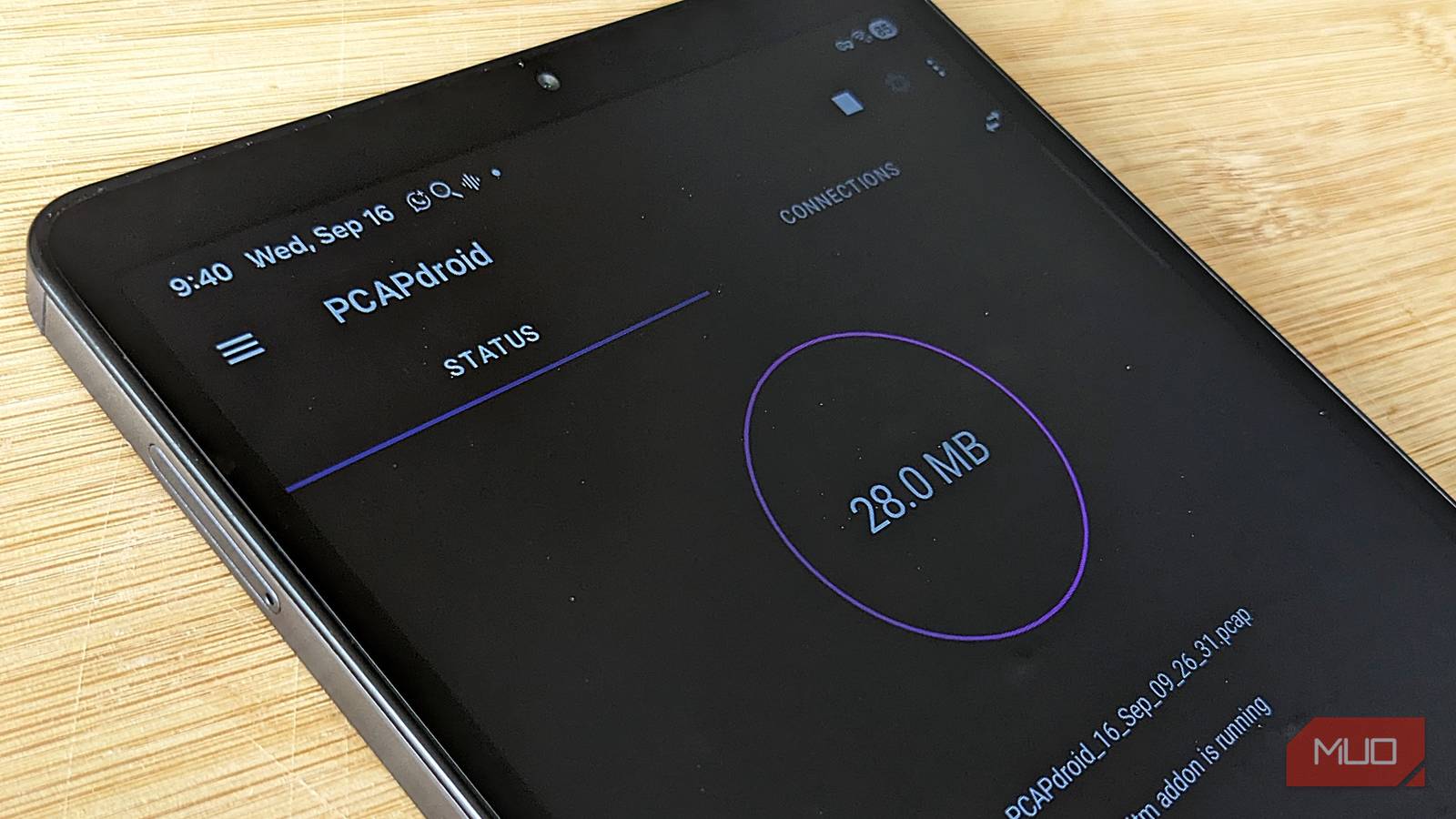
PCAPdroid was the closest thing I found to Portmaster for Android without rooting my tablet. It creates a local VPN and lets me see which app made a connection, where it went, and how much traffic was involved. Once the capture session ended, I checked the Connections tab and exported the lists too, which made it much easier to search through the domains.
I deliberately didn’t pay for any of the extra features. That’s because what I wanted was to see the background connections first, and the free version gave me that. Unlike Portmaster, it didn’t give me much context around a connection or flag anything for me; It just gave me information and left me to work out what I was looking at.
I got HTTPS decryption working a bit. I installed the Mitm add-on and certificate as instructed, and a couple of the connections actually came back marked “Decrypted.” That didn’t mean I could suddenly read everything, though.
Most connections showed certificate errors; some flat-out refused it as “Not decrypted,” and PCAPdroid told me outright it couldn’t decrypt QUIC traffic at all, which covers a lot of what Google’s apps use. Even the decrypted connection still showed unreadable noise in the payload. That was enough to make me stop worrying about decrypting. The list already gave me plenty to look at.
My banking app had more connections than I expected
OPay wasn’t just talking to its own servers
OPay is my banking app, so I paid extra attention to every connection. It recorded 61 connections across 20 domains. Most were its own opayweb.com services, including connections for different parts of the app. Then I found AppsFlyer, datadoghq.com, app-measurement.com, graph.facebook.com, and whatismyip.akamai.com.
That seemed like a lot of external sources talking to my bank, so I looked. I’d already encountered AppsFlyer before, so I knew it’s used for attribution and measurement, more like tracking which apps are watching an installation and where it came from. Datadog is a monitoring and observability service, while app-measurement is associated with Google’s analytics services. Facebook and IP lookup are common for fintech apps running marketing.
I didn’t find anything in those connections to assume OPay was doing anything shady. But I hadn’t known any of it was there until I looked, and that was the whole point for me.
Then a kid’s game caught me off guard
Monster High was just a coincidence
While a capture session was running, my niece coincidentally picked up the tablet to play Monster High. I didn’t think much of it until I went through the log afterward.
PCAPdroid recorded 375 connections within a few minutes. Among them were multiple Pangle, AppLovin, DoubleClick, Moloco, Firebase Crashlytics, Chartboost, InMobi, TikTok-related ad domains, and traffic routed through Alibaba Cloud infrastructure.
That’s a heavier, more aggressive ad and tracking stack than some of the apps I expected trouble from, and it’s sitting inside a game a kid was playing without any idea what was happening underneath it.
WhatsApp Business, in contrast, recorded 121 connections over 2 hours, and nearly everything I checked led back to WhatsApp or Meta’s infrastructure.
My other apps didn’t take nearly as much work
Except Chrome
Not every app goes looking for company. For instance, Telegram barely registered anything. SuperfreezZ, xnotes, Wispr Flow, Samsung Notes, Asana, Claude, Pluckeye, Slack, and other apps have minor footprints, but nothing odd.
Then I opened Chrome, and it changed the way I read the logs. It recorded 4,930 connections across 543 domains. That number looked ridiculous, and my first reaction was that Chrome had a lot of explaining to do, until I started looking at where those connections were going.
A lot of them belonged to websites I’d visited. From most of the domains I checked and researched, the connections led back to advertising, analytics, and third-party services belonging to those websites, on top of whatever Chrome’s ad privacy feature already knows. Chrome was in the middle of it all, and the connection counts made the browser look responsible.
YouTube also showed me something similar on a smaller scale. It had multiple domains with several megabytes, but the ones I checked traced back to Google’s downloader infrastructure.
That was probably the perk of going through the connections myself. A strange-looking domain didn’t stay strange for very long once I knew who or what was behind it.
Running PCAPdroid wasn’t free of problems
It came with a few side effects I didn’t expect

The longer I left PCAPdroid running, the less comfortable I felt with leaving it running unattended. A couple of times, several hours into a capture session, my tablet’s internet connection would go bad. Websites stopped loading, Spotify went offline, and YouTube and other apps wouldn’t load. While this happened, the Wi-Fi worked fine on another phone connected to the same network.
Notifications also stopped arriving while a capture was running and then appeared once I stopped it. I saw a couple of users with similar connectivity issues in the app’s review section on the Play Store.
I also lost multiple capture sessions because I was using the “No dump” mode, which kept the data in memory. So, every time my freezer killed PCAPdroid in the background, the session was gone. I later switched to “PCAP file” mode to save while running.
I’m still keeping PCAPdroid installed, and it’s turned into an actual habit.
Checking an app’s connection is one of the first things I do now whenever I install something new. I reach for PCAPdroid as a filter to see whether I’ll be comfortable giving an app every permission it requests.
Monster High stuck with me, though. Everything else, including OPay, Chrome, and the other apps I looked at, I understood and moved on. But I couldn’t understand why a kid’s game is that wired up with ad tech and tracking services.
So I put PCAPdroid on her mini-tablet too and went through what else was on there. I eventually uninstalled Monster High from our tabs and removed a couple of others off hers once I saw the same pattern.
Being able to understand what was happening behind the scenes and use that to make a decision definitely made all the digging worth it.