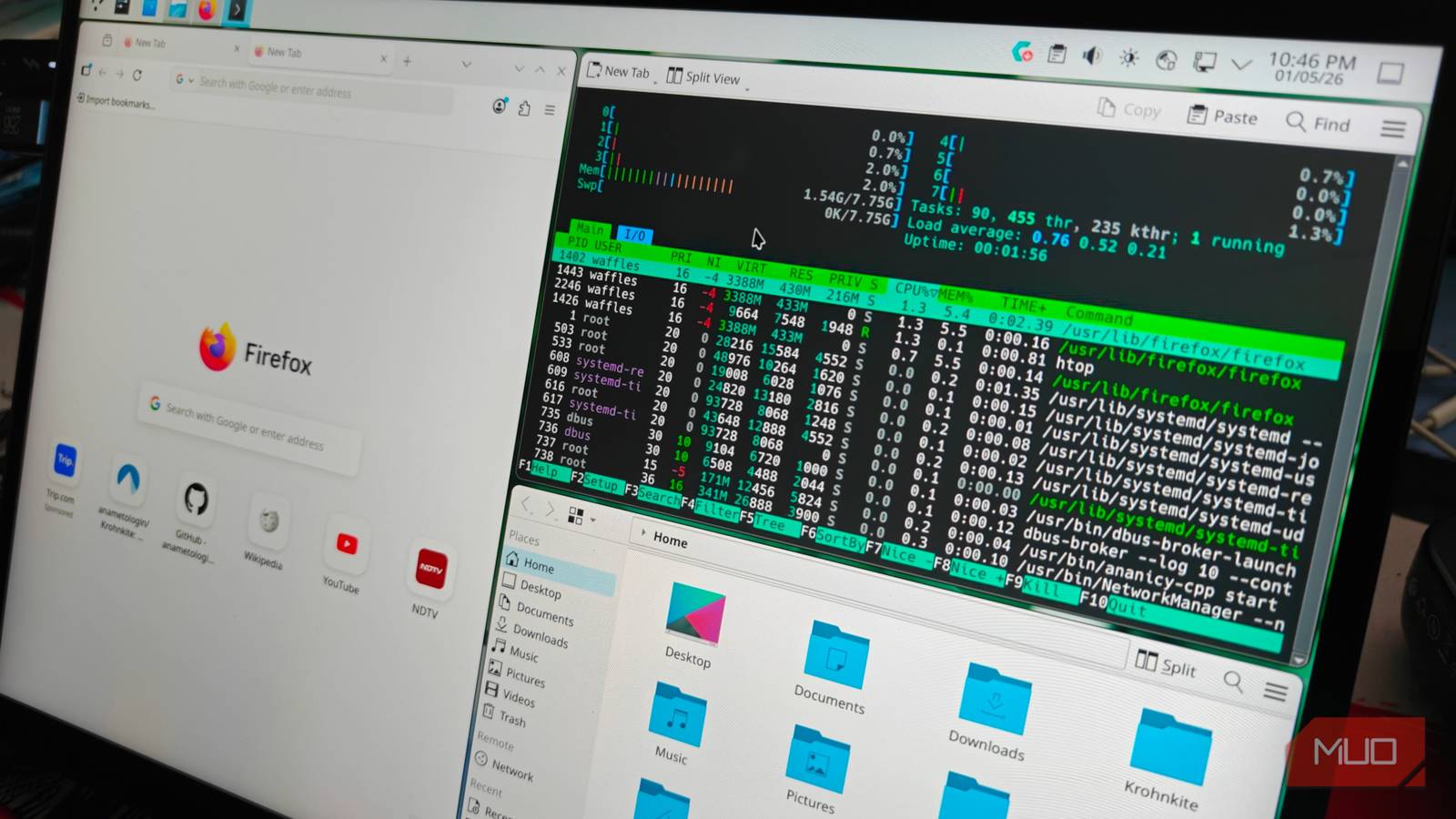
When it comes to performance-focused Linux distributions, there are quite a few to speak of. All of these seem to be based on either Arch or Fedora in some form or the other, functioning (mostly) the same. Like many of you, I’ve been using Bazzite for quite some time now, but its immutable file system presented a few challenges. There aren’t a lot of things you can tweak or modify, and some of the defaults aren’t to my liking.
Which is where CachyOS comes into play again. This is a highly optimized version of Arch Linux, making it ideal for resource-intensive workloads like gaming. Curious, I took it out for a spin on my server and ended up switching to it on one of my spare laptops. It’s been there ever since.
CachyOS isn’t immutable, and that’s one of its biggest draws
It also happens to be based on Arch Linux

Bazzite is an immutable operating system. In other words, you cannot make changes to certain core sections of the operating system, at least not as easily. This makes persistent changes a lot more difficult to implement.
Moreover, it’s just not how I like my operating systems to be built. I prefer having total control and a full layout of the whole installation architecture, so that I can know exactly what to pinpoint to when something goes awry. Which is why I have gravitated toward Arch Linux after spending months distro hopping.
Despite this, vanilla Arch Linux is just a pain to set up whether you use the Archinstall script or not. This is where Arch-derivatives like CachyOS turn out to be saviors. They offer an easy, pre-configured Calamares installer that makes the worst part of Arch a breeze.
For my particular use case, it was a Proxmox server with a RX 9070 passed through into a SteamOS-like installation. This was so I could boot into a gaming system whenever I needed, and access it across the network.
Bazzite worked, but there weren’t many things I could change, and so the next option was CachyOS. Being based on Arch Linux unlocks access to the Arch User Repository or AUR, a collection of installer scripts that house almost every program you could think of.
Combine that with CachyOS’s own system-level optimizations, custom-tuned packages and kernels, and you have an incredibly performant, snappy Linux distribution.
Setting CachyOS up for gaming was also incredibly straightforward, requiring the cachyos-gaming-meta package along with Protonplus for the custom Proton versions. This also deploys Steam, and the GPU-specific drivers.
If you’re feeling experimental, it’s also possible to install the Steam Machine’s gaming mode user interface onto Cachy for a plug-and-play system.
CachyOS is also a fantastic desktop operating system
KDE Plasma really cements the overall experience
The best way to experience CachyOS (especially if you’re coming from Windows) is to stick to the default KDE Plasma desktop interface during the installation. KDE is fantastic, and one of the best desktop environments for Linux.
It’s also modular, and surprisingly easy to get into. Sure, it might not be as seamless as GNOME, but KDE is miles ahead of alternatives like LXQt and Hyprland in terms of its accessibility.
Circling back to Windows users, KDE just feels like a souped-up version of Windows 11, with all the right tweaks and features. You could even say that it offers a superior experience.
It’s the default for a reason, and still my go-to desktop environment of choice. CachyOS is absolutely phenomenal with KDE, and most things just work, including Nvidia cards. The open-source suite of apps continues to keep growing, and makes it an excellent desktop operating system as my daily driver.
Switching to CachyOS and its packages on a spare laptop
Trying out CachyOS was enough to convince me to make the switch. And so I did, installing it on an older Dell Latitude (the 7320). It’s been a week since, and I see no reason to switch it over to any other Linux distribution.
CachyOS has the familiarity of Arch Linux and the strengths of a source-based operating system like Gentoo, having tailor-made packages for each kind of system architecture. This makes it blazing fast, and the difference in responsiveness is noticeable, especially on weaker hardware.
However, there’s an alternative for those who don’t want to completely give in to the automated defaults of CachyOS. There’s a handy series of helper scripts from the official CachyOS website that lets you convert an existing Arch Linux installation.
The CPU architecture is auto-detected, and the installer replaces the older packages with the appropriate CachyOS package. This also adds in the CachyOS repos (and its kernels), which have a few pre-compiled binaries.