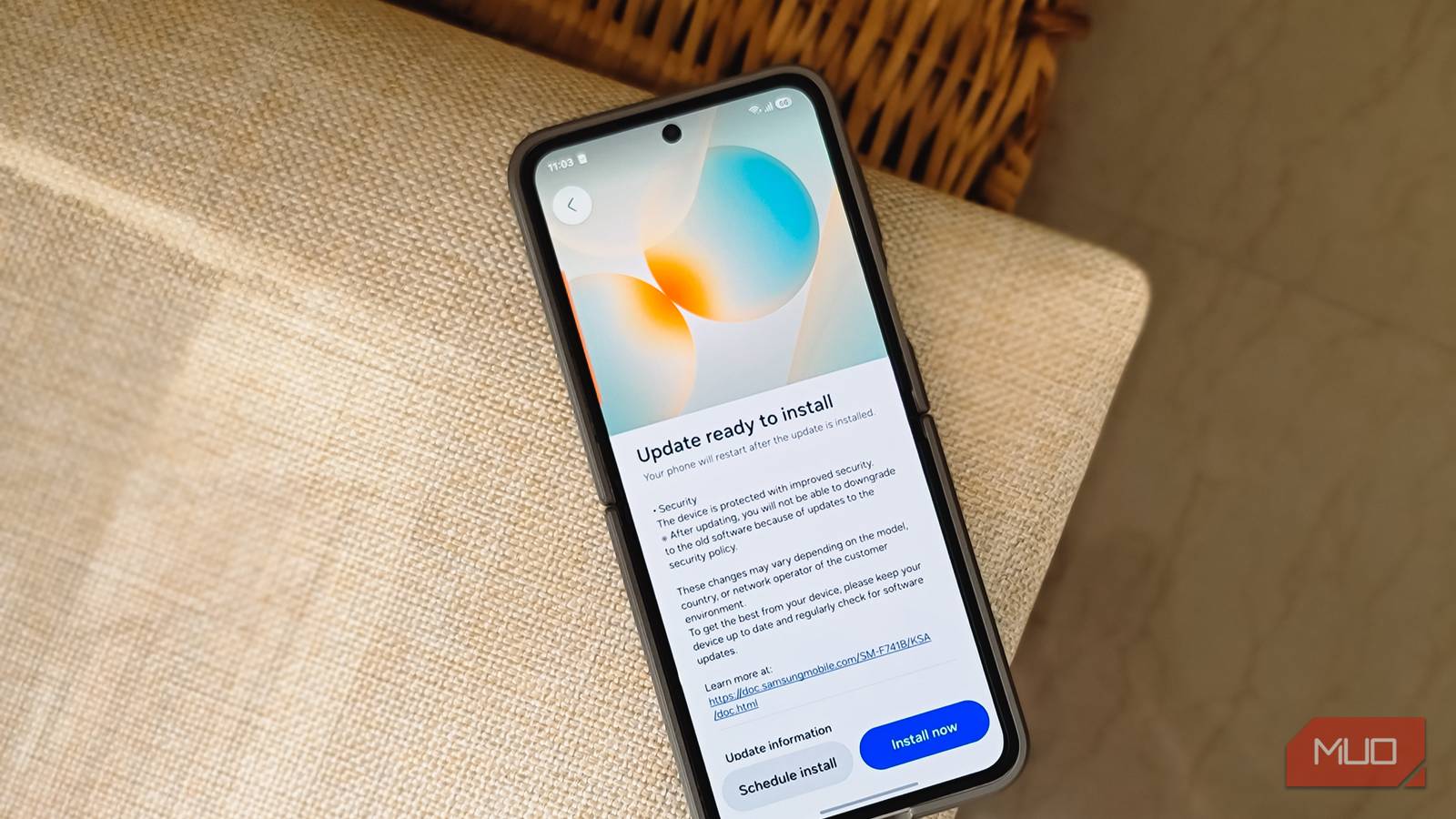
Most Android phones and iPhones now come with five to seven years of OS upgrades. During that period, your phone receives the latest OS updates and security patches. But what happens after your phone stops receiving them?
I have a bunch of old Android phones that have reached their end of life, the latest being my Note 20 Ultra, which received its last security update over a year ago. Out of curiosity, I decided to use it as my daily driver in 2026 to see what would break. Turns out, the answer is less than you would expect, but the risks are bigger than most people realize.
The phone works without issues (mostly)
Banking apps, social media, and daily essentials still run fine

I popped my SIM back into the Note 20 Ultra and started using it the way I would use my Z Flip 6, for calls, social media, banking, and everything in between. Over the first few days, the phone worked without any noticeable issues. I was expecting the banking apps to refuse to launch, or at least throw up some kind of warning about running on an unsupported device. That did not happen.
Contrary to popular belief, banks and other payment processing apps cannot simply stop working on your Android phone just because it has stopped receiving security updates. Yes, I said Android phones, because on iOS, it’s a different story. For instance, Bank of America on Android requires Android 11 or above, whereas on an iPhone, you need at least iOS 17.0. Similarly, popular social media and instant messaging apps like WhatsApp, Facebook, and Telegram need at least iOS 15.1 and above, while on Android, some even work on Android 6.0.
|
App |
iOS minimum |
Android minimum |
|---|---|---|
|
Bank of America |
iOS 17.0 |
Android 11 |
|
Capital One Mobile |
iOS 17.0 |
Android 11 |
|
Chase Mobile |
iOS 17.4 |
Varies |
|
|
iOS 15.1 |
Android 6.0 |
|
Telegram |
iOS 15.0 |
Android 6.0 |
|
|
iOS 15.1 |
Android 11 |
Other apps I use daily, like Chrome, Adobe Lightroom, Slack, Asana, Claude, and more, seem to work fine as long as you have an Android 10 or above device. Sure, my old phone does not have the latest One UI update or the Material You design refresh, but purely as a utilitarian device, it works just as well as my Z Flip 6.
The security risk is the real issue
Your phone is a sitting duck for known exploits
Phone manufacturers keep pushing security updates for years after the OS updates have stopped. But the security updates, too, have a limited window of one to two years. This is where the biggest concern lies with using a smartphone that has reached its end of life: security threats.
The core problem is that vulnerabilities are constantly being discovered in Android’s kernel, system components, and drivers, and your phone stops receiving the patches that fix them. Once these exploits are made public by security researchers, which they do alongside a CVE number and the code used to reproduce the bug, they become reusable by threat actors to target devices that will never get the fix. In short, the longer your phone goes without an update, the bigger the attack surface grows.
So why do app developers still support their apps on older phones? Because they cannot lock out a sizable chunk of their user base. Banks, in particular, cannot lock someone out of their own money just because they cannot afford to upgrade to the latest device. Instead, companies try to mitigate the risk by making sure the phone is not the only line of defense and moving most of the security to their backend servers.
For instance, transactions are authorized server-side. Banks tie authentication to your SIM via automatic SMS verification, check for rooted devices, use encrypted storage and transport, and block screenshots on sensitive screens. Even if your phone is compromised, the app goes through multiple layers of scrutiny before access is granted. On top of that, Google Play Services and Play Protect continue to receive updates independently and can scan for malware in the background regardless of your phone’s security patch level. It’s a calculated trade-off banks make against excluding millions of legitimate users from their platforms.
But none of this means you are safe. It means the risk is manageable, not eliminated. A zero-day that targets the kernel on your specific Android version, paired with a malicious link or a sideloaded app, is all it takes.
When it’s time to bid goodbye
Check your security patch date, and plan your exit

If your phone has stopped receiving security updates, it’s wise to stop using it for anything sensitive, like banking or accessing work accounts. Go to Settings > About Phone > Android security update. If the last security update is more than a year old, your phone is likely vulnerable to at least a dozen known exploits that are already documented and circulating.
Sure, nothing will break on your phone, and all the apps will continue to work as long as the developers support the minimum Android version it runs. But there is a real risk of your phone being compromised, and you would have no way of knowing it happened until it’s too late.
If you cannot upgrade right away, there are a few things you can do to limit your exposure. Install apps only from the Play Store and keep Play Protect turned on. Avoid clicking on links and attachments from unknown senders. Do not sideload APK files from random websites. And when it is time to upgrade, make sure the phone you buy has at least five to seven years of promised updates to make it future-proof—that way, you know your goodbye date upfront.
Your phone doesn’t expire, but your security window does
Most phones will continue to work without issues long after they are past their end of life, and that is mostly because banks and other major app makers will not drop support instantly. My Note 20 Ultra ran every app I threw at it just fine. The screen still looks great, the cameras are still usable, and Samsung’s old One UI build is perfectly functional for calls, messaging, and browsing. But there is always a risk of a phone like this being exploited, and the longer it sits without patches, the wider that gap grows. The practical step is to stop using it for anything that involves your money or personal data, and use it for everything else, like media, a second camera, or a backup device.
For your next phone, pick the one with the longest update commitment you can find. Samsung and Google both offer seven years on their flagship and midrange lineups now, and other manufacturers are catching up. Knowing your phone’s end-of-life date before you buy it is the simplest way to avoid being in this position again.