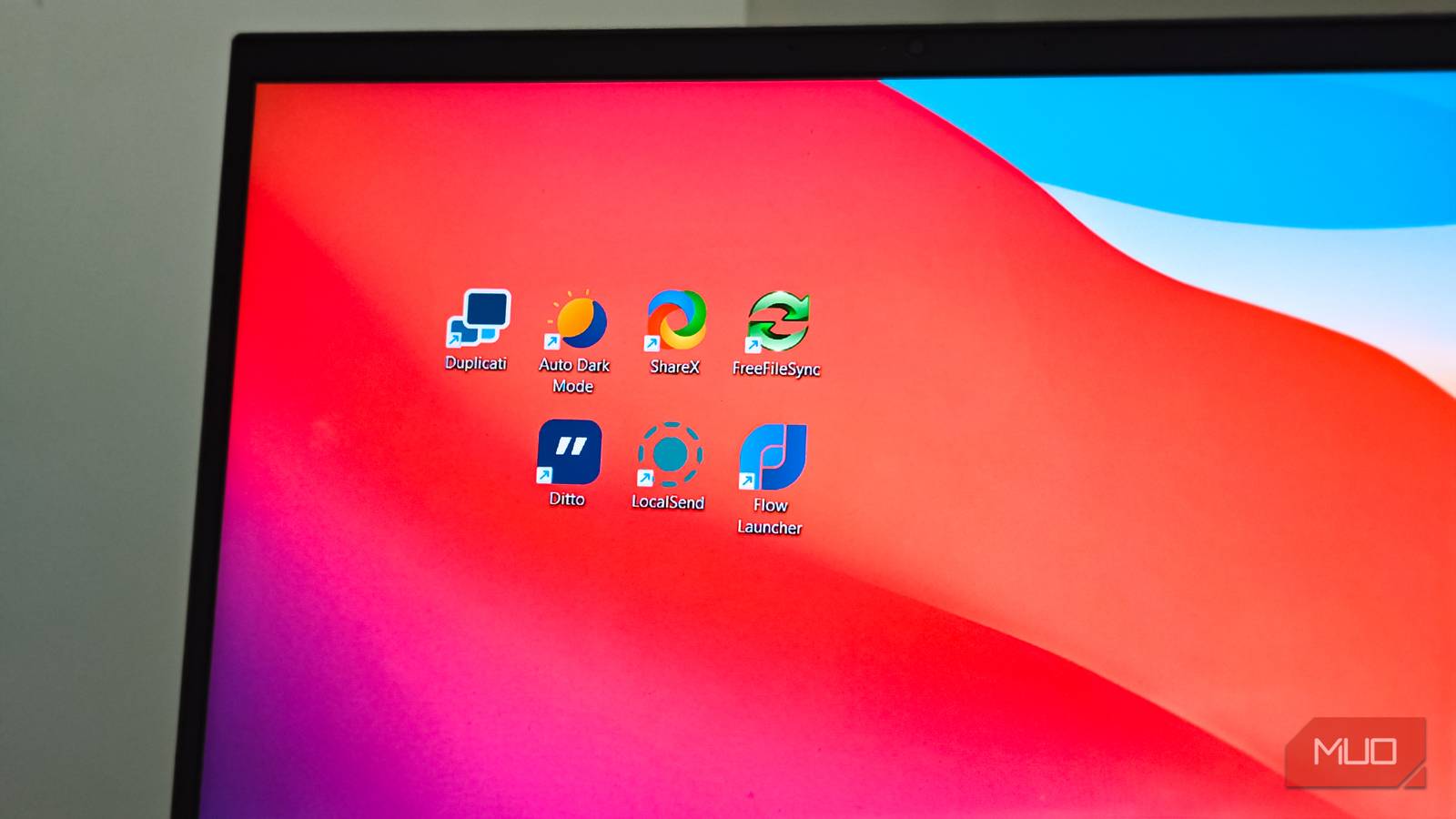
Windows 11 has some great default apps, like a built-in file extractor, OneNote, and cleanup tools. But some default apps have gotten bloated, so I’ve replaced them with lightweight, open-source alternatives, which add more practical features while keeping the setup light.
ShareX
A better screenshot tool than Snipping Tool
The updated Snipping Tool now offers more features than it used to, including screen recording, OCR, and live annotation. However, it’s still pretty basic in what it does. Among the first apps I install on a new PC is ShareX, an open-source screen capturing app that goes far beyond simple screenshots.
ShareX lets you capture regions, full screens, active windows, and even scrolling pages. The built-in editor is where it pulls ahead of Snipping Tool. You get arrows, text, shapes, blur tools, and a smart eraser that matches background colors instead of leaving ugly pixelated boxes. There are also step counters for tutorials and speech bubbles for context, features you normally need a paid tool to get.
What I like most is the workflow automation. You can set up custom profiles that automatically add watermarks, save to a specific folder, and upload to cloud storage, all from a single hotkey. ShareX also handles screen recording and GIF creation, so it covers quick recording needs without requiring a separate app. It does so much that it can replace four or five standalone tools on its own.
Notepad++
A faster, more capable text editor
Windows Notepad is another default app to have received a makeover with the latest updates. While some changes are welcome, Microsoft also decided to integrate this nifty little app with AI and make it more bloated in the process. A cleaner, lighter, and more feature-rich alternative to Notepad is Notepad++, and that’s what I’ve been using for years now.
You can notice the difference the moment you open a config file or a JSON document. Notepad++ shows syntax highlighting for over 80 programming languages, and its find-and-replace supports RegEx, which is important if you need to search for patterns in large text files rather than exact words.
There’s also a dedicated clipboard history for text only, unlike Windows’ built-in clipboard history that mixes in images and files. And the plugin ecosystem lets you add spellcheck, FTP integration, and even code execution. It’s not an IDE replacement, but for everyday text editing, it makes stock Notepad feel basic.
Flow Launcher
A faster way to find anything on your PC

Windows Search has gotten better over the years, but it still lags behind in speed and accuracy. I often search for an app I have installed and get a Bing web result instead. Flow Launcher is better than the default Windows search in almost every way, and once I paired it with Everything by Voidtools, I disabled Windows Indexing entirely.
Flow Launcher works like macOS Spotlight. Press a hotkey, type a few letters, and it returns results almost instantly. Everything indexes the NTFS Master File Table directly rather than crawling file contents, so searches that took Windows Search several seconds now happen in real time.
What sets Flow Launcher apart from even PowerToys Run is the plugin ecosystem. There are plugins for Spotify search, clipboard history, currency conversion, and more. You can also run shell commands directly from the search bar without opening a terminal window. For anyone frustrated with Windows Search returning web results instead of local files, Flow Launcher solves that problem on day one.
KDE Connect
A cross-platform Phone Link alternative

Phone Link is a handy tool, but it can be annoying when it starts acting up. I haven’t been able to use Phone Link in the last few months after it stopped working with my phone, no matter what I did to troubleshoot the problem. So I switched to KDE Connect, an open-source app that syncs your phone and PC across Windows, Android, Linux, macOS, and even iOS.
KDE Connect does everything Phone Link does and then some. Notifications sync between your phone and PC, you can send and receive texts, and there’s clipboard sharing that works with any Android phone, not just Samsung devices. Cross-device clipboard sync is important because Phone Link’s clipboard sync is limited to a handful of brands. With this, you can copy something on your phone, and it’s ready to paste on your PC.
Beyond the basics, you can use your phone as a remote control for presentations, browse your phone’s entire file system from the desktop, transfer large files quickly, and even ring your phone when you can’t find it. The initial setup on Windows can be tricky, as you sometimes need to allow kdeconnectd through the firewall, but once it’s configured, it runs quietly in the background.
LocalSend
Cross-platform file sharing without the hassle

Quick Share works fine when both devices are Android, but the moment you need to send a file to a Windows PC or a friend’s iPhone, you are out of options. LocalSend is a free, open-source file transfer app that runs on every major platform, including Windows, macOS, Linux, Android, iOS, and even Google TV.
The setup is about as simple as it gets. Install the app on both devices, connect them to the same Wi-Fi network, and start sending. Files move directly between devices over your local network, and the transfers are end-to-end encrypted.
I’ve found LocalSend to be more reliable than Quick Share at detecting nearby devices. Quick Share sometimes struggles to find my phone on the network, which is a frustrating experience when you want to move a few screenshots over. LocalSend doesn’t have that problem. The one limitation is that both devices need to be on the same local network, so it won’t work for sharing files with someone across town. For that, I still fall back to Quick Share or a cloud service.
The media player that plays everything
Windows Media Player has always been limited in what formats it supports. VLC Media Player is an open-source player that handles almost every audio and video format without needing extra codecs or downloads.
I’ve used VLC for years, and I don’t think I’ve ever had a file it couldn’t open. Beyond basic playback, VLC offers subtitle synchronization, playback speed controls, video effects, and the ability to stream media from your local network or from a URL. You can even use it to convert between formats if you need a quick video or audio conversion without installing dedicated software.
Yes, the interface looks noticeably dated compared to newer players like Screenbox or Glucose. But VLC makes up for that with sheer reliability. It starts quickly, doesn’t nag you with ads or subscriptions, and works. For a default media player replacement, that’s all I need.
Replacing Windows defaults with capable alternatives
A lot of default and most useful apps on Windows seem to be half-hearted efforts that always leave you wanting for more. A great example is Quick Share. It has a mood of its own, and works when it wants to and other times leaves you hanging. While these apps do work for basic and occasional tasks, anyone needing a screenshot tool, rich-media player, or a reliable file-sharing mechanism will have to look at the third-party alternatives. And fortunately for Windows, there are enough superior third-party alternatives to what it offers.