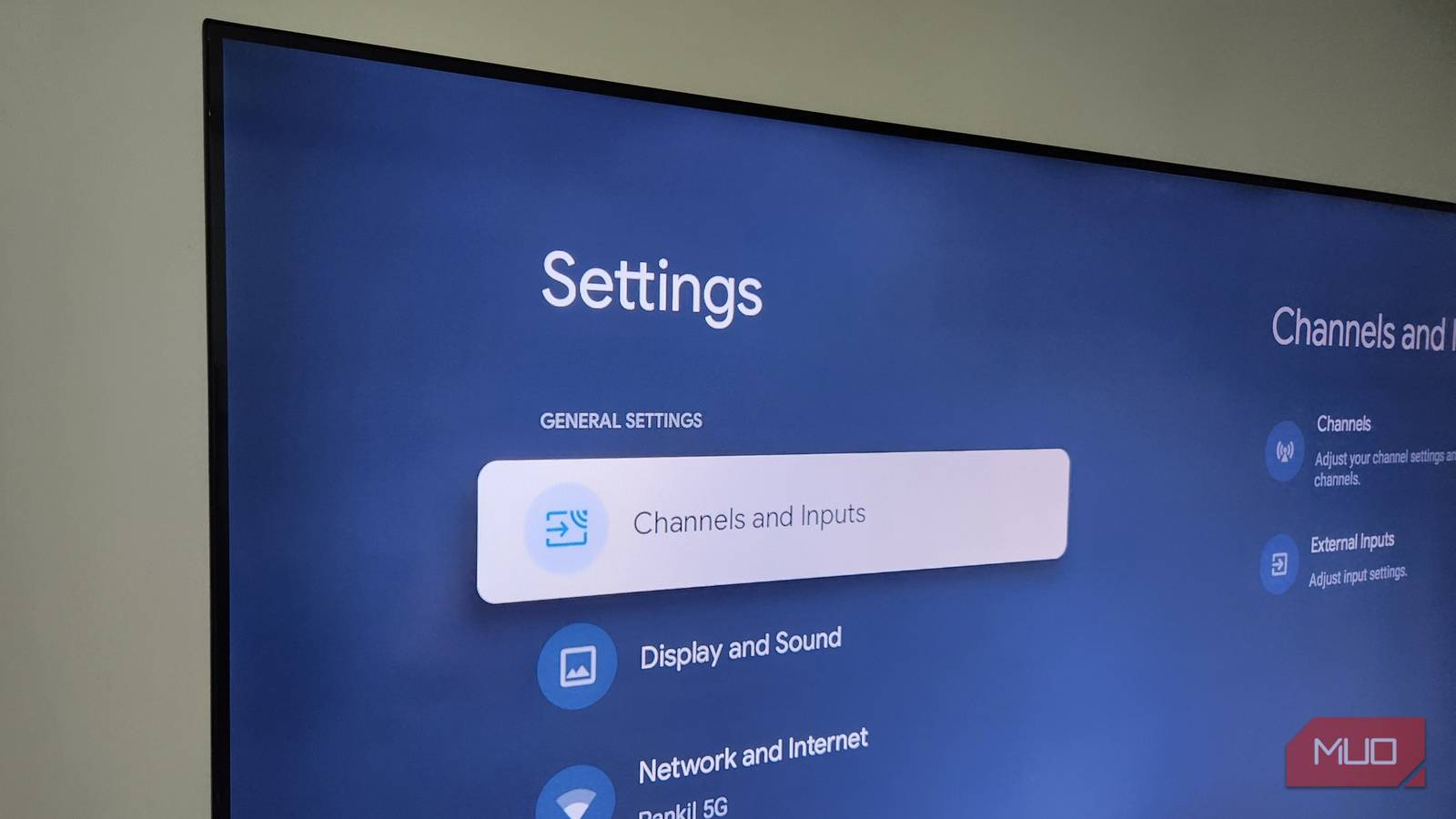
At this point, most people know how apps track them when they set up an account. That’s bad enough, but what your smart TV does is worse. It sees everything you watch on your screen, not just the apps you open or the settings you change.
Most smart TVs have a feature called ACR that fingerprints whatever shows up on your screen, regardless of where it’s coming from. And once I realized the Samsung, LG, and Sony TVs in my house were all doing the same thing, disabling it was a no-brainer.
Most TVs have ACR turned on by default, and that’s a problem
You probably never agreed to this
When we think about digital privacy, we usually only think about our phones and PCs. But your innocent-looking smart TV is a bigger threat to your privacy. And no, I’m not talking about your TV’s microphone or the camera. I’m talking about a feature almost every smart TV has, which is ACR.
ACR is short for Automatic Content Recognition, and its only job is collecting information about what you’re watching on your TV and sending it to the manufacturer. ACR doesn’t track your viewing habits like Netflix or Hulu. They can only see what you do inside while you’re using them, like what shows and movies you watch and for how long.
ACR works differently. It analyzes everything that’s appearing on your TV by constantly taking screenshots and recording audio signals. It then compares that information against the manufacturer’s own database to identify the content. Since it doesn’t rely on your inputs or app-level data, ACR works across pretty much everything you do.
It doesn’t matter if you’re watching a video on YouTube, gaming on your PS5, playing a movie through a Blu-ray player, or watching local channels via cable. Heck, you could be using your smart TV as a monitor, and ACR can still record that. And this feature even works offline.
How’s this ACR data actually monetized
Targeted advertising is just the start
Once your TV fingerprints what’s on screen, that data is used in a few different ways. It all comes down to your TV manufacturer and the companies it works with. Most manufacturers don’t build this tech in-house. LG works with a company called Alphonso, while Samsung and Sony have tie-ups with an ACR specialist named Samba TV.
Your viewing history isn’t just used for showing related shows and movies on the home screen. It’s also used for targeted advertising. If you watch a lot of cooking shows, for instance, you can expect similar ads to show up on your phone, laptop, and other devices.
Cross-device tracking is what makes this a real concern. ACR companies don’t just stop at what you watch on your TV. They also match your viewing data from your phone, laptop, and browsing activity using identity-matching partners. So it’s not just your TV that knows what you’re interested in. These companies collect from various sources to build a detailed profile on you. You might be watching a TV show and have a related post pop up on your Instagram feed a few minutes later. It feels like a coincidence, but it really isn’t.
In fact, this is how most TV manufacturers make money. Vizio’s 2021 financial reports revealed this exact same thing. The company made more money through data-related and advertising services than from TV sales. So yes, most manufacturers can afford to sell the TV for cheap and make money off your data.
Disabling ACR is one of the easiest privacy wins
You won’t regret this
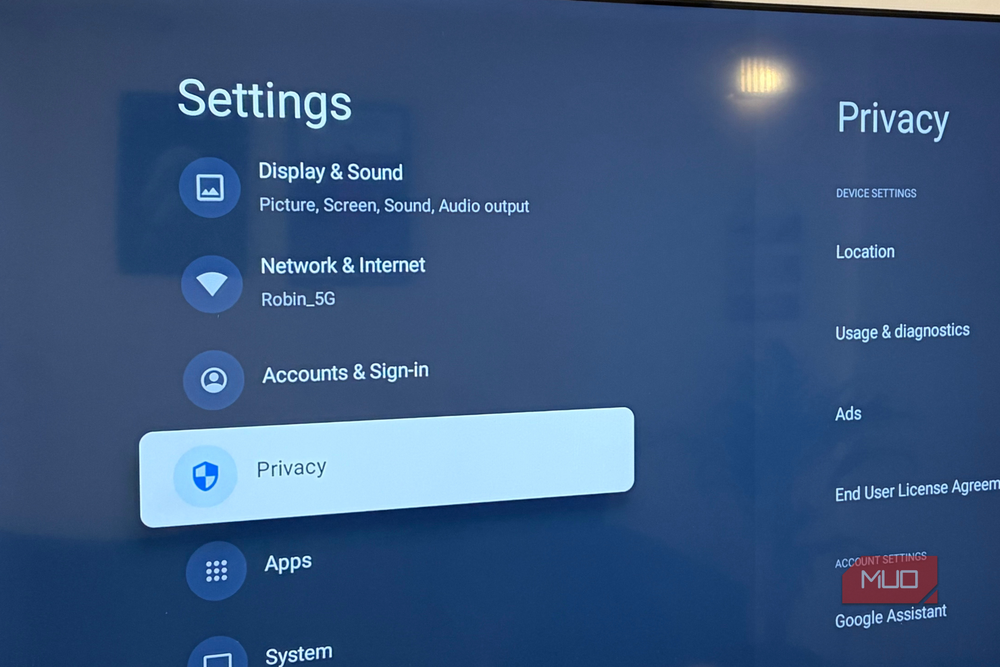
ACR sounds like a privacy nightmare, but the good news is that you can turn it off. Most manufacturers don’t make it easy, though. They all use a different name for ACR, and it’s deliberately vague to confuse you. So unless you know what you’re looking for, you’ll never notice it. Samsung calls it Viewing Information Services, LG refers to it as Live Plus, and Sony calls it Samba Interactive TV. The exact steps for disabling ACR also vary, but it’s still easy.
- Samsung: Head to Settings > All Settings > General & Privacy > Terms & Privacy (on older models, go to Settings > Support > Terms & Policies), and turn off Viewing Information Services and Internet-Based Advertising.
- LG: Head to Settings > General > System > Advanced Settings > Live Plus and turn it off.
- Sony: Go to Settings > Initial Setup > Interactive TV Settings or Samba Interactive TV and toggle it off.
No matter what smart TV you have, the process is pretty much the same. You first have to find out what your TV manufacturer calls it and disable it from settings. Disabling ACR doesn’t actually affect your viewing experience by any means. If anything, your TV is likely to perform better without ACR doing all that data collection in the background.