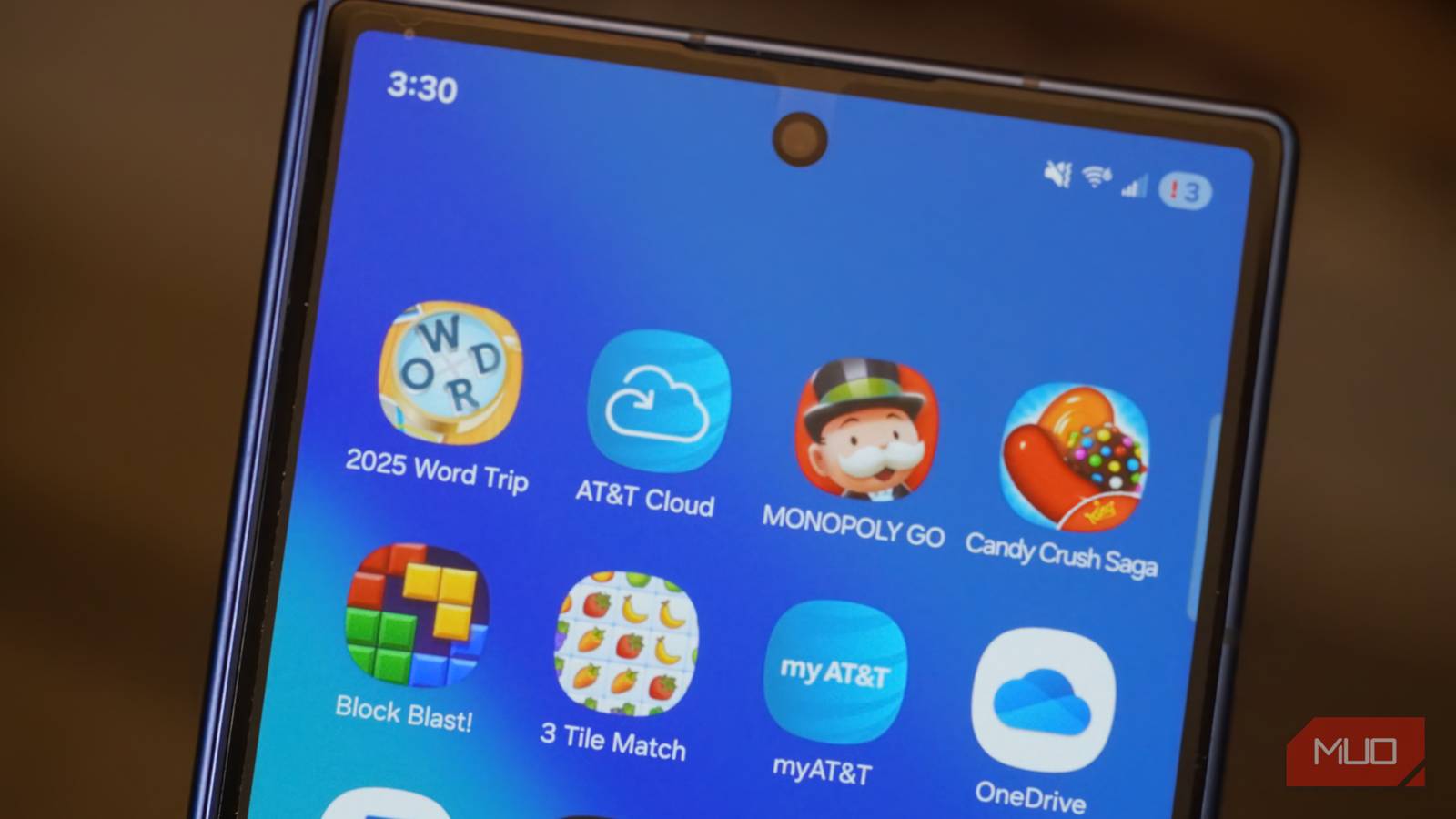
Bloatware on carrier-locked phones is so common at this point that most people don’t even question it. My AT&T Galaxy S26 came with 18 carrier-installed apps before I even connected it to my Wi-Fi. And that’s on top of all those useless apps Samsung preinstalls.
But instead of living with them for as long as I use my phone, I decided to do something about it. I used ADB to get rid of every one of those apps, and honestly, it didn’t take that long.
Bloatware wastes more than just storage
Blame your carrier

If there’s one thing almost every carrier-locked Android phone has in common, it’s the cluster of apps that you never asked for. And sadly, that applies to even the flagship models. Some of these apps come straight from the carrier to promote their own services, while others are third-party apps added through commercial partnerships. Either way, it’s bloatware that’s difficult to ignore.
What’s worse is that you can’t just uninstall most of these pre-installed apps. Carriers work with manufacturers to bake these apps in at the system level, which means the “Uninstall” button either doesn’t exist or is replaced with a grayed-out “Disable” option at best. So yes, these apps just sit there, occupying storage and resources on your phone.
Even if you can ignore the storage part, there’s another problem. Depending on how these apps are configured, some of them might use your phone’s location, call logs, and other sensitive data. So when you ignore these apps, you’re basically risking your privacy.
Then there’s the clutter. Having dozens of extra icons across your app drawer can be annoying. And it gets worse when some of these apps send notifications throughout the day to grab your attention.
ADB can remove pre-installed apps without root
No root, no problem

Normally, getting rid of this carrier bloatware requires rooting your phone, but that’s risky, and also voids the warranty on most phones. Thankfully, ADB (Android Debug Bridge) is a command-line tool that can help with this problem. It lets you communicate with your Android phone via your PC, and among other things, it can help you remove those carrier apps. You just need a PC, a USB cable, and about ten minutes of patience.
This usually requires downloading SDK Platform Tools on your PC. Once that’s done, you need to enable USB Debugging on your phone by heading to the Developer Options menu. From there, it’s just a matter of connecting your phone to the PC with a cable and running the right commands.
UAD-NG makes debloating almost effortless
Click, not type
If raw commands aren’t your thing, there’s an easier way. Universal Android Debloater Next Generation (UAD-NG) is a free, open-source GUI tool built on top of ADB that makes the whole process approachable. With it, you don’t need to type out package names for every app you want to remove. It can show a full list of everything installed on your phone, including those installed by the carrier.
It even tells you what each app actually does and how safe it is to remove. Packages are tagged as Recommended, Advanced, Expert, or Unsafe, so you’re not flying blind when you’re deciding what to cut.
You need to set it up the same way as plain ADB — Developer Options, USB Debugging, and plugging in your phone. But once you’re connected, UAD-NG takes over from there. Your phone’s full app list will appear, so you just have to choose everything you don’t want and hit Uninstall.
Sadly, it’s not a one-time thing
One update can undo all your work

After going through every carrier app on my AT&T Samsung Galaxy S26, I ended up removing 18 apps and freed up over 5GB of storage in total. Sure, that’s only around 2% of the total 256GB of internal storage, but I’ll take it. Here’s the full list of all the apps and games I ended up removing:
- 3 Tile Match
- 2025 Word Trip
- 2025 CrossWord Jam
- Block Blast!
- Royal Kingdom
- Vita Mahjong
- Royal Match
- 2248 Two Square
- Monopoly GO
- Woodoku
- Solitaire
- Candy Crush Saga
- Yelp
- NewsBreak
- myAT&T
- ActiveArmor
- AT&T Cloud
- Device Help
The thing about carrier bloatware is that even after you clean up your phone with ADB, there’s usually no guarantee it’ll stay that way. Software updates can sometimes bring those removed apps back. It’s not a bug so much as a side effect of how carrier updates work.
Even if you skip those updates, your phone could still install new apps over time. For instance, most Galaxy phones come with AppCloud baked in. It’s basically a service that suggests apps based on your interests and sometimes even installs them without asking. So yes, debloating is less of a one-time thing and more of an occasional maintenance job.