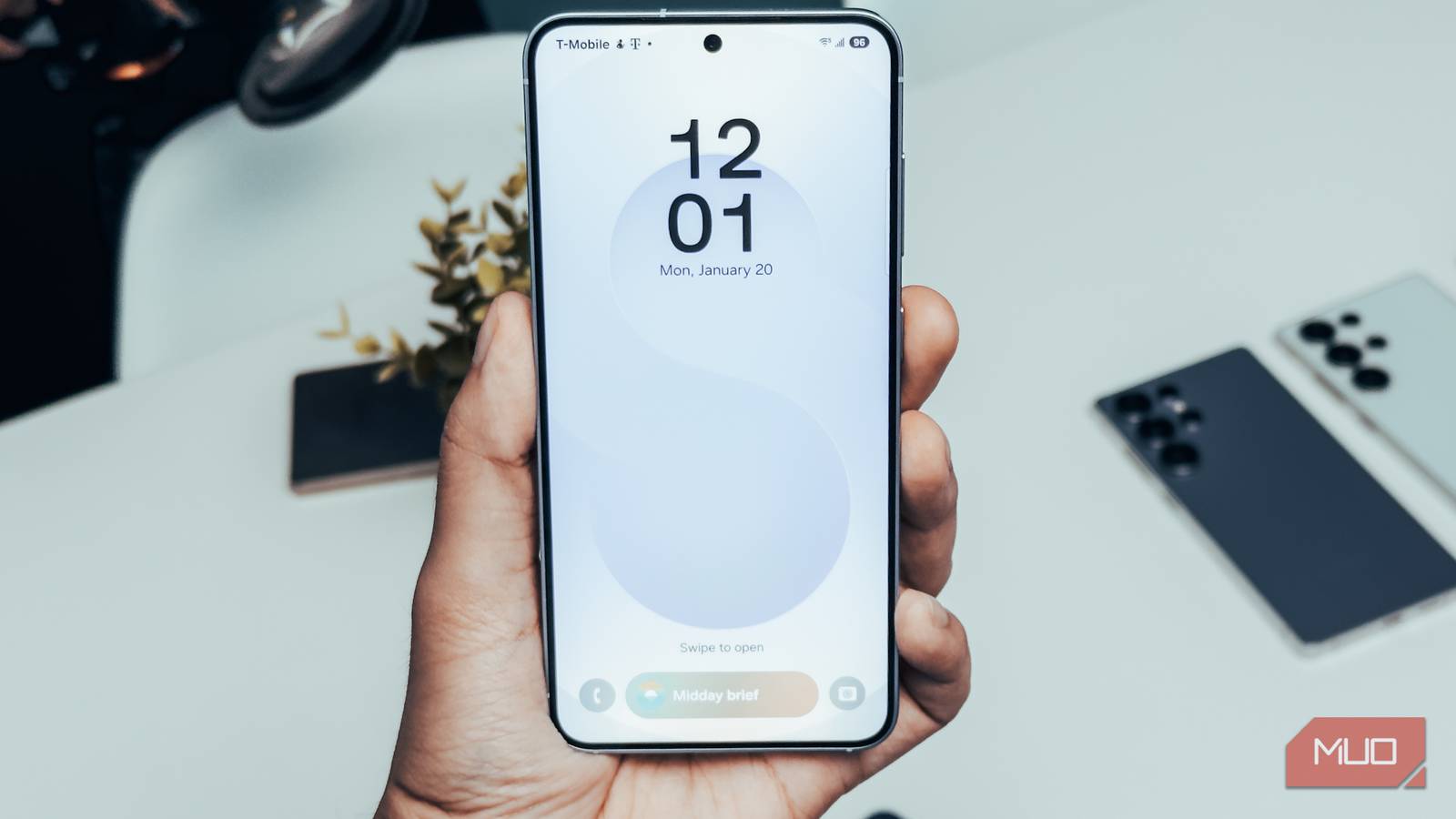
Wireless charging is supposed to be the easy option. You just drop your phone on the pad and walk away. For me, it was anything but. I spent close to a year charging my Galaxy S25 wirelessly at half the speed it was actually capable of, and the whole time I only blamed my charger and didn’t pay much attention to the phone.
The actual problem, embarrassing as it is to admit, was actually a single default toggle. It kept my Galaxy phone from charging fast all this time.
I blamed wireless charging, but it was my Galaxy slowing things down
This one default setting needs to change
For a year, I was convinced that my Galaxy S25 was charging slowly because of the charger. The phone was new, and I hadn’t heard of anyone else facing this issue online, so it felt right to blame the charger. And since I was mostly using the wireless charger in my car — and working from home meant I wasn’t driving much anyway — I never really looked into it.
I didn’t realize that Galaxy phones have fast wireless charging turned off by default. Again, wired charging was fast all along. The slow speeds were only happening wirelessly. I get why Samsung might have done this. Fast wireless charging isn’t as efficient, and it can cause Galaxy phones to overheat. Heat, as we all know, can lead to all sorts of other issues, including a green line on screen. Still, it would’ve been nice to know about this during the setup. Samsung also mentions another reason for this, which is that some wireless chargers can generate noise or a bright light.
Anyhow, with fast wireless charging off, Galaxy phones trickle along at up to 9W. For context, this meant charging my S25 wirelessly would take anywhere from 3 to 4 hours, which isn’t ideal by any means. My base Galaxy S25 isn’t even the most affected by this setting, since it tops out at 15W when charging wirelessly anyway. On something like the Galaxy S26 Ultra, which supports 25W fast wireless charging, this default setting is obviously a much bigger deal.
The fix took about ten seconds. All I had to do was head to Settings > Battery > Charging settings and enable the Fast wireless charging toggle. The only thing is, you have to do this while the phone isn’t charging.
My phone case was making things worse
Thick cases and wireless charging don’t mix well

Once I flipped the fast wireless charging toggle, speeds improved, but it still wasn’t what I expected. My S25 was charging faster than before, sure, but it wasn’t hitting anywhere close to 15W when I measured it. Fixing this didn’t take another year, thankfully. It was my phone case that was causing the trouble.
Since wireless charging works through electromagnetic induction, the coils in your phone and charger need to be reasonably close to each other to transfer power efficiently. A thick case creates just enough distance to slow things down, but not enough to stop charging altogether, which is what makes it so easy to miss.
How much a case actually affects the charging speed mostly comes down to the phone and how thick the case is. A case slimmer than 3mm usually isn’t a problem most of the time, but if you have doubts, charging without a case is the easiest way to test. Rugged cases and wallet cases with cards stacked behind usually stop charging entirely, so those are pretty easy to diagnose.
Heat and the charger itself can also affect speeds, though I personally haven’t run into issues with either. But yes, if you’re still facing problems, these are worth looking into.
I still turn off fast charging intentionally sometimes
The other side of the coin

Fast charging is great, but it’s not always the right call. In fact, I actually prefer turning it off by choice sometimes. This mostly happens when I’m charging my phone wirelessly in my car on a hot day, or if I’m going to leave my phone on the charging pad overnight.
Wireless charging is already inefficient compared to wired charging, so a phone naturally runs warmer on a pad. Fast charging on top of that generates even more heat, which is bad for batteries in the long run. This obviously applies to all phones, not just Galaxy.
So now my approach is a bit more deliberate. When there’s no rush or the temperature doesn’t favor me, I disable fast wireless charging and stick to the slower speeds. It does force me to make frequent trips to the battery settings since there’s no toggle for this in the Quick Settings panel, which is slightly annoying. Samsung really should add one. But until that happens, it’s still worth the extra steps.