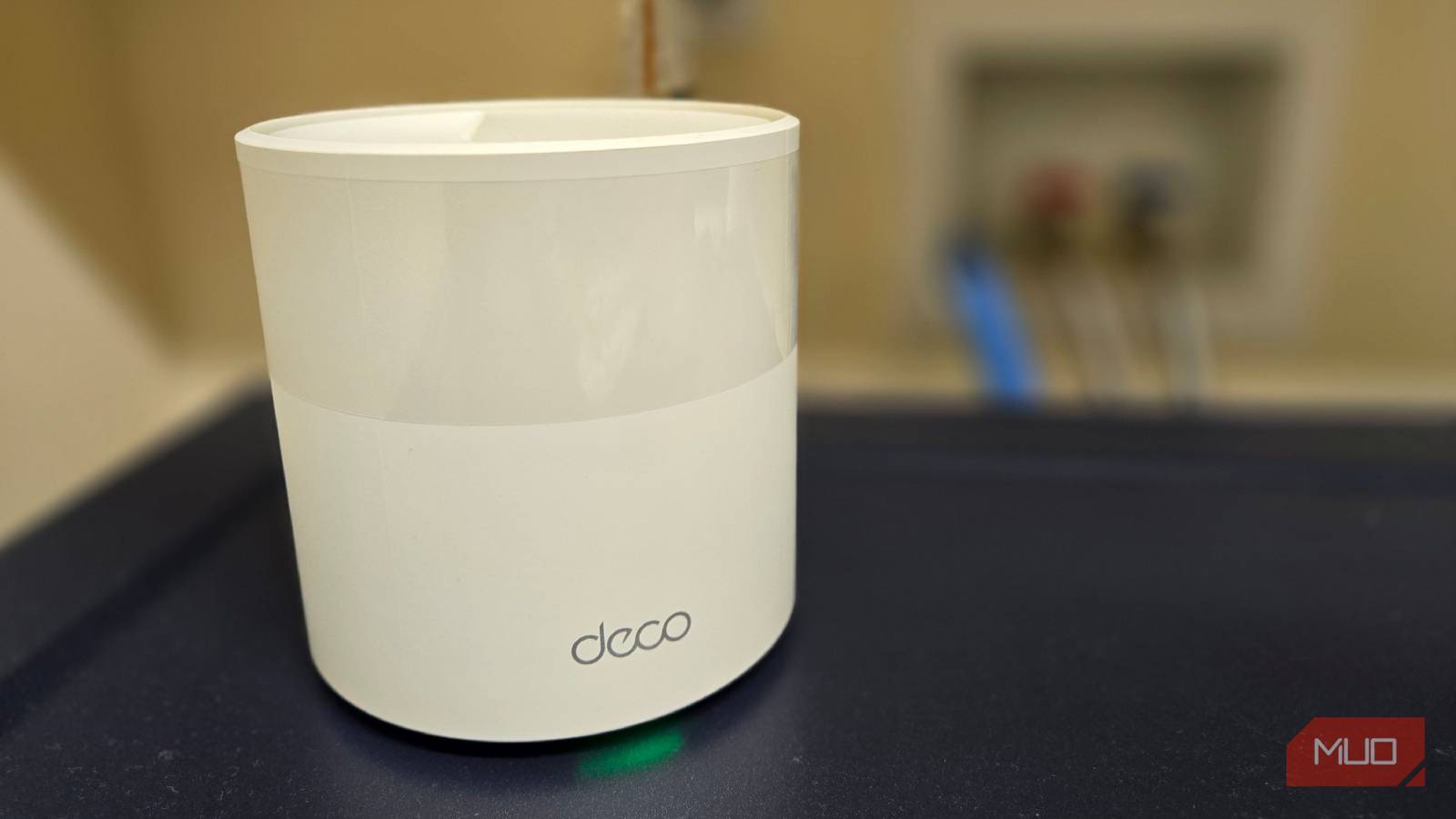
Tucking a Wi-Fi access point into a cabinet or a closet looks clean, and that instinct is exactly what starves your signal. The material around the device does the damage. Metal doors, thick shelving, and masonry walls soak up and bounce the radio waves before they reach your phone.
When I wired my house, I had the builder run ceiling drops for the access points for one reason: gear out in the open covers a room, gear behind a door does not. If you’ve already swapped a mesh setup for wired access points, you know placement is more than half the battle. The neatest shelf in the house is often the worst one for coverage.
Why hiding the gear kills your signal
Metal is the enemy, and the fast bands suffer most
A Wi-Fi access point pushes radio energy out in every direction, and anything solid in the way takes a cut. Drywall and wood shave off a little. Metal is the real problem, because it reflects the signal almost completely instead of letting it pass. That’s why a media cabinet with a metal mesh door, a filing cabinet, or a stainless appliance nearby can flatten your coverage even when the access point looks fine sitting there.
Frequency makes it worse. The 5GHz and 6GHz bands carry the fast speeds you actually want, and those higher frequencies fade harder through obstacles than plodding old 2.4GHz. Bury the source behind a cabinet door and you strip away the exact bands that matter. Every wall, shelf, and panel between the antenna and your device is another toll on the way out.
The tidy spots that quietly wreck coverage
Cabinets, closets, and the space behind the TV

The worst offenders are the ones that look the neatest. A closed media console traps the signal behind wood and glass. A hallway closet buries it behind a door and a stack of coats. Basement utility rooms surround the gear with concrete and ductwork. A drawer hides it under a solid panel, and the space behind your TV puts a big sheet of metal and glass right in front of it.
Water and mirrors deserve a mention too. An aquarium, a water heater, or a mirror’s metal backing all block Wi-Fi better than most people expect. Then there’s heat. A sealed cabinet with no airflow lets the access point cook itself, and a hot radio throttles down to protect its hardware. So you lose range from the enclosure and speed from the temperature at the same time.
Where I put my access points instead
High, central, and out in the open
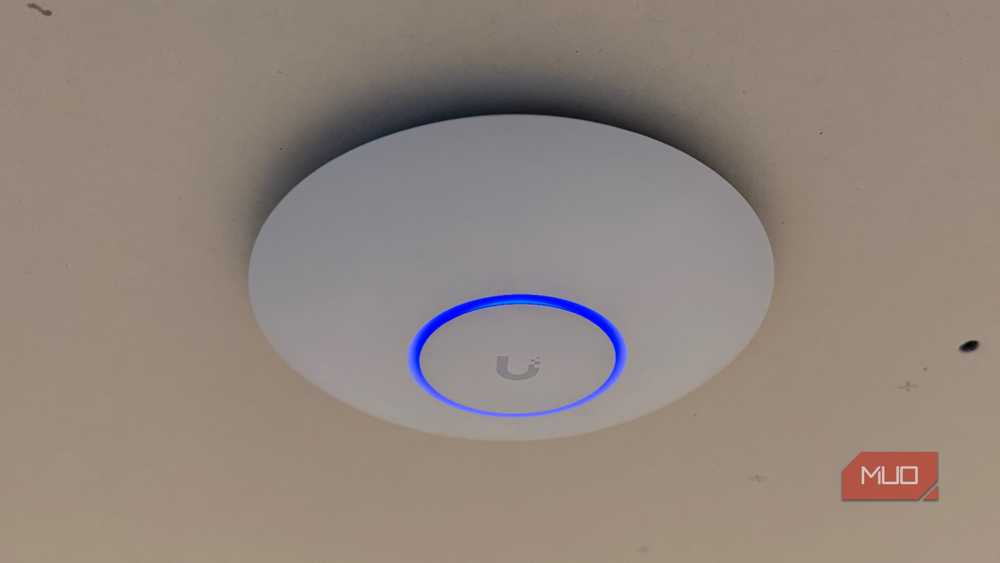
My rule is boring and it works: high, central, and out in the open. Ceiling mounts are ideal because the signal fans down into the room with nothing blocking it, which is the entire reason I run them that way. A high shelf or a wall bracket does nearly as well when a ceiling run isn’t practical.
Keep the unit away from metal, large appliances, and water. If your access point has external antennas, stand them at different angles so the coverage spreads both across the floor and between levels. Small moves add up. Before I touched any hardware, one setting change in the controller sharpened my speeds more than I expected, and good placement multiplied that gain. An access point that can breathe and radiate freely beats a faster one stuffed in a drawer every time.
How to hide it without paying in coverage
Relocate the source and run a wire to it

You can still get a clean look. The trick is to stop hiding the source and start relocating it. Move the access point to a spot where it can radiate, then run a wire to it so the connection stays solid. Ethernet is the most reliable option, but you don’t always have to open walls. My builder ran coax next to every Ethernet jack on the main floor and I’ve never plugged into it once, which is exactly the kind of forgotten line that earns its keep here. When coax already runs to the room, the cable in your wall can carry the network over a MoCA adapter and feed an access point in a much better location.
Ceiling-mounted units help here too, since many are flat, white, and easy to miss once they’re up. And if one room is the problem, drop a dedicated access point there rather than cramming your main router into a cabinet and hoping the signal fights its way out. Put the hardware where the coverage needs to be, not where it looks tidiest.
Give your access point room to work
The tidiest spot and the fastest spot are rarely the same place, but you don’t have to choose between them. Relocate the access point to somewhere open and elevated, feed it with a wire, and let the enclosure sit empty. Your coverage improves and the room still looks put together. If a weak room ever pushed you toward a plug-in booster, know that skipping cheap extenders for real access points will serve you far better. Good Wi-Fi isn’t about hiding the gear. It’s about giving it a clear shot at every device you own.