Getting the most out of your devices isn’t as easy as you think. If you’ve read the manual that it came with (or perhaps you saw a QR code to open one up in a browser on your phone), you’ll have the best idea of how to use your device to its fullest potential. If you haven’t, you probably have just used your device as you’ve seen fit and didn’t read all that it can do.
I know I’ve experienced this with headphones, not knowing all the features it can do. Another piece of equipment that is likely in your house and hides some of its features well is your smart TV. If you don’t know what settings you should be checking out or features that are enhancements, you should either read that manual or search around. I’ve found that some settings need to be dealt with early rather than never using them at all.
You don’t need ultimate brightness
Dim your TV and let it last
There’s a TV technology for every kind of room. Dimly lit ones, large ones, ones with poor acoustics, and more. You can pick the type of TV that’s going to be best for what you’re looking to use it for. If you’re gaming and want some brilliant and vibrant colors, there are a few types of TVs. If you’re going to be watching movies in a darkly lit theater room, there are certain types of TVs you should look for.
When it comes to lighting the TVs, a lot of it has to do with what’s inside the TV rather than what light is shining on it. For an LCD TV, it uses a physical backlight to illuminate the TV. That’s compared to an OLED or MicroLED TV, which light individual pixels inside the TV.
LCD TVs include LED, QLED, QNED, and Mini-LED TVs.
LCD TVs aren’t susceptible to burn-in, which has been a worry for TV users for decades. But the backlights can burn out and wear over time.
A way to keep your LCD TV running for longer is not using the brightness at the highest level. Going into Settings and clicking on Picture or Display and adjusting Brightness or Backlight will do the trick. This may seem like a pain to have to adjust manually, but it’s worth it to extend the life of your TV.
Be careful what mode you’re in
You don’t always have to have the most vivid option

Many smart TVs these days have all kinds of modes that you can change to, depending on what you’re watching. There might be settings that deal with motion smoothing, color adjustments, and more.
Your TV can adjust what you’re watching to give you a more enjoyable experience. It can also change to give you the experience someone else wants you to have.
That’s why one of the most common modes, usually called Filmmaker Mode, needs to be adjusted at the right time. If you’re watching a movie, it is meant to show you what the director intended you to see. This turns off features like AI sharpening and motion smoothing to give you a more realistic picture.
The frame rates and ratios lock as well, so there’s no stretching of images. While this is a boost to your viewing experience, it can be a drain on your power consumption and thermal stress. You shouldn’t always have Filmmaker Mode on, as not everything you’re watching needs to be viewed that way. Using it sparingly can help your TV last longer.
Keep your smart TV updated
Clear out the clutter as well

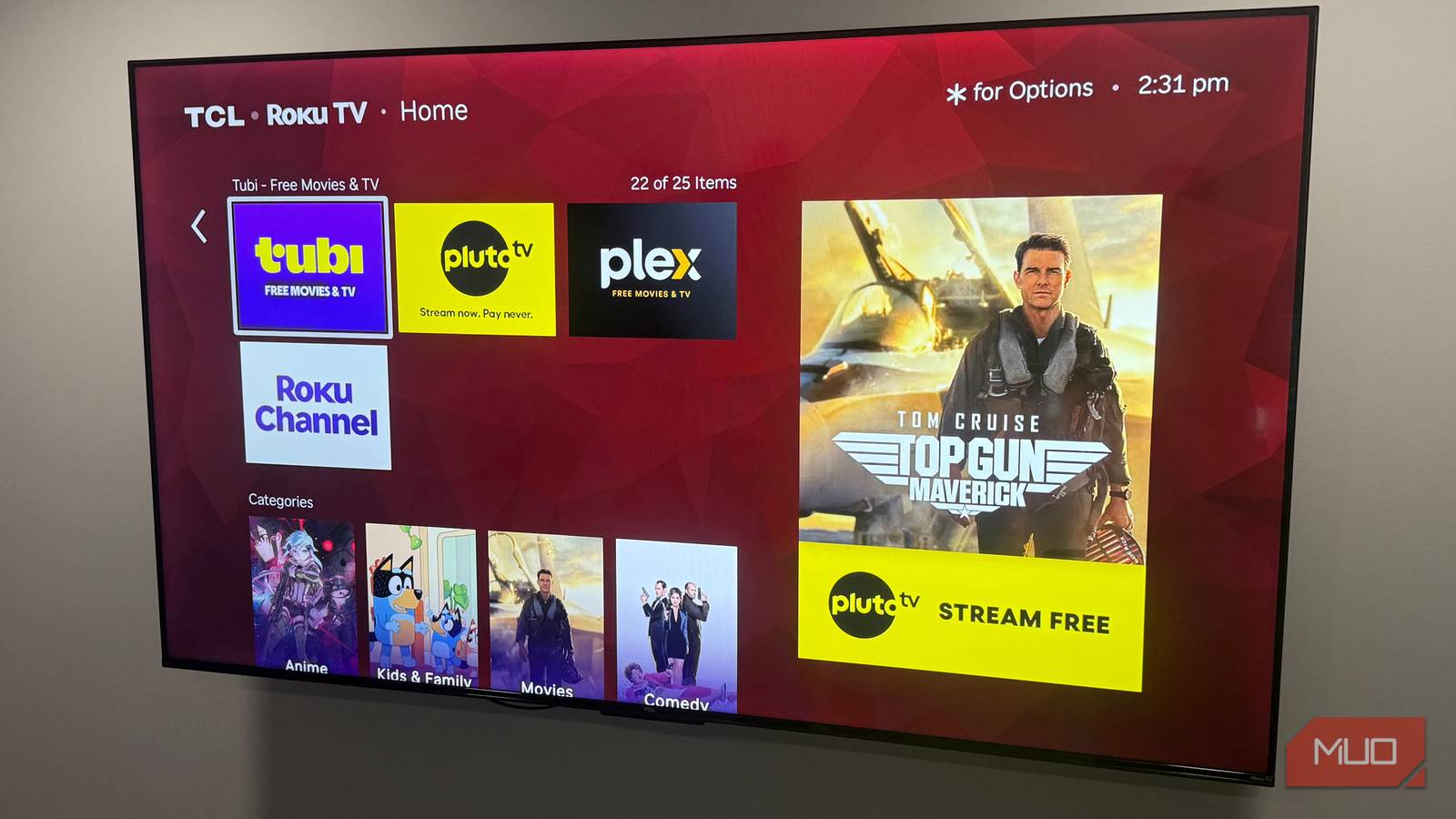
Let’s be honest: we all have some apps on our smart TV that we don’t use anymore. Maybe you downloaded one because a specific streaming service had the one movie you were looking for one night. Maybe there is a gaming app that you used to use that is now not as good as the one that you’re currently using.
You probably forgot to delete it from your smart TV. It’s just taking up space, and you don’t need it anymore. Unload it by hovering over it on your home screen and clicking on the remote to delete it. That frees up some storage and keeps your processor running more optimally.
Another way to keep your smart TV running better is to clear the cache from your apps. Typically, you can find that setting in a Device Care or Support menu on your TV. Look for Storage and then Clear Cache. You can also often just click onto the app on the home screen and find Clear Cache there as well.
By clearing the cache, it deletes temporary files that the app is storing. This, in turn, will help the app load faster. Despite deleting cache, your login information won’t be deleted.
You should also enable firmware updates to keep your TV as protected as possible. By keeping the software up to date, you’ll have the most secure network connection you can and have any bugs patched in a timely fashion.
Keep your TV running for a long time
There are many reasons why you’d want your TV to last a long time, so taking care of it should be a top priority. There are simple steps you can take to upkeep it, and it mostly just has to do with being vigilant about the settings and software. You should follow along with what your manual says to be as thorough as possible and keep your device running.