I’ll remember reading a useful bit of information on my phone, then spend the next ten minutes trying to work out where I saw it. Was it in Chrome, a message, or a notification I dismissed without thinking? My browser history can only help with one of those.
That frustration sent me looking for an Android equivalent of Windows Recall, which lets you revisit past activity on a PC. I found ActivityTrace, a free, open-source app that builds a searchable record of information my phone has displayed, with its database kept locally.
Giving Android a memory takes a couple of permissions
You choose what the app gets to remember
ActivityTrace is available on F-Droid, the alternative Android app store that recently got a big overhaul. I installed it on my phone, and the first thing I saw was a setup screen that walked me through the places it can pull info from.
Here’s what you need to do to get it running:
- Open ActivityTrace and turn on Notification access in Android’s settings. This lets the app save the text of incoming notifications so you can search them later.
- Head back to the app and, if you want, switch on its Accessibility service. Android will throw up a warning about how much access this gives, since the service can read text that shows up in other apps.
- Take a look at the capture-status screen to see which sources are running, then jump over to the search page.
If you stick with just Notification access, you get a solid, searchable log of your incoming alerts. Adding the Accessibility permission takes it a step further by letting you search text from apps and webpages, too. Personally, I only hand over that kind of permission to apps I really trust, especially when private chats might be up on my screen.
Unlike Windows Recall, ActivityTrace doesn’t take screenshots or use AI to recognize what’s on your screen. Instead, it saves notifications and text that Android makes available through its Accessibility service, then lets you search through them.
ActivityTrace can also index documents from folders you choose, either manually or on a schedule. I tried this with PDFs, but couldn’t retrieve their contents or filenames after scanning. I’d treat document indexing as a bonus for now rather than rely on it as a replacement for a proper file-search tool.
Finding yesterday’s missing information is the fun part
One search reaches across different apps
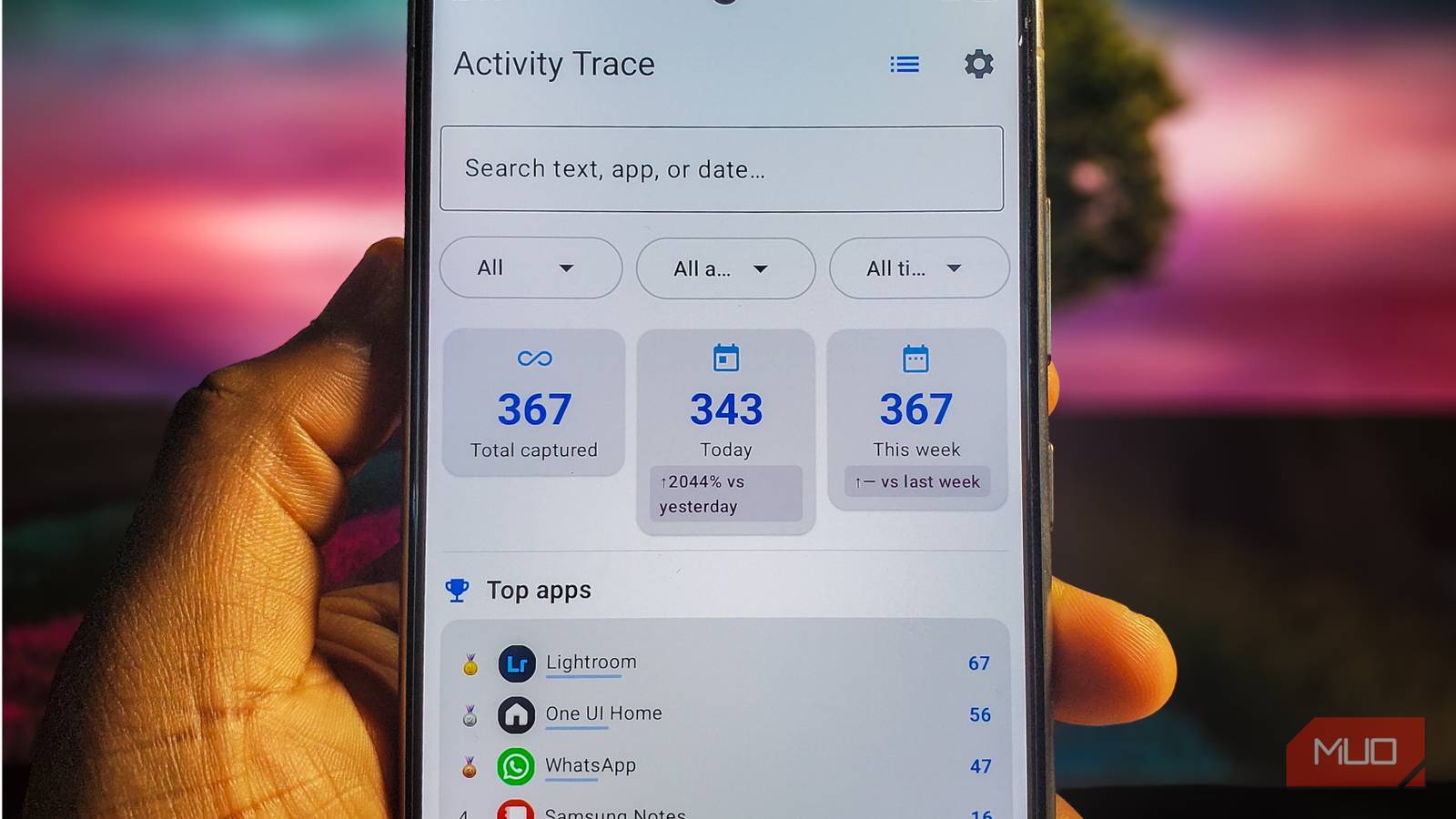
ActivityTrace opens to a simple search box with dropdowns for the type of record, the app it came from, and the time. After it’s gathered some activity, each result shows the app icon, a timestamp, and a little preview of the saved text. You can tap a result to read more, bookmark it, or use a shortcut to reopen the source app or content when supported.
To test it out, I tried tracking down a reminder notification I had accidentally swiped away. ActivityTrace pulled up the exact message and showed me which app sent it. This is a huge step up from digging through Android’s built-in notification history, especially when you remember a specific phrase from an alert but have no clue when it popped up.
Searching through on-screen text impressed me even more. After reading one of my own MakeUseOf articles in Chrome, I opened ActivityTrace and searched for “media transfer.” It pulled up matching text from Chrome, highlighted the keywords, and even let me expand what it had saved after I’d closed the webpage.
The search bar gets even smarter when you use filters. For example, typing “in:chrome media” narrowed down my results to only show Chrome activity with that keyword. You can also type things like “yesterday” or “type:notification” to filter by date and source. I also used the shortcut to reopen the article in Chrome, which worked as expected.
That said, the app definitely has a few rough edges. Visiting the same webpage twice can create a bunch of duplicate entries, and the saved text sometimes mashes menu buttons or image descriptions right into the middle of an article. ActivityTrace is great at finding the words you read, even if it doesn’t always lay them out neatly.
Your phone’s memory stays under your control
You should give the privacy settings a proper look
A searchable log of everything you do on your phone is bound to pick up plenty of sensitive info. According to the developer, ActivityTrace keeps your records locked inside an encrypted database protected by SQLCipher and Android Keystore. Better still, ActivityTrace doesn’t request internet permission or include cloud syncing, so it can’t upload your captured activity directly to a server.
Inside the Settings menu, you can block specific apps from being tracked, which is a no-brainer for your banking apps and private messaging threads. The developer says password fields are left out, but I wouldn’t count on every sensitive detail getting caught automatically. You can also pick how long the app keeps your captures, with choices of seven, 30, or 90 days, so older stuff gets wiped on its own.
The app also includes a dashboard for your activity stats, encrypted backups, and options to export your data as JSON or CSV files. You’ll want to be really careful with those exports, though, since saving a readable file pulls your private info right out of that encrypted database. If you already care about keeping your Android data under your own control, these privacy features are a great reminder to double-check ActivityTrace’s permissions before letting it run in the background.
A little memory can go a long way
I don’t really want a permanent record of everything I do on my phone. Still, being able to dig up a lost sentence or a notification I accidentally swiped away is incredibly handy. As long as I keep an eye on what it’s saving, ActivityTrace has earned a spot on my home screen.