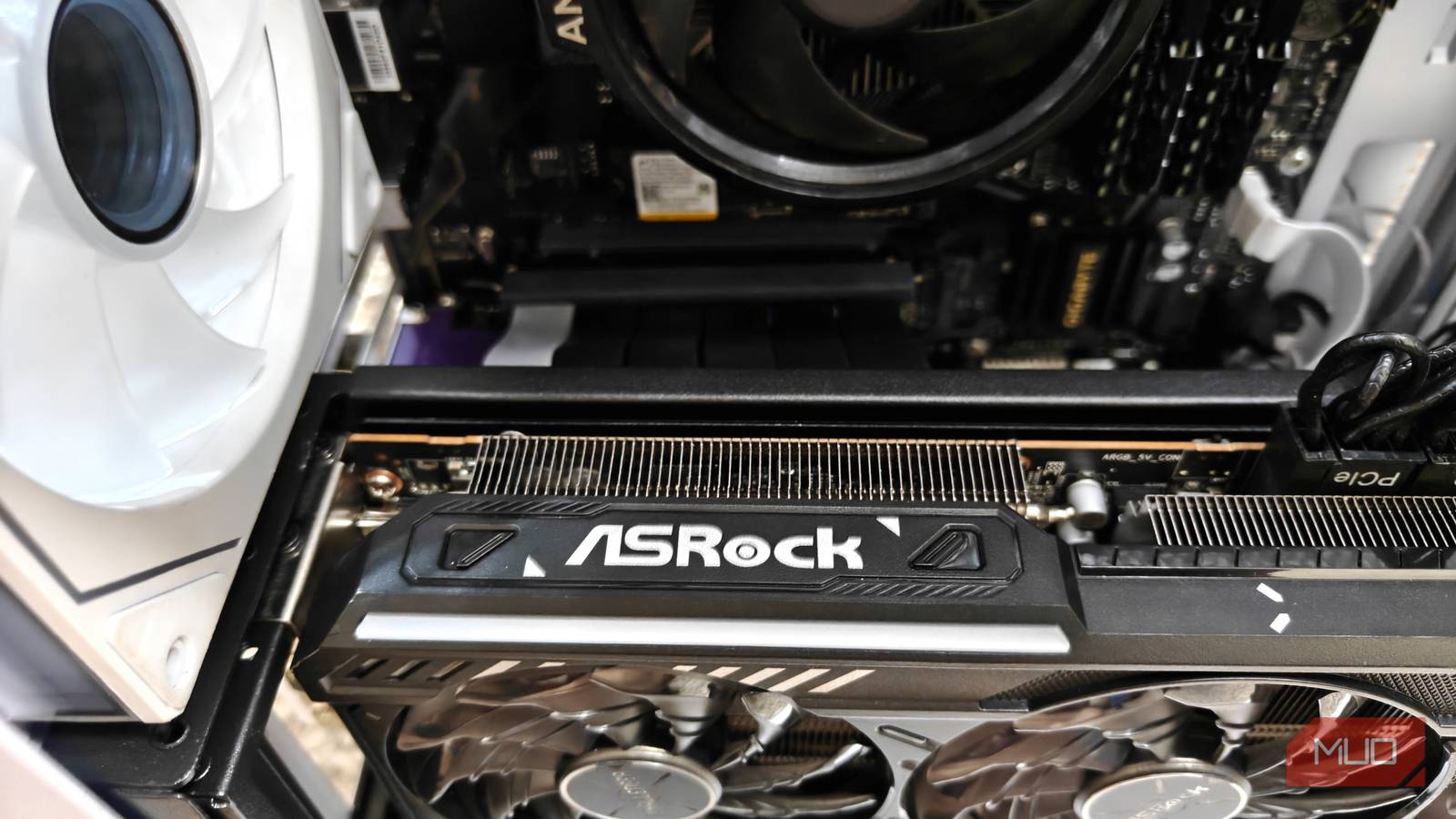
There’s more than one way of mounting a graphics card in a standard PC case. While the more traditional horizontal mount exists, vertical mounts have slowly been gaining traction and have existed for a while now.
There is a lot to like about vertical mounts, especially in their claims of reducing GPU sag or just looking plain cool. Curious, I went on to test a vertical GPU mount on my current AM4 build, and I ran into higher average temperatures that looked to be a bit concerning.
Assembling the vertical GPU mount within the m-ATX case
Some modifications were needed
The particular GPU mount I used was a Cooler Master Vertical Graphics card holder Kit V3. The reasoning behind this was simple: I already had a Cooler Master case, and adding in a new GPU bracket would be essentially a very simple affair, or so I thought.
Turns out, most m-ATX cases don’t like vertical mounts all that much, and I found this out the hard way. I immediately ran into issues attaching the GPU mount to the side panel.
The included fixture was too darn big, even with one of the attachments removed. This meant there wasn’t any way to attach the mount, and I had to get a bit creative.
I started by removing the GPU bracket entirely. This ensured that the rest of the setup could comfortably sit together. Of course, there was no way to screw it in place either, which is why I used some double-sided sticky tape to glue it all together. It’s certainly not a long-term solution, but it should get me by for now.
With everything more or less ready to go, it was finally time to connect the PCIe riser cable, which was included as part of the kit. One end went to the top slot of the motherboard and was given a bit of a “double-fold” to have it point toward the vertical mount itself.
Finally, I screwed in the GPU and attached everything together, and opted to reconnect the PC to both the peripherals and the mains. One restart and a few BIOS tweaks later, it was as if nothing had been changed, and everything seemed to run without issue.
Running into a few problems during the reassembly
Be mindful of the clearance heights

A vertical GPU mount will almost certainly lead to issues, such as clearance heights for the rest of the system — which, in my particular case, was the CPU. I had a semi-beefy CPU cooler attached to the desktop, and was forced to remove it entirely to get the vertical mount comfortably snuck in.
Thankfully, I did have the older AMD stock CPU cooler lying around, so it wasn’t all that difficult. If you’re looking for something with a bit more grunt or style, any low-profile CPU air cooler should do fine, although I’m not too sure about AIO alternatives.
There’s also the matter of connecting display-out cables to the GPU. Since it’s in a vertical orientation (and a bit farther into the tower), attaching cables proved surprisingly difficult.
I had to take apart the case, route the wires in one by one, and finally attach them (with some difficulty) to the GPU. A fair bit of hassle, but once it’s set up, you won’t have to do it again. Unless you plan to re-open the case, for which I’d recommend exercising a bit of caution, especially around (if you happen to have them) glass panels.
Goodbye, GPU sag – I won’t miss you
Higher average temperatures and performance considerations

One of the main reasons for vertically mounting a GPU would be to get rid of GPU sag entirely. My RX 9070 is a 2.5-slot form factor card and eats up a ton of space. It’s also quite heavy, and I really don’t feel confident leaving it as-is on the motherboard.
With the vertical mount in place, I was able to entirely eliminate the sag issue, and it also came with an unintended side effect — being able to add in more PCIe expansion cards to the now-freed-up slots, which made it even more worthwhile.
Still, it’s not all sunshine and rainbows. Vertically mounting a GPU looks cool, but it also brings the GPU close to the side panel, which restricts airflow by a fair margin. My card ran fine, and I never experienced any sudden crashes, but there was no mistaking the higher temperatures. The fans also spun up more often, with the glass side panel being warmer to the touch,
Additionally, since I was using multiple PCIe cards, there could be a slight hit to the performance, as the bandwidth was effectively halved from x16 to x8.
Was it all worth it, though?
Now, depending on what you do, this may or may not be a problem. For me, the tradeoff was worth it for the freed-up PCIe slots alone, never mind the increased running temperatures.
Still, it might not be the perfect solution for everyone. It also doesn’t help that most of these vertical mounting kits are still a bit expensive, which squarely puts them in the “luxury” section of PC case mods.
In other words, a vertically mounted GPU can be useful in certain niche situations, but for the vast majority, the traditional horizontal mount is more than plenty.