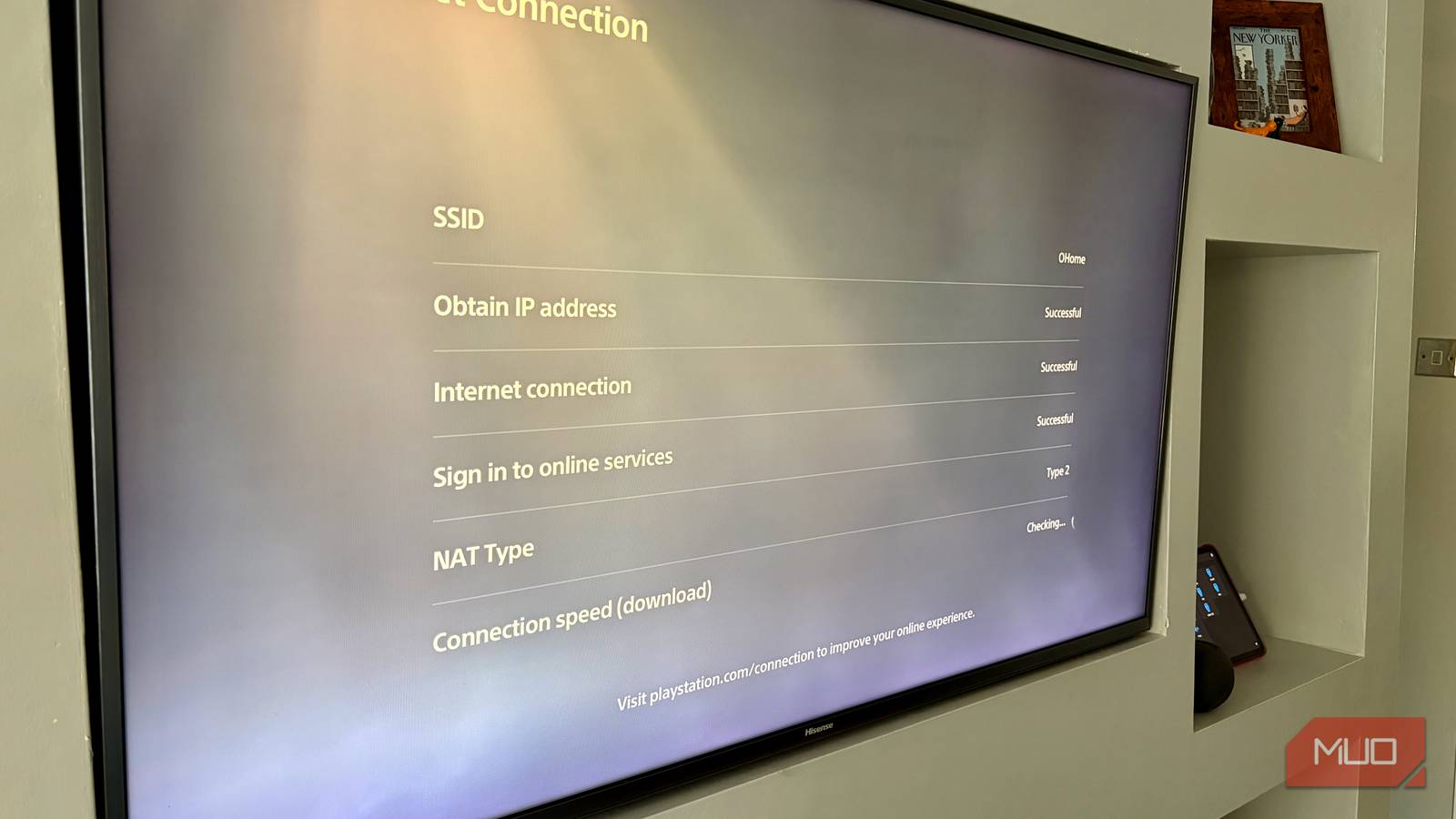
If you own an Xbox or PlayStation and play online games, you’ll no doubt be familiar with network labels like “Type 1,” “Open,” “Moderate,” or “Strict.” The consoles show those labels to help you diagnose why your online games might not be working as expected. But it isn’t quite that simple.
With a label like “Open,” you could expect your network to be free of blockages and open to all the gaming connections your console needs. By contrast, “Strict” gives the impression that some connections may be blocked, preventing online services from working properly.
In reality, these labels aren’t as official as they seem, and they can often hide what’s really going on under the hood.
The illusion of console NAT labels
So many labels, so little meaning
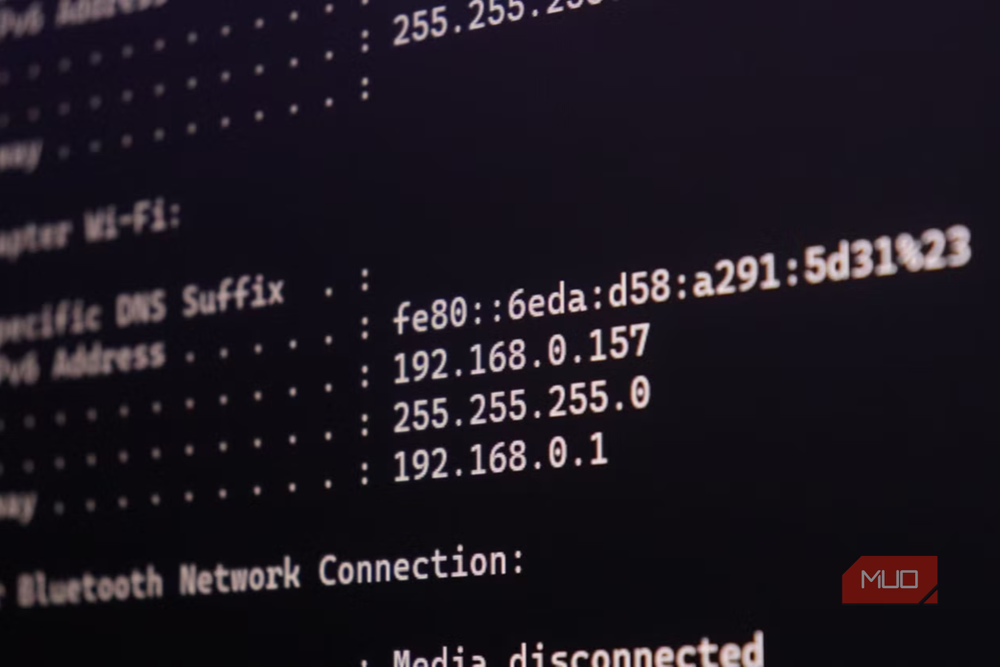
Before we get into the labels, it’s important to know what NAT, or Network Address Translation, actually is. NAT is a standard technology that is vital to the way the internet works. Because there are a limited number of IPv4 addresses, Internet Service Providers (ISPs) assign a single public address to your home rather than one for each device within it.
Your router then translates that single public IP address into the private addresses that you see on your local network. These addresses are given to everything connected to your home network and normally start with 192.168 or 10.0.0. But to the outside world, they all hide behind a single public address provided by your ISP. When an internet service needs to connect to a device on your network, it simply uses your public IP address. Your router then uses NAT to forward the connection to the right device, such as your Xbox or PlayStation.
However, at no point in this process is there any definition for “NAT Type 2” or “Moderate NAT.” Those terms were coined by Microsoft, Sony, and Nintendo to simplify NAT for gamers.
To complicate matters further, each company uses different terminology:
- Xbox uses Open, Moderate, and Strict.
- PlayStation uses Type 1 (Direct to internet), Type 2 (Behind a router), and Type 3 (Restricted).
- Nintendo uses a letter grade system ranging from NAT Type A to NAT Type F.
The result is that anyone with multiple consoles will see two completely different NAT status labels, even though both devices are connected to the same network.
How your console actually tests NAT
And how it affects your games

So, backing up a bit, we know that consoles give your network a NAT label as a way to indicate whether or not online gaming should work properly. While the labels might differ, consoles largely use the same method to run a NAT test.
Triggering a network test typically causes the console to connect to a STUN (Session Traversal Utilities for NAT) server owned by the console maker. That server then identifies the request and interrogates it for two key pieces of information:
- What public IP address and port the STUN connection came from.
- How your router handles incoming packets from unknown external sources on that same port.
When your console assigns the “Strict” or “Type 3” NAT label, it typically means your router rejected incoming packets to an already-established port. At the other end of the scale, an “Open” label means that your router consistently reuses the same port for outbound traffic and allows inbound traffic via the same port.
With that in mind, it’s easy to see why a gamer experiencing issues playing online games may find a “Strict” or “Type 3” NAT label when running a test.
Layering NAT on top of NAT
The problem with CGNAT and double NAT
Now that we’ve discussed NAT, it’s worth remembering that some modern internet architecture and ISPs can complicate matters somewhat. And both can cause problems that a console’s NAT test simply isn’t equipped to diagnose.
Carrier-grade NAT, best known as CGNAT, is a particular issue. Some ISPs choose not to assign a unique public IP address to your home and instead place it behind another layer of NAT. In this instance, your home shares a single IP address with many other homes, and that can make it difficult for online services to establish a reliable connection. Even worse, this scenario is difficult to overcome because you have no control over the external NAT.
Double NAT is a similar issue, but this time it’s caused entirely by the technology within your own home. Connecting your own router to an ISP-provided router also adds an additional NAT layer and causes many of the same issues. Thankfully, this can be overcome by enabling “Modem Mode” or similar — assuming your ISP’s router supports it.
Clarifying NAT labels
It’s more about vibes

With all that said, the best way to approach your console’s NAT label is to look beyond its specifics. Instead, simply treat the label like you would a warning light on your car’s dashboard. It tells you that something is amiss, but you’ll need to dig a little deeper to figure out what that actually is.
Ultimately, you only need to worry about NAT if something isn’t working properly. If your console reports a restricted NAT state, investigate exactly what kind of NAT you’re dealing with. If you’re using your own router alongside one provided by your ISP, make sure it’s in modem mode. If it isn’t, you probably created a double-NAT situation.
Otherwise, use a website or service to check your public, external IP address and compare it with the one shown on your router or modem’s dashboard. If they don’t match, your ISP probably uses CGNAT. If so, it may be worth switching to a new one.
Vague labels for a technical problem
Console makers should do better

None of this is a new problem, of course. Weird NAT labels have been confusing gamers for decades, ever since the original Xbox went online with Xbox Live in 2002. But it’s now 2026, and it’s time for companies like Microsoft, Sony, and Nintendo to do better.
The vague labels they use to describe NAT cause more confusion than necessary. They should do a better job of explaining what’s wrong, rather than sending gamers on a wild-goose chase for a made-up NAT label.
But until that happens, checking for double NAT and CGNAT is a good place to start your diagnosis the next time your network gets in the way of some online gaming fun.