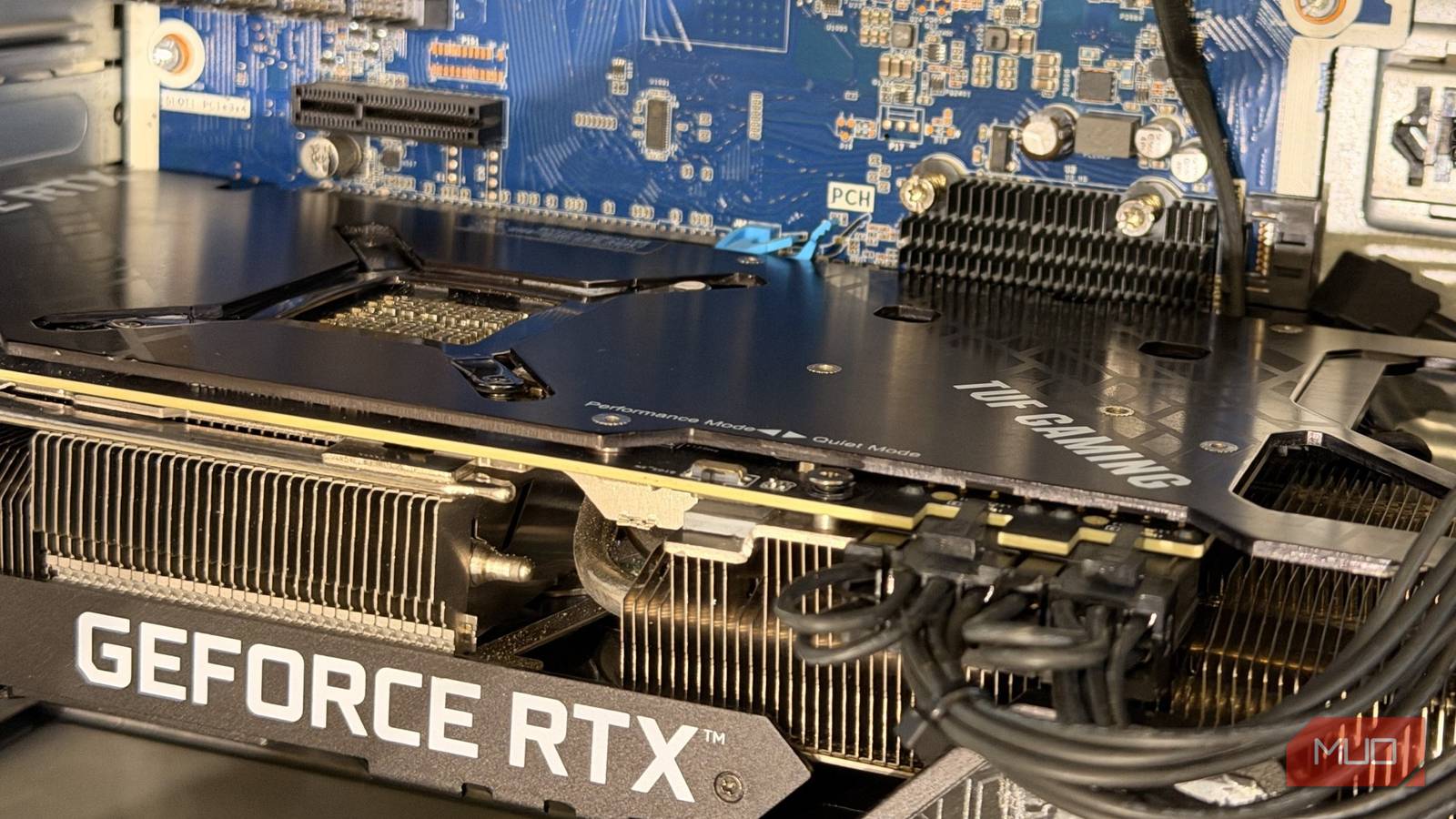
It doesn’t take much to destroy your gaming PC, and the GPU is usually the first casualty. There are several mistakes you might be making that are shortening your GPU’s lifespan, like running it on a cheap power supply, poor thermals, and more.
However, the most overlooked mistake in GPU maintenance comes down to something as simple as basic physics. Modern GPUs are quite heavy and can be brought down by their own weight. Left unchecked long enough, that sag can destroy your PC’s most expensive component.
How does GPU sag actually happen?
Modern GPUs weigh more than what the PCI slot can handle
GPUs are becoming incredibly powerful and power-hungry. To account for that extra power and heat draw, the card comes equipped with a massive heatsink and a three-or sometimes even a four-fan configuration. Usually, just the cooling part of a GPU occupies most of its space and weight.
Take the RTX 5090 as an example — the high-end Blackwell card weighs around 4-6.8lbs (depending on the vendor). This would cause the GPU to droop and fall, and the PCIe slot isn’t built to support such a massive weight. The back end of the GPU is screwed into the back I/O panel, and the sag usually happens at the far end, where it has nothing to support its weight.
Now, a GPU backplate does help a bit to reduce PCB flex, but there’s only so much you can do for cards that weigh several pounds. For relatively light GPUs, sag can at best result in cosmetic damage or, at worst, loosen the PCIe connection and put stress on the entire motherboard. A looser connection with poor electrical contact creates higher resistance, which can overheat your system, and poor thermal contact will shorten your GPU’s lifespan without you ever knowing why.
When sag stops being cosmetic
Cracked PCB, loose capacitors, and a damaged PCI slot

The aforementioned cautions are just surface-level, and in recent times GPU sag has become an increasingly serious problem. However, these issues aren’t even that new: there have been multiple cases of GPUs from the RTX 30 series and the RTX 40 series where the PCBs cracked due to their weight (via Tom’s Hardware).
A cracked PCB renders a GPU outright useless, and the cracks have frequently appeared in areas where traces carry signals, which is poor design on the part of the vendors. Other times, the sag can loosen capacitors and onboard components, which is likely to result in a fire hazard. Recently, a Redditor reported an RTX 5080 blowing up, which is suspected to be due toGPU sag.
Unfortunately, manufacturers deny RMA requests in situations like these, flagging them as “user negligence” or “improper handling” and charging you for return shipping.
For around $15, you can avoid damaging your PC’s most expensive component
Get the right anti-sag bracket because some of them fail to do their job

The solution to GPU sag is quite simple: get an anti-sag bracket. Since the cracking cases first appeared, many vendors have started shipping anti-sag brackets with the GPU itself. However, not every anti-sag bracket is effective, and it’s important to know which will solve your problem and which won’t; some are just there for cosmetic purposes.
The PCI slot-mounted brackets aren’t effective at all, since they support the GPU from underneath, but that holds the GPU from the back, using the spare PCI slots in your case. Then again, the GPU sag issue mostly affects the mid or far end of the GPU due to the torque.
An adjustable support pillar works best for anti-sag, and you can adjust the point of contact between the GPU and the case to provide proper support. You can get an adjustable support anti-sag bracket, like the one from upHere, for just $12.64 on sites like Amazon, etc. Or, a DIY procedure most PC builders use is stacking LEGOs as support, which works just as well.
However, to completely remove sag as a variable, a vertical mount removes droop entirely. Or, you can buy a PCI riser cable to place your GPU vertically.
Your GPU might be at risk — here’s how to know when
It’s important to determine whether your GPU requires an anti-sag bracket. A card weighing over 1.5kg/3lbs would certainly need support, and a good indicator is a chunky heatsink and a 3X fan configuration. This case affects poorly designed budget cards more, which is why I recommend going for good vendors like Sapphire, ASUS, MSI, XFX, etc. Also, GPU sag can become an issue if you don’t seat your GPU properly in the PCI slot, and that’s a more prevalent issue than one would think; on higher-end GPUs, that can damage components due to resistance in the electrical connections.